31
g. Wi-Fi
1) Wi-Fi connection
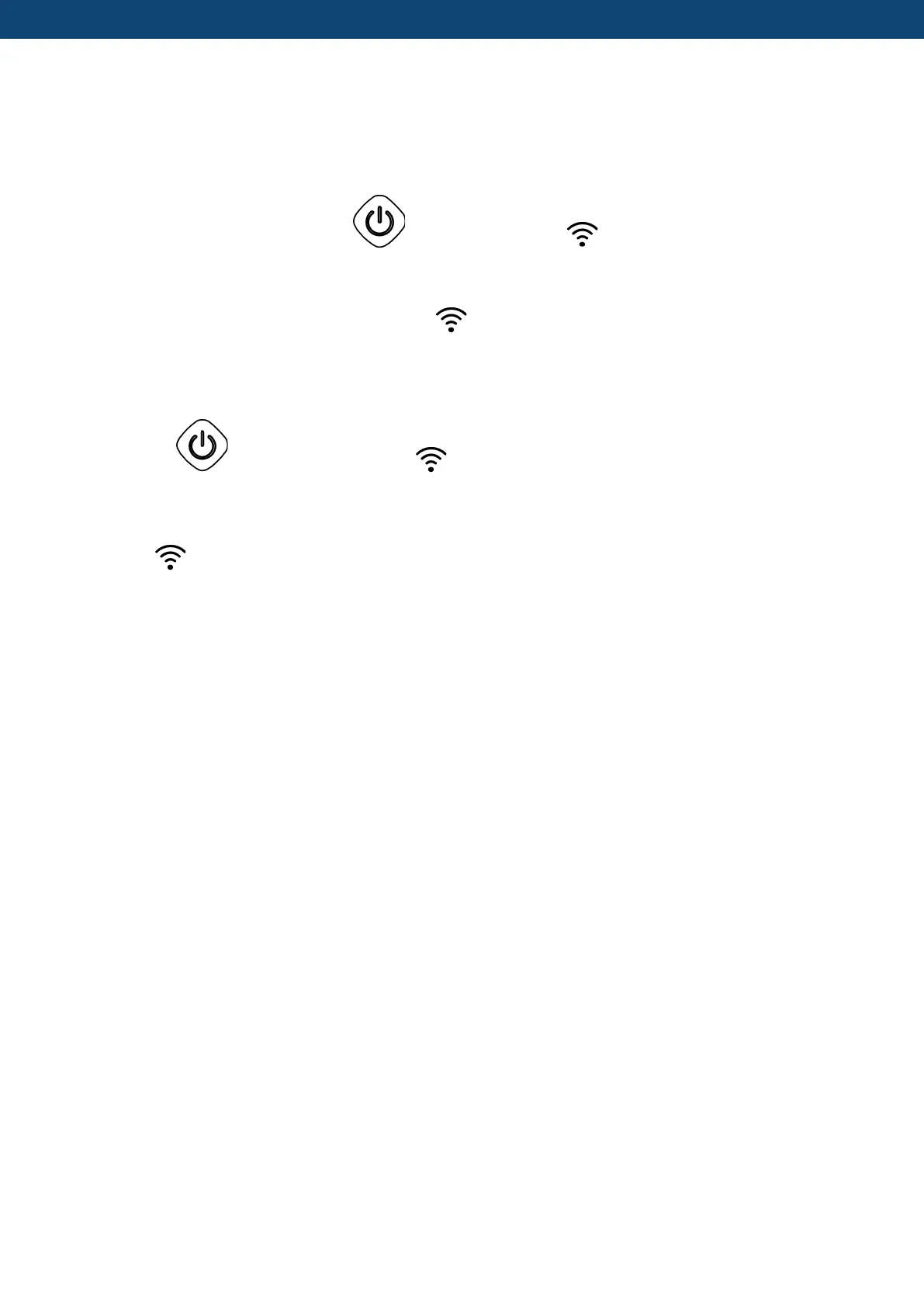
When the screen is on, press “ ”for 3 seconds, after “ ” flashing, enter Wi-Fi
connection.
Connect Wi-Fi on mobile phone and input password, and then control equipment by Wi-Fi.
When APP connects Wi-Fi successfully,“ ” lights on.
2) WIFI reset (WIFI password change or the network configuration change)
Press " " for 10 seconds, after " " slowly flashing for 60s, and lights off. Clear
configuration records and repeat step 1).
2) " " will always be on after connection.
Please see picture on the next page for detailed instructions:


 To Next Page