42
Running status checking
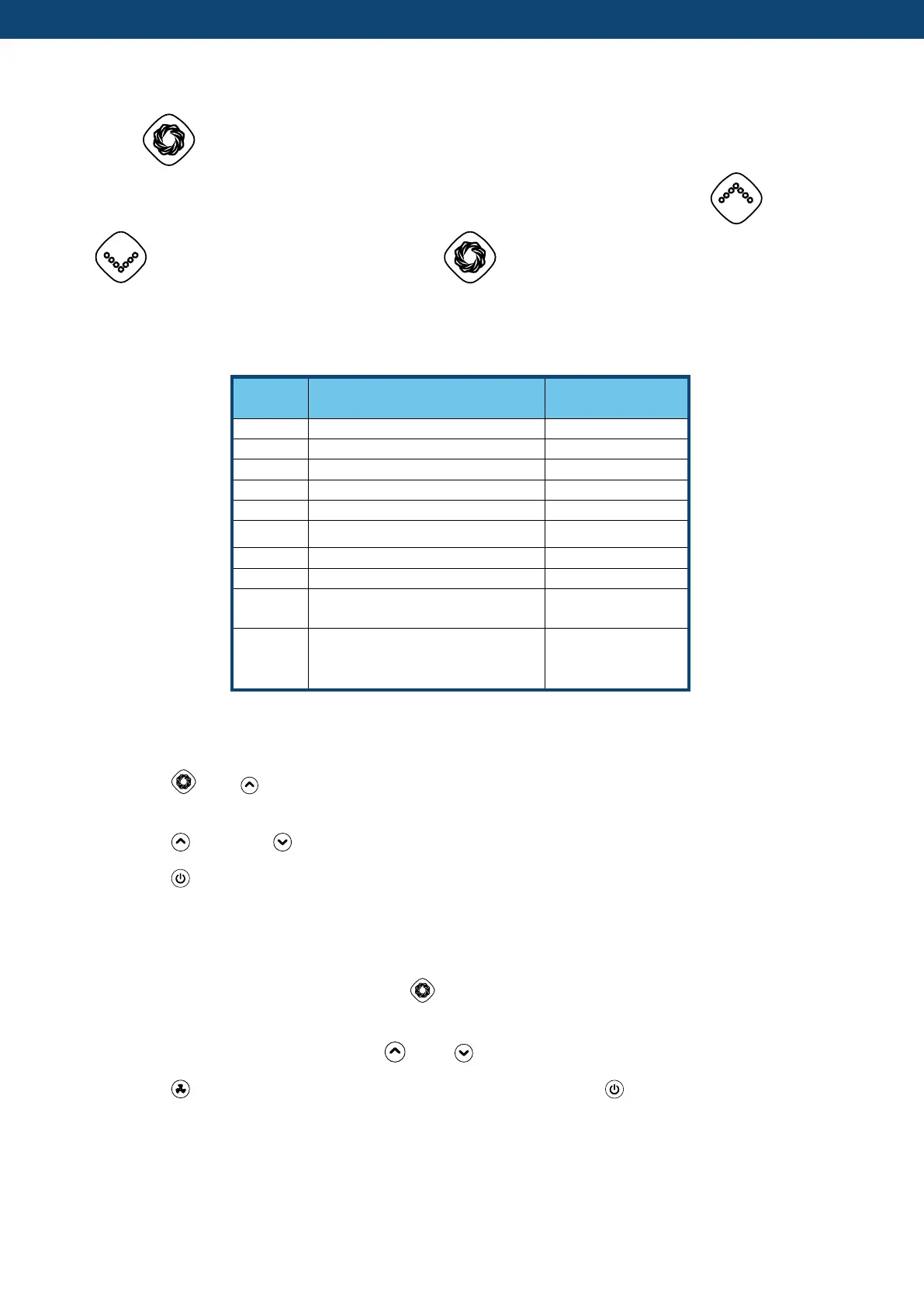
Press “ ” for 5 seconds to enter running status checking. During this time, the display will
show the status symbol “C0” and its corresponding value. Change status through “ ” and
“ ” to check corresponding value. Press “ ” to quit “Running Status Checking”.
Running status checking table:
Evaporator coil pipe temp
Electronic Expansion Valve
(EEV) opening angle
DC motor fan speed
(AC motor fan is
unavailable)
1. “P” Parameters Checking
1.1 Press “ ”and “ ” together for 5 seconds to enter “parameter checking” status, parameter
code “NO.P0” will blink on the left, parameter value “2” will display on the right.
1.2 Press “ ” Key and “ ” Key to check the parameters.
1.3 Press “ ” key to exit "parameter checking" status.
2. Modify parameters
2.1 In "parameter checking" status, press “ ” to enter "parameter setting" status. At this moment
the “parameter value” will blink.
2.2 In "parameter setting" state, press “ ” and “ ” to change the parameters value
2.3 Press “ ”to confirm and return to the previous status; Or press “ ” key to quit and return to
the previous status.


 To Next Page