Advanced Features
56
1. With the Fish/Hunt screen displayed, highlight the At field.
2. Press ENTER.
3. Select a POI from the POI database.
1. With the Fish/Hunt screen displayed, highlight the On field.
2. Press ENTER.
3. Use the Arrow joystick to change the date.
Up/Down changes the data at the cursor position; Left/Right moves the cursor.
4. When the date is correct, press ENTER.
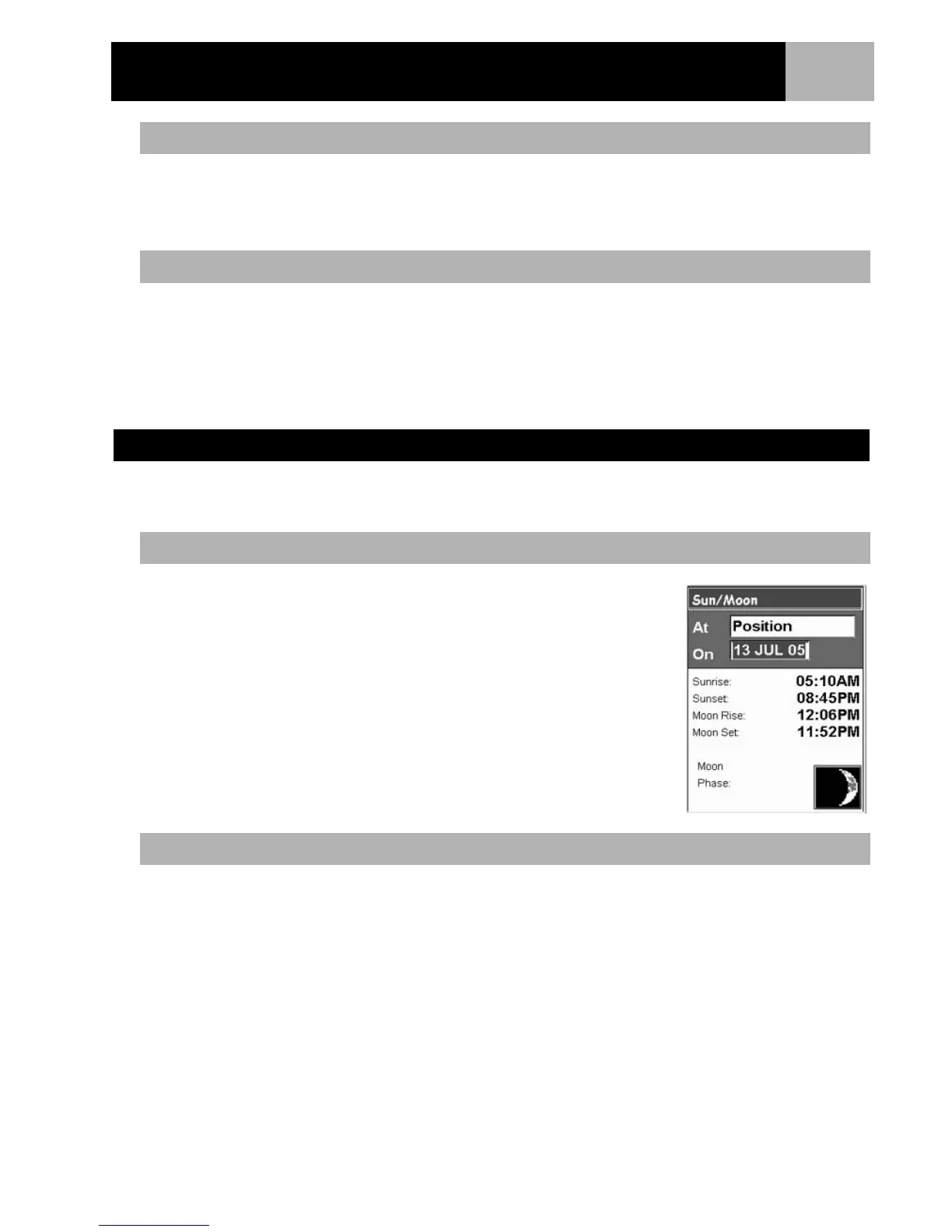
Using the Sun/Moon feature you are able to view the sunrise, sunset, moonrise and moon setting times, as well
as viewing the phase of the moon, for any POI in your database.
1. Press MENU.
2. Use the Arrow joystick to highlight Adv. Features.
3. Press MENU.
4. Use the Arrow joystick to highlight Sun/Moon.
5. Press ENTER.
6. The Sun/Moon screen is displayed with the position and date set to your
present position and today’s date.
1. With the Sun/Moon screen displayed, highlight the At field.
2. Press ENTER.
3. Select a POI from the POI database.
4. Press ENTER.
Changing the Position
Changing the Date
Displaying Sun and Moon Information
Accessing the Sun/Moon Function
Changing the Position



 To Next Page
 Loading...











