Magellan NAV 6500/NAV 6510 53
Turning Track History On or Off
Press the Aux softkey, use the CURSOR KEY
to highlight Track History and press ENTER.
Use the CURSOR KEY to highlight Track His-
tory and press ENTER.
Use the CURSOR KEY to turn Track History on or off
and press ENTER. Press ESC to exit.
Default setting: ON
Choosing Plotting Interval
Press the Aux softkey, use the CURSOR
KEY to highlight Track History and press
ENTER. Use the CURSOR KEY to high-
light Plotting Interval and press ENTER.
Use the CURSOR KEY to select Distance or Time and
press ENTER. Press ESC to exit.
Default setting: Distance
Resolution by Dist
If the plotting interval is based on distance, the user can select
the distance resolution.
Press the Aux softkey, use the CURSOR KEY to highlight
Track History and press ENTER.
Use the CURSOR KEY to highlight Resolution
by Dist. and press ENTER.
Use the CURSOR KEY to select desired distance
resolution and press ENTER. Press ESC to exit.
Default setting: 0.1 distance units
Resolution by Time
If the plotting interval is based on time, the user can select
the time resolution.
Press the Aux softkey, use the CURSOR KEY
to highlight Track History and press ENTER.
Use the CURSOR KEY to highlight Resolu-
tion by Time and press ENTER.
Use the CURSOR KEY to select 1 sec., 5
sec., 10 sec., 30 sec., or 1.0 minute for de-
sired time resolution and press ENTER. Press ESC to exit.
Default setting: 10 sec
Percentage of Track Memory Used
This shows what percentage of track memory is used up.
Press the Aux softkey, use the CURSOR KEY to highlight
Track History and press ENTER.
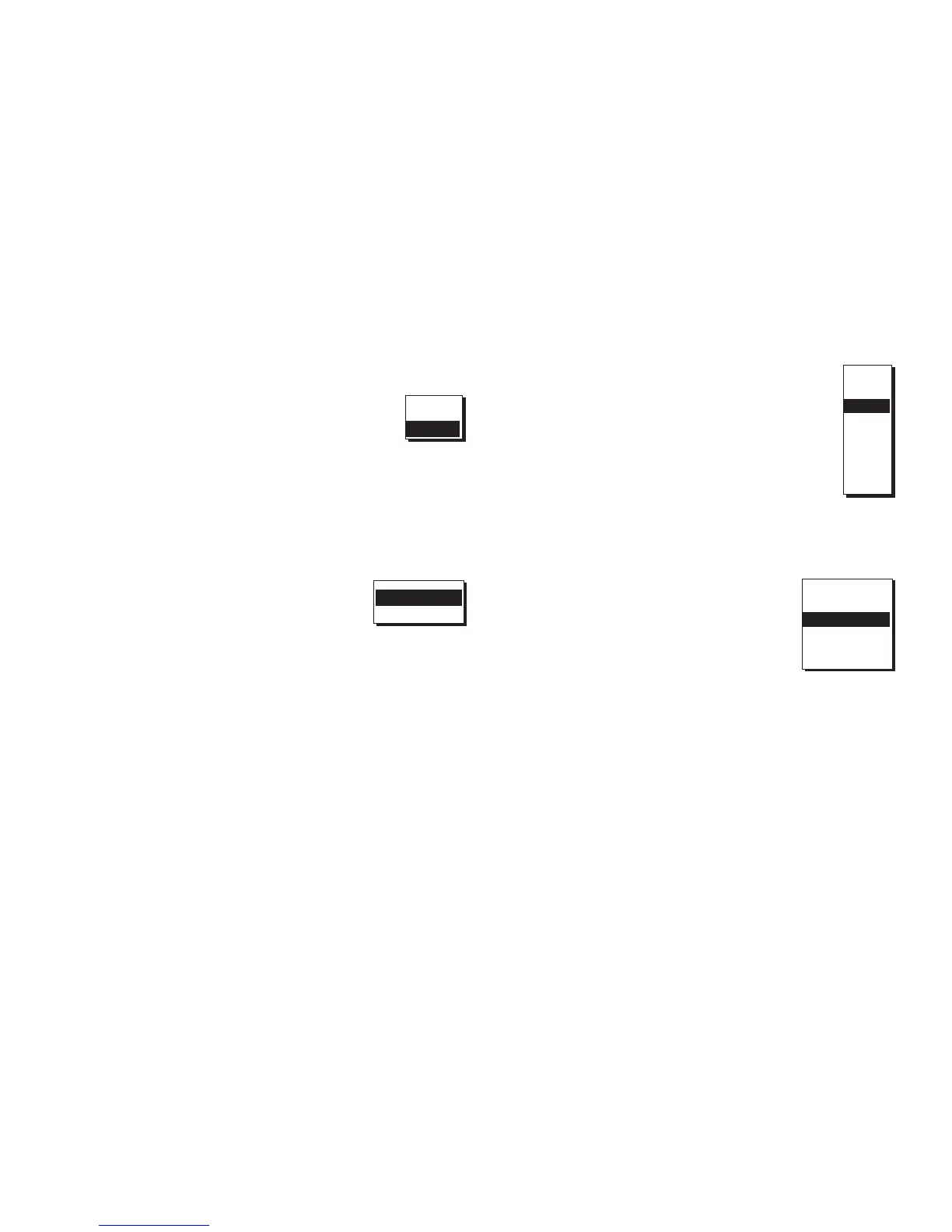
Distance
Time
OFF
ON
0.01
0.05
0.1
0.5
1.0
2.0
5.0
10.0
1 sec
5 sec
10 sec
30 sec
1 min


 To Next Page
 Loading...