19
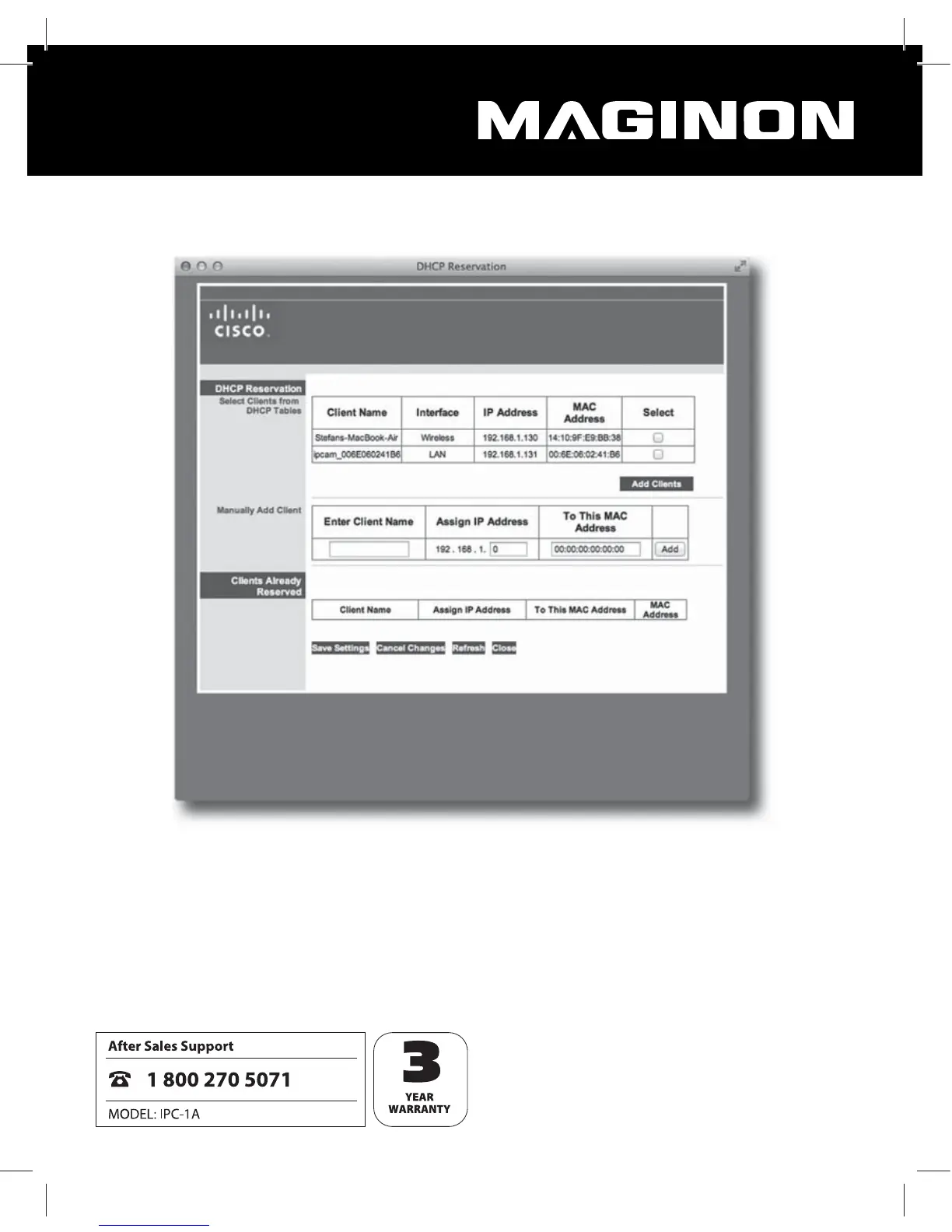
Please note that the conguration of your router may dier from the shown example.
In the list, the WiFi Network Camera is shown as “ipcam_xxx”. In the above example this
is “ipcam_006E060241 B6“. Next to it is the IP address of the WiFi Network Camera (here:
192.168.1.113). Enter this address in a new window of the Browser (Safari) to open the
conguration side of the WiFi Network Camera.
You can now enter the settings for the WiFi Network Camera as described in section 6 of this
Instructions Manual and use the camera.


 To Next Page