Installation via App
26
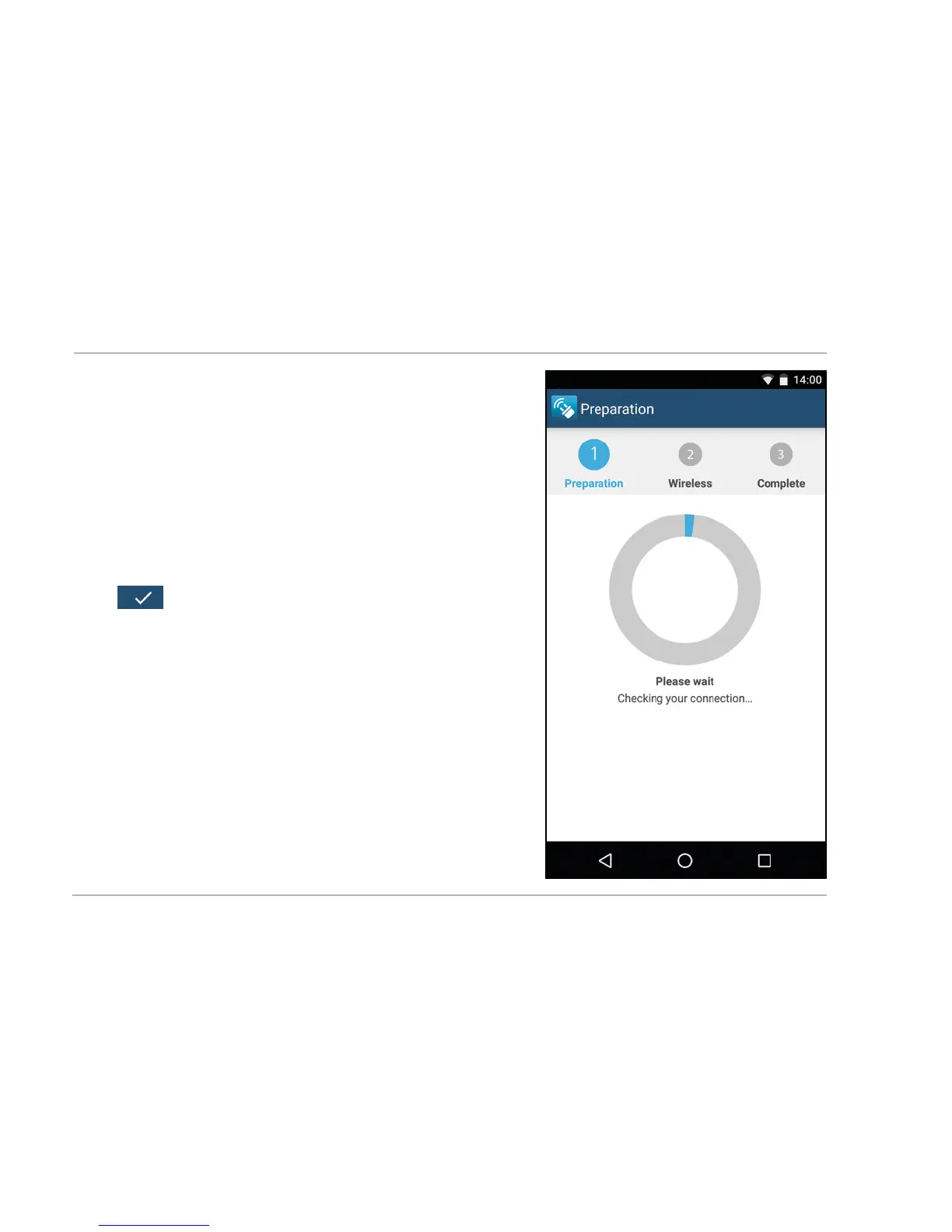
4. Connect your Smartphone to the
open WiFi network of the
WiFi repeater. Select option
“Connect” (Fig. 2). It can take a few
seconds to establish the connection.
Then return to App. And confirm
connection by selecting “Continue”
.
5. The repeater now scans all WiFi
networks available in the vicinity,
listing them after a few seconds
(Fig. 3). Select the network to be
connected to the repeater, by
selecting the shown network using
your finger.
(Fig.3)


 To Next Page