Set-up
39
Installation of Wi-Fi connection using the
WPS button
If the Wi-Fi adaptor of the computer contains a WPS button for quick
configuration, it can also be used to set up the wireless connection to
the Wi-Fi repeater:
1. Start the computer.
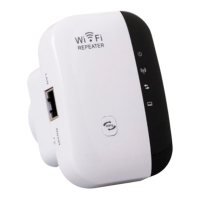
2. Hold down the WPS button on the Wi-Fi repeater for 2 to 3
seconds.
3. Hold down the WPS button on the Wi-Fi adaptor of the computer
for at least 2 to 3 seconds.
4. Once the connection has been established, click on “End” on the
Computer.


 To Next Page