Set-up
31
Set up as Wi-Fi repeater
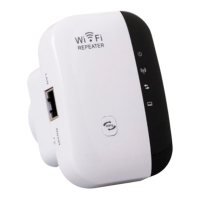
In its function as Wi-Fi repeater the device extends the range of your
wireless network. To set up the Wi-Fi repeater proceed as follows:
1. Plug Wi-Fi repeater into a mains socket.
2. Switch on repeater by connecting to mains. The Power LED is
illuminated.
3. Connect to you computer or notebook:
• Wireless: if you computer has a Wi-Fi connection, click on the
Wireless connection symbol at the bottom right of your Desktop.
From the opening list connect “WiFi Repeater” and click on
“Connect”. The connection is set up after a few seconds.


 To Next Page