–
25
–
EN
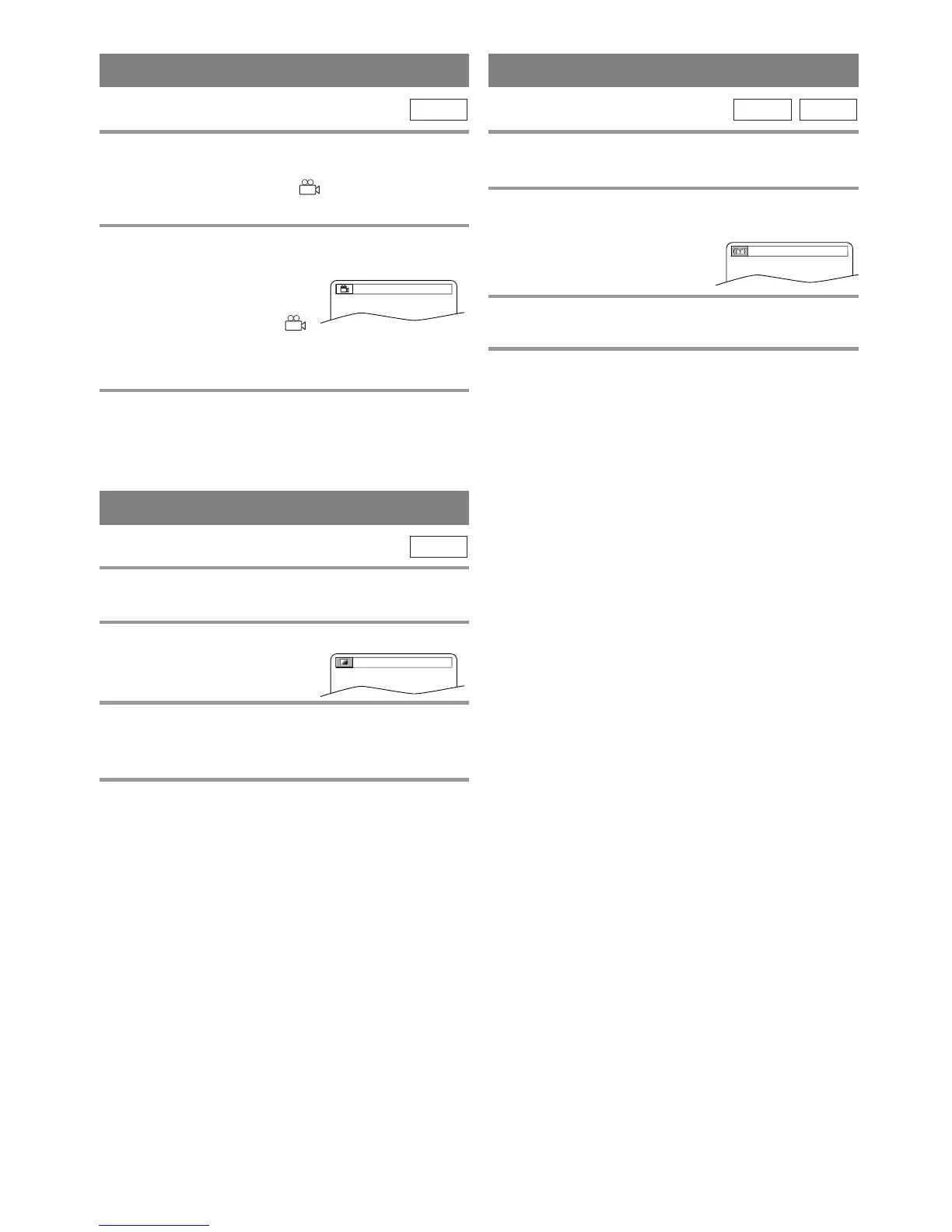
CAMERA ANGLE
Some DVD discs contain scenes which have been shot
simultaneously from various angles. You can change
the camera angle when the ( ) icon appears on the
screen.
1 Hit [ANGLE] during playback.
¡If the “ANGLE ICON”
setting is “OFF” in the
“DISPLAY” menu, the ( )
icon will not appear. (Refer to page 28.)
2 Hit [ANGLE] repeatedly to select your
desired angle.
¡The selected angle will be displayed on the display
bar at the top of the screen.
DVD-V
Adjust the Black Level Settings to make the black
parts of the picture brighter.
1 Hit [MODE] during playback.
2 Hit [ENTER] to switch ON/OFF.
ON: Makes the dark parts brighter.
OFF: Shows the original picture as recorded.
3 Press [MODE] twice or [RETURN] to exit.
NOTE:
¡The setting will be saved even if the unit is turned
off.
DVD-V
BLACK LEVEL SETTING
You can enjoy surround-sound effect over two speak-
ers on this unit.
1 Press [V.SURR] once or [MODE] twice
(CD: once) during playback.
2 Hit [ENTER] to set it 1 (Natural effect) or 2
(Emphasized effect) or OFF.
3 Press [V.SURR] or [MODE] to exit.
¡You can also exit the menu by hitting [RETURN].
NOTE (for CD play only):
¡Virtual Surround will not be effective if the sound
mode is set to something other than STEREO.
CD
DVD-V
VIRTUAL SURROUND
OFF
OFF
1 / 8


 To Next Page
 Loading...