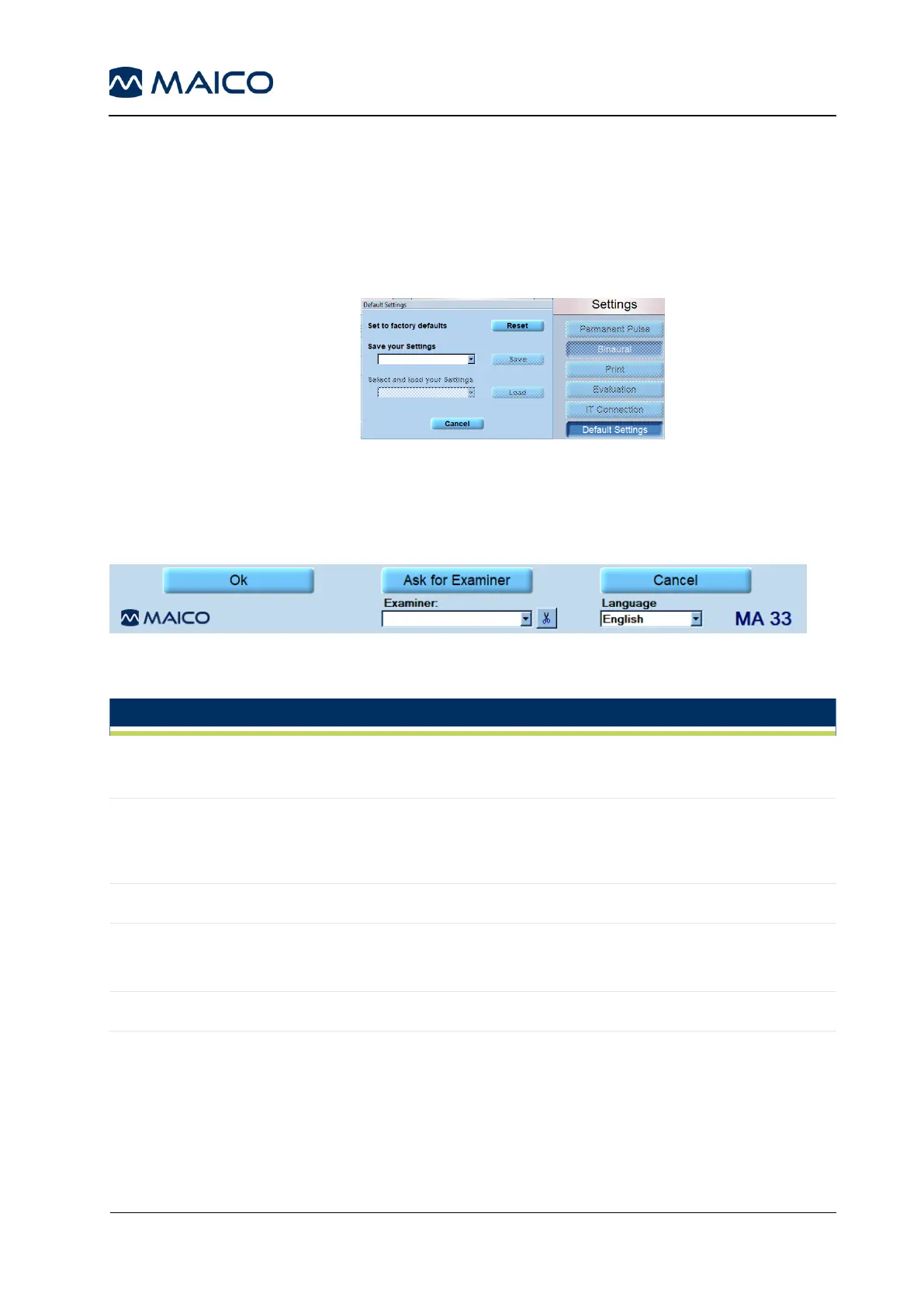
Default Settings: following options are available ():
Reset: All individual settings will be removed. Return to
default settings.
Save: The individual settings can be saved.
Load: The individual settings, that have been saved, can
be loaded for using.
Figure 70
5.5.3.8 General Function Keys
Figure 71 shows the general function keys. See Table 11 for explanation.
Figure 71
Table 11 Explanation of Function Keys
By clicking Ok, changes will be applied and the program returns to
the start screen.
In the event that more than one examiner is using the program, each
examiner can save his/her customized settings for future use and
reference. When the program starts, enter the examiner´s name.
Returns to start screen without saving the changed settings.
Several different settings can be customized and saved for different
examiners, should more than one examiner be using the MA 33
program.
Displays current language



 To Next Page