Operation Manual
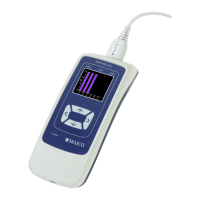
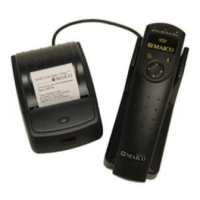
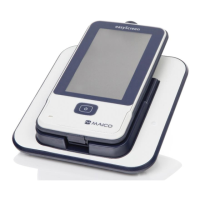
touchTymp MI 24
and
MI 34
Version
4.2.3 Connecting the Probe System
Connect and disconnect the probe as follows:
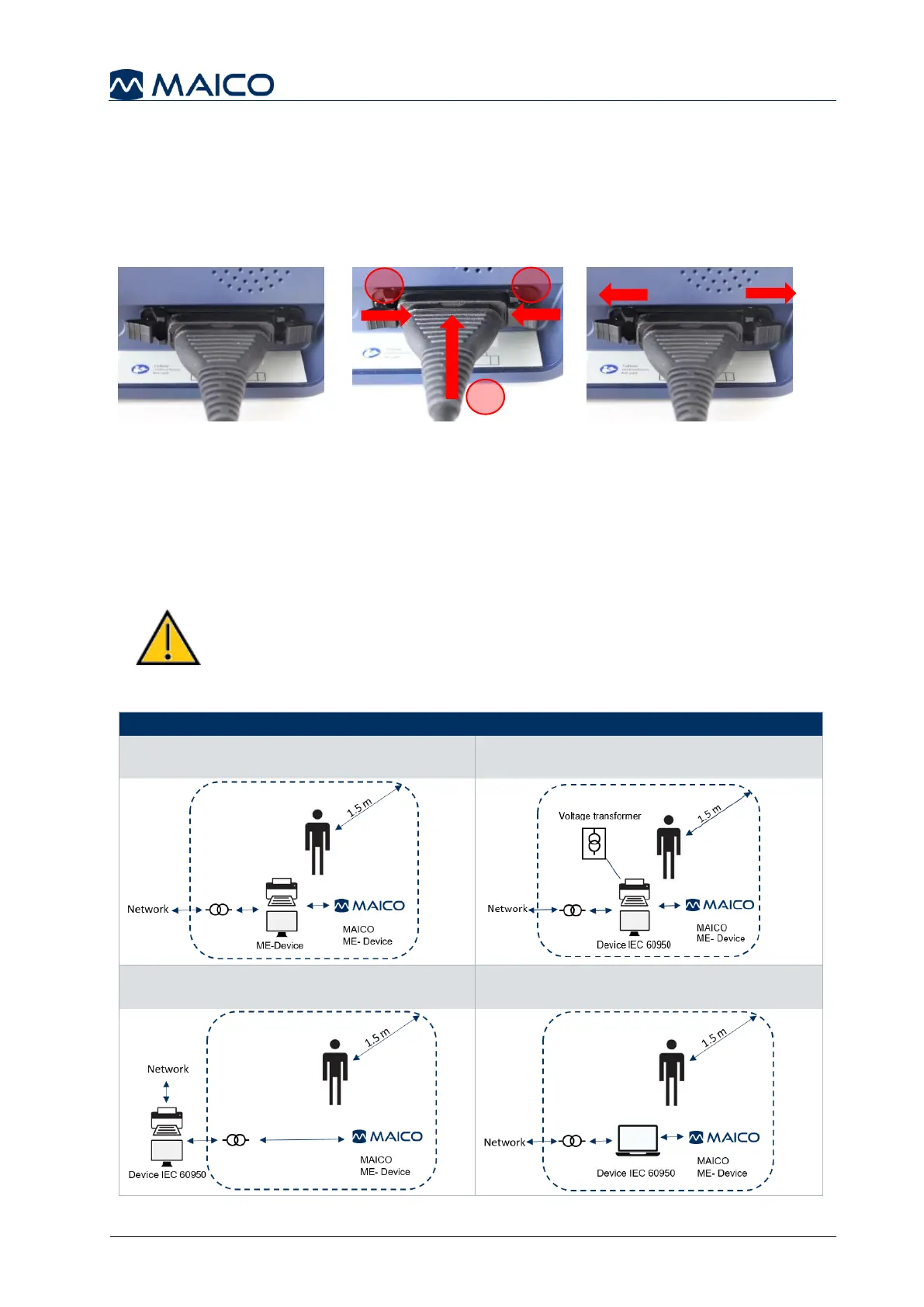
1. To connect position the probe connector over the locating pins (Figure 17)
2. Push the connector until the clips lock-in (Figure 18, 1). If the clips haven
3. Confirm the clips have locked in properly, push them to the center (2).
4. To disconnect the probe open the two locks by pushing them to the sides (Figure 19).
4.2.4 Establishing a PC-Connection
To transfer data to a PC, establishing a PC-connection via USB is required. If the
touchTymp is used with office equipment that is not a medical device itself (see Table
4), make sure to establish the PC-connection in one of the following ways (see Table
4, PC Connection 2, 3 or 4).
Make sure you use only office equipment with the device that is a
medical device itself or meets the requirements of IEC 60950. If a
non-medical device is used within the patient environment (1.5 m
from patient as defined in IEC 60601) a voltage transformer must
be used (exception: a battery driven laptop is used).
Table 4 PC-Connections
PC Connection 1:
Medical device – Medical Device
PC Connection 2:
Medical device – Non-Medical Device
PC Connection 3:
Medical device – Non-Medical Device
PC Connection 4:
Medical device – Laptop (battery-driven)


 To Next Page