Operation Manual
touchTymp MI 24
and
MI 34
Version
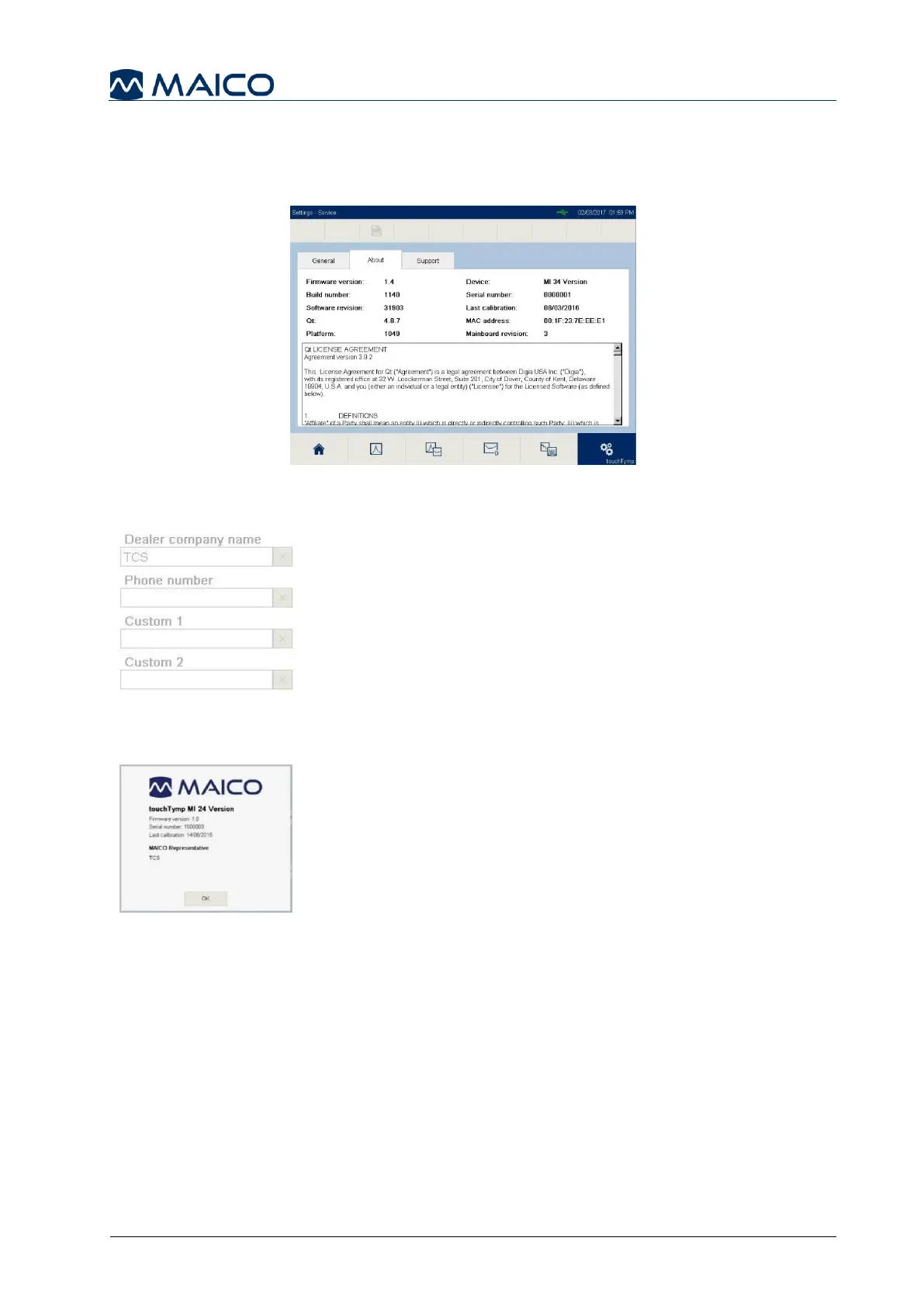
5.6.18 Settings – Service – About
On this screen the most important device information are presented. Additionally, the
Qt License Agreement is shown (Figure 148).
5.6.19 Settings –Service – Support
This menu is only for editing by service. The dealer can
enter his contact information to display in the Quick Info
screen (Figure 149).
5.6.20 Quick Info
Shows information in a message box about the firmware
version, the serial number, the calibration date (if
activated) and the MAICO representative (if entered by
the dealer). See Figure 150.



 To Next Page