Operation Manual
touchTymp MI 24
and
MI 34
Version
5.6.17 Settings – Service – General
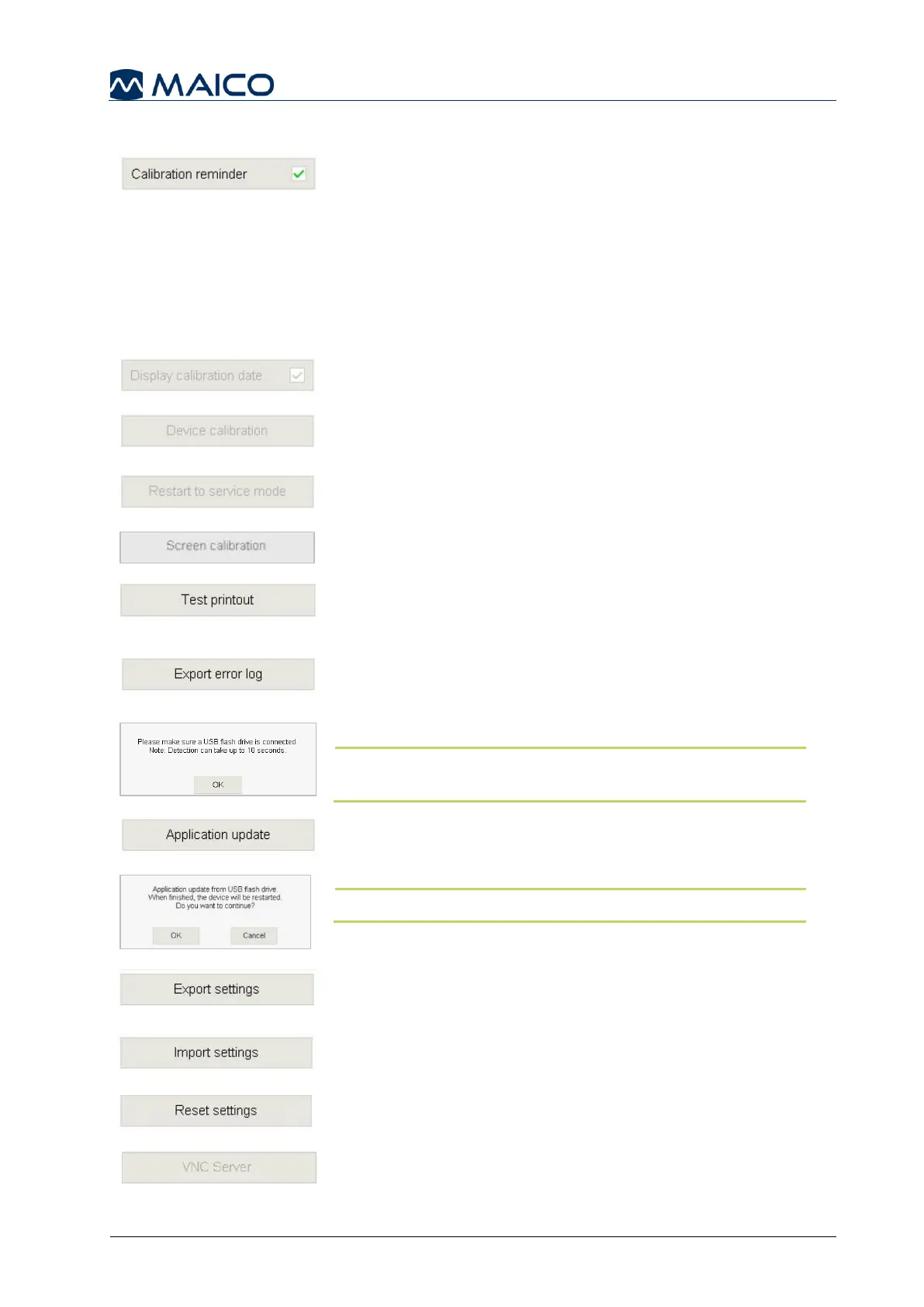
Calibration reminder: Annual calibration of the
touchTymp and its transducers is recommended.
Select or deselect this item to enable or disable a
reminder that will display daily. The reminder starts
1 month prior to the expiration of the calibration date for
your acoustic transducer(s) (Figure 134).
The user can always bypass the reminder message and
continue with screening.
Display calibration date: Only for service (Figure 135).
Device calibration: Only for service (Figure 136).
Restart to service mode: Only for MAICO Technical
customer support (Figure 137).
Screen calibration: Only for Service (Figure 138).
Test printout: prints a test printout (without a session
result, Figure 139).
Export error log: If an error is occurring you can export
the error log data onto a USB flash drive (Figure 140). If
there is no USB flash drive connected the message box
(Figure 141) will be shown with further information.
NOTE: Detection of the USB flash drive can take up to
10 seconds.
Application update: for updating via USB flash drive
(Figure 142). A message box will be shown to ask you if
you want to continue updating (Figure 143).
NOTE: The device will be restarted after application update.
Export Settings: Export file onto USB flash drive (Figure 144).
Import Settings: Import file from USB flash drive (Figure 145).
Reset Settings: Resets settings to default. Facility
information will also be deleted (Figure 146).
VNC Server: Only for service (Figure 147).



 To Next Page