4
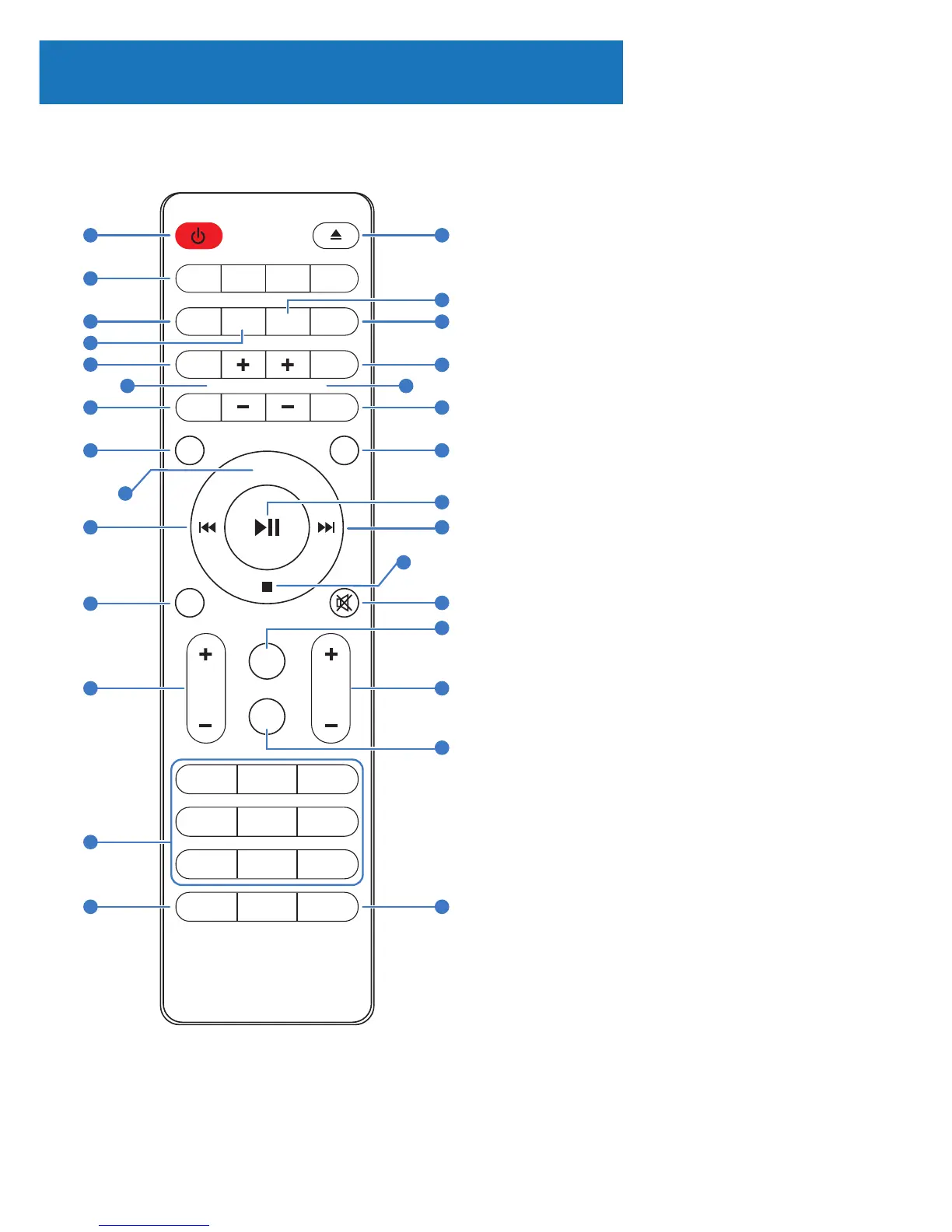
Remote Control
1. ON/STANDBY
2. MODE (CD/USB/Radio/BT)
3. INTRO/AMS (Automatic Music Scan)
Press to scan all tracks in CD or USB
Press to automatically search for a
channel in FM.
Press again to stop search
4. REPEAT for CD and USB
5. EQUALISER – Press to select sound
characteristics: Classical/Pop/Rock/
Jazz/Normal.
6. BASS +/– (need to press User Mode
(Ref.6) rst)
7. USER Mode
8. MENU for DAB/DAB+ and FM
9. PAIR - Press and hold to activate
the Bluetooth pairing function or to
disconnect.
10. PREVIOUS/RE-WIND (hold button
to re-wind)/Fine Tune FM
11. MONO/STEREO
12. P +/- Press to skip to the beginning
of a current/pervious/subsequent
album
Press to select next/preset track in DAB
or FM
Press and hold for manual tuning in FM
13. NUMBER KEYS 0 – 9
14. INFO - Press to turn on/o the
Information on CD or USB
- Press to view information on DAB or FM
Controls And Funcons
8
9
1 15
17
18
19
20
21
25
24
27
29
23
26
28
16
22
2
3
4
6
5
7
8
10
11
12
13
14
9
CD
BT
USB
SLEEP
0
MO
TIMER
V
P
DIM
DAB
INFO
1
2
3
4
5
6
7
AUDIO
REPEAT
RANDOM
Bass
USER
Treble
PROGRAM
MENU
PAIR
DISPLAY
CLOCK
ST
AMS
INTRO
EQ
FM



 To Next Page