EasyManua.ls Logo

MAJORITY OAKINGTON - User Manual

MAJORITY OAKINGTON
38 pages
Print Icon
To Next Page IconTo Next Page
Loading...
OAK-CDAB-WAL
MAJORITY
OAKINGTON
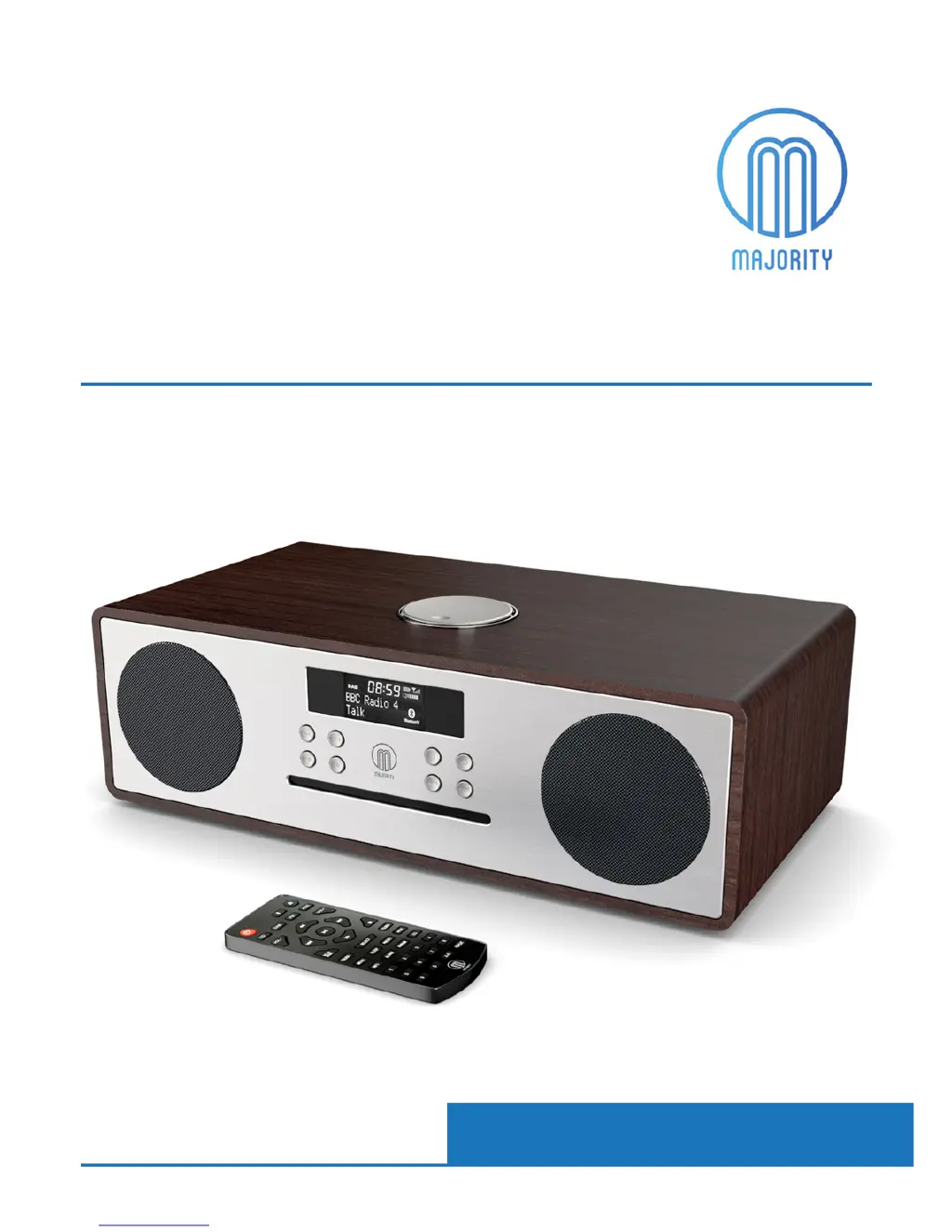
DAB / DAB+ Compact Music System
Instrucons Guide

Questions and Answers

  • L
    Laura GutierrezAug 12, 2025
    What to do if my MAJORITY Media Converter display shows 'No Service'?
    • S
      Sarah LeonardAug 12, 2025
      If your MAJORITY Media Converter displays 'No Service', it indicates either no DAB coverage in your area or poor signal reception. Try adjusting the aerial's position or moving the unit to a location with a stronger signal.
  • M
    matthewosborneAug 16, 2025
    Why is there no sound coming from my MAJORITY OAKINGTON Media Converter?
    • J
      James WilliamsonAug 16, 2025
      If there is no sound from your MAJORITY Media Converter, check the following: * Ensure the station is properly tuned. * Increase the volume if it's set too low. * Disconnect any connected headphones.
  • S
    shawn59Aug 19, 2025
    How to fix distorted sound on MAJORITY Media Converter?
    • F
      fjacobsAug 19, 2025
      If the sound from your MAJORITY Media Converter is distorted, the volume may be too high. Try adjusting the volume control to a lower level.
  • M
    Mariah DanielAug 25, 2025
    Why is my MAJORITY Media Converter making a static sound on FM?
    • T
      thorntondianaAug 25, 2025
      If you are getting a static sound on FM with your MAJORITY Media Converter, it is likely due to low signal reception. Adjust the aerial or move the unit to a location where the signal is stronger.
  • N
    Nicole Conner DDSAug 27, 2025
    What to do if my desired station is not found on MAJORITY OAKINGTON Media Converter?
    • E
      ellisjasonAug 27, 2025
      If your MAJORITY Media Converter is not finding a desired station, it could be due to a weak signal. Try using the manual tune function to find the station.
  • C
    Catherine WilsonAug 31, 2025
    How to fix MAJORITY Media Converter buttons not working?
    • A
      Amy ThompsonAug 31, 2025
      If the buttons on your MAJORITY Media Converter are not working, turn the unit off and then turn it back on after a few seconds.
  • D
    David MartinSep 4, 2025
    What to do if my MAJORITY Media Converter has burbling/intermittent cut out on DAB?
    • C
      curtiskaylaSep 4, 2025
      If your MAJORITY Media Converter is burbling or intermittently cutting out on DAB, try re-scanning for stations.
  • J
    James WeissSep 7, 2025
    How to automatically set Time and Date on MAJORITY OAKINGTON?
    • R
      rebeccaunderwoodSep 7, 2025
      To automatically set the time and date on your MAJORITY Media Converter, turn on the system, switch to DAB radio, and let it scan. Then, press the ‘Power Mode’ button to put the system into standby. The date and clock will then update.

Summary

Controls And Functions

Front View; Control Buttons

Overview of front panel controls and their functions.

Top View

Details of the top panel controls and navigation dial.

Back View

Identifies ports and connectors on the rear of the unit.

Remote Control

Explains the functions of each button on the remote control.

Whats In The Box?

Box Contents

Lists all items included in the product packaging.

Connectivity

Analogue Inputs Connection

Guide for connecting external audio sources via analogue inputs.

Basic Operation

Standby and Power Off

How to put the unit into standby mode and turn it off.

Language Setting

Instructions for changing the display language of the unit.

DAB;DAB+ Radio Functions

Prune Unavailable Stations

How to remove unavailable DAB/DAB+ stations.

Dynamic Range Compression (DRC)

Adjusting audio volume differences for broadcast content.

DAB+ Manual Tuning

Manually tuning to specific DAB+ channels.

Storing and Playing Presets

Steps to save and recall favourite radio stations.

FM Radio Functions

FM Scan Settings

Options for scanning FM stations (strong only vs. all).

Manual FM Tuning

Manually searching for FM radio frequencies.

Audio Settings (Mono;Stereo)

Adjusting audio output for FM stations (stereo/mono).

Storing and Playing FM Presets

Steps to save and recall stored FM radio stations.

CD Playback

Playback Modes

Setting repeat and random play modes for CD playback.

Program Track Order

Creating a custom playlist from CD tracks.

Bluetooth and USB Connectivity

Audio-In Connection

Connecting external audio devices via 3.5mm Aux input.

USB Device Playback

Using the unit with USB storage devices for playback.

Other Functions

Manual Time Setting

How to set the unit's clock manually.

Alarm and Timer Operations

Instructions for setting, turning on/off alarms, and timer functions.

Sleep Timer

Programming the unit to switch off automatically after a set time.

Headphone Connection

How to connect headphones to the unit.

Troubleshooting

System Reset

Procedures for resetting the unit to factory defaults.

Software Version Display

How to view the unit's software version.

Troubleshooting Checklist

Common issues and their solutions for the product.

Technical Information

Specifications

Technical details and specifications of the product.

Warranty

Safety Information

General Safety Precautions

Important safety instructions for using the apparatus.

Additional Warnings

Specific warnings regarding liquid exposure and mains plug.

Recycling Guidance

Guidance on environmentally responsible disposal of the product.

MAJORITY OAKINGTON Specifications

General IconGeneral
BrandMAJORITY
ModelOAKINGTON
CategoryMedia Converter
LanguageEnglish

Related product manuals