EasyManua.ls Logo

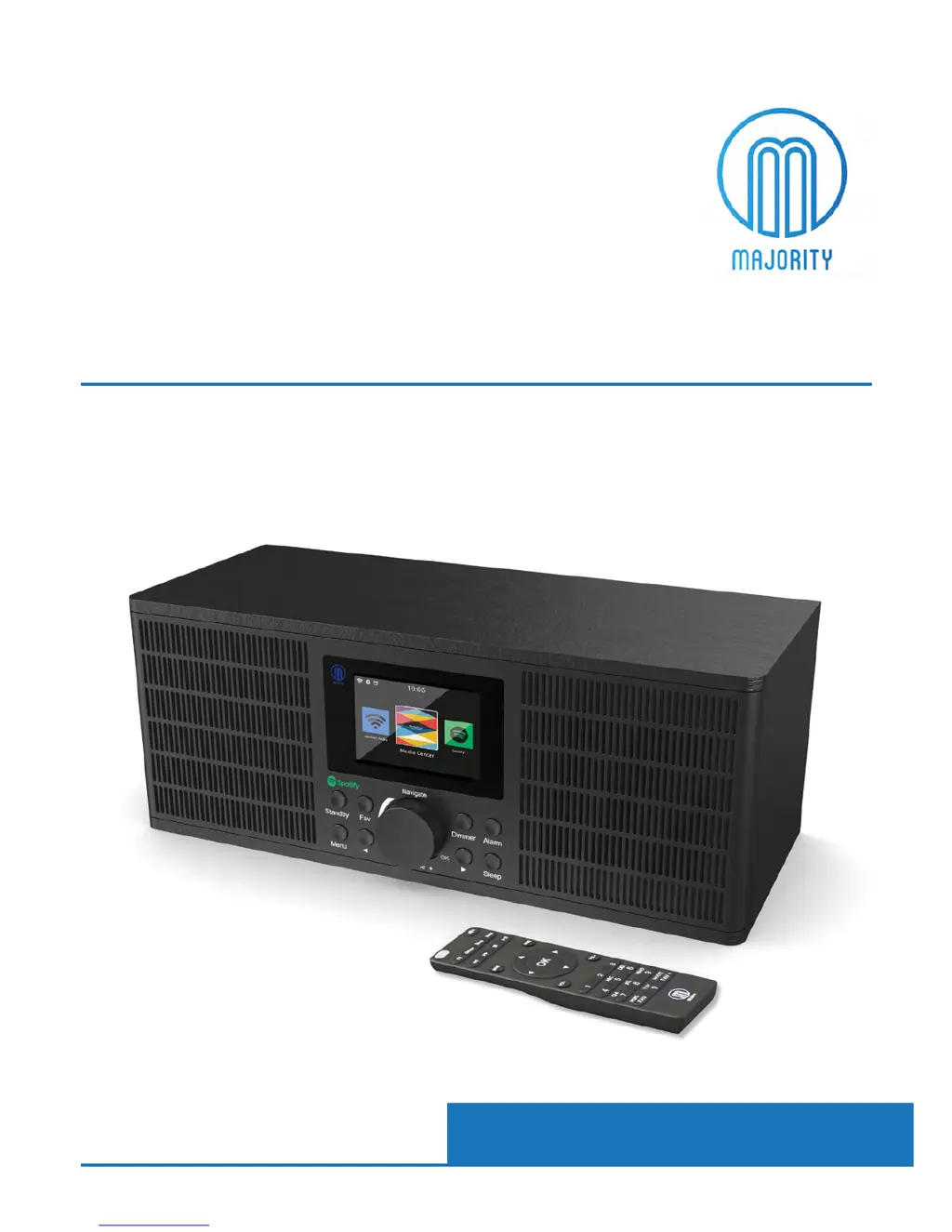
MAJORITY PETERHOUSE GRADUATE - User Manual

MAJORITY PETERHOUSE GRADUATE
35 pages
Print Icon
To Next Page IconTo Next Page
Loading...
PEG-NET-BLK
MAJORITY
PETERHOUSE
GRADUATE
Internet Radio
Instrucons Guide

Other manuals for MAJORITY PETERHOUSE GRADUATE

Questions and Answers

  • H
    Heather ShawAug 18, 2025
    What to do if Spotify is not connecting to my MAJORITY Radio?
    • E
      Eric GuerraAug 18, 2025
      If Spotify isn't connecting to your MAJORITY Radio, first, ensure both your device and the radio are on the same WiFi network. Secondly, make sure no other Spotify Premium devices nearby are interfering with the connection. Ensure music is playing and the radio device has been selected on Spotify. Finally, allow a minute for the connection to establish, as there might be a slight delay.
  • M
    matthewsmirandaAug 20, 2025
    Why is my MAJORITY Radio WiFi not connecting?
    • D
      David JohnstonAug 20, 2025
      If your MAJORITY Radio isn't connecting to WiFi, first ensure WiFi mode is selected in the settings and that you're entering the correct passcode for your WiFi modem. If the problem persists, try performing a factory reset and then attempt reconnecting to WiFi.
  • F
    Frank CarrollAug 23, 2025
    How to connect Bluetooth to my MAJORITY PETERHOUSE GRADUATE Radio?
    • P
      Paul AustinAug 23, 2025
      If Bluetooth is not connecting on your MAJORITY Radio, ensure that the radio is in Bluetooth mode and that Bluetooth is enabled on your device. Then, select the Bluetooth device ‘Majority Peterhouse Graduate’ to start playing audio.
  • B
    Breanna RichAug 26, 2025
    What to do if there is no sound on my MAJORITY PETERHOUSE GRADUATE?
    • M
      Morgan HenryAug 26, 2025
      If there is no sound from your MAJORITY Radio, check the following: 1. Ensure the unit is not set to MUTE. 2. Verify that the correct MODE is selected. 3. Confirm that all cables are properly installed.
  • M
    Michael HarrisAug 28, 2025
    What to do if my MAJORITY PETERHOUSE GRADUATE Radio has a function disturbance?
    • T
      Tracey PearsonAug 28, 2025
      If your MAJORITY Radio is experiencing function disturbances, switch it off, unplug it, wait for two minutes, and then switch it back on.
  • D
    donna98Aug 30, 2025
    How to fix a MAJORITY PETERHOUSE GRADUATE Radio that has no power?
    • L
      Lisa MartinezAug 30, 2025
      If your MAJORITY Radio has no power, check that the power is switched on at the wall and that the power adapter is properly connected to the power outlet.
  • M
    Michael AdamsSep 2, 2025
    Why is Spotify not connecting to my Majority Radio?
    • J
      Jacqueline WilsonSep 2, 2025
      To connect Spotify to your Majority Radio, ensure both your device and the radio are on the same WiFi network. Also, make sure no other Spotify Premium devices nearby are interfering with the connection. Verify that music is playing and the radio is set to Spotify mode. Allow a minute for the connection to establish.
  • T
    Thomas SmithSep 4, 2025
    What to do if Bluetooth is not connecting on my Majority Radio?
    • K
      Kimberly DavisSep 5, 2025
      If your Majority Radio's Bluetooth isn't connecting, ensure that the radio is in Bluetooth mode and Bluetooth is enabled on your device. Select ‘Majority Peterhouse Graduate’ from the list of available Bluetooth devices. You should then be able to play audio.
  • A
    April AndersonSep 7, 2025
    How to connect my MAJORITY PETERHOUSE GRADUATE Radio to WiFi?
    • A
      amyarcherSep 7, 2025
      If your Majority Radio isn't connecting to WiFi, first ensure that WiFi mode is selected in the settings and that you've entered the correct WiFi password for your modem. If problems persist, try performing a factory reset and then attempt to reconnect.
  • R
    Richard CunninghamSep 10, 2025
    Why is there no sound on my Majority Radio?
    • J
      James McdonaldSep 10, 2025
      If your Majority Radio has no sound, check if the unit is set to MUTE. Also, verify that the correct MODE is selected and that all cables are properly installed.

Summary

Controls And Functions

Radio Front View

Details the buttons and controls on the front panel of the radio.

Remote Control

Identifies and labels all buttons on the provided remote control.

Navigation Controls

Explains how to use the basic navigation buttons like Standby, Select Dial, Menu, and Dimmer.

Basic Operation

Guides the user through the initial setup and powering on of the internet radio.

WiFi Setup

Instructions for connecting the radio to a WiFi network via manual or WPS setup.

Settings

Manual WiFi Set-up

Detailed instructions for manual WiFi network setup via password entry.

Alarm Settings

Troubleshooting

Troubleshooting Guide

A checklist of common malfunctions and their potential solutions.

Safety Information

General Safety Instructions

Crucial safety instructions and warnings for using the apparatus.

MAJORITY PETERHOUSE GRADUATE Specifications

General IconGeneral
BrandMAJORITY
ModelPETERHOUSE GRADUATE
CategoryRadio
LanguageEnglish

Related product manuals