EasyManua.ls Logo

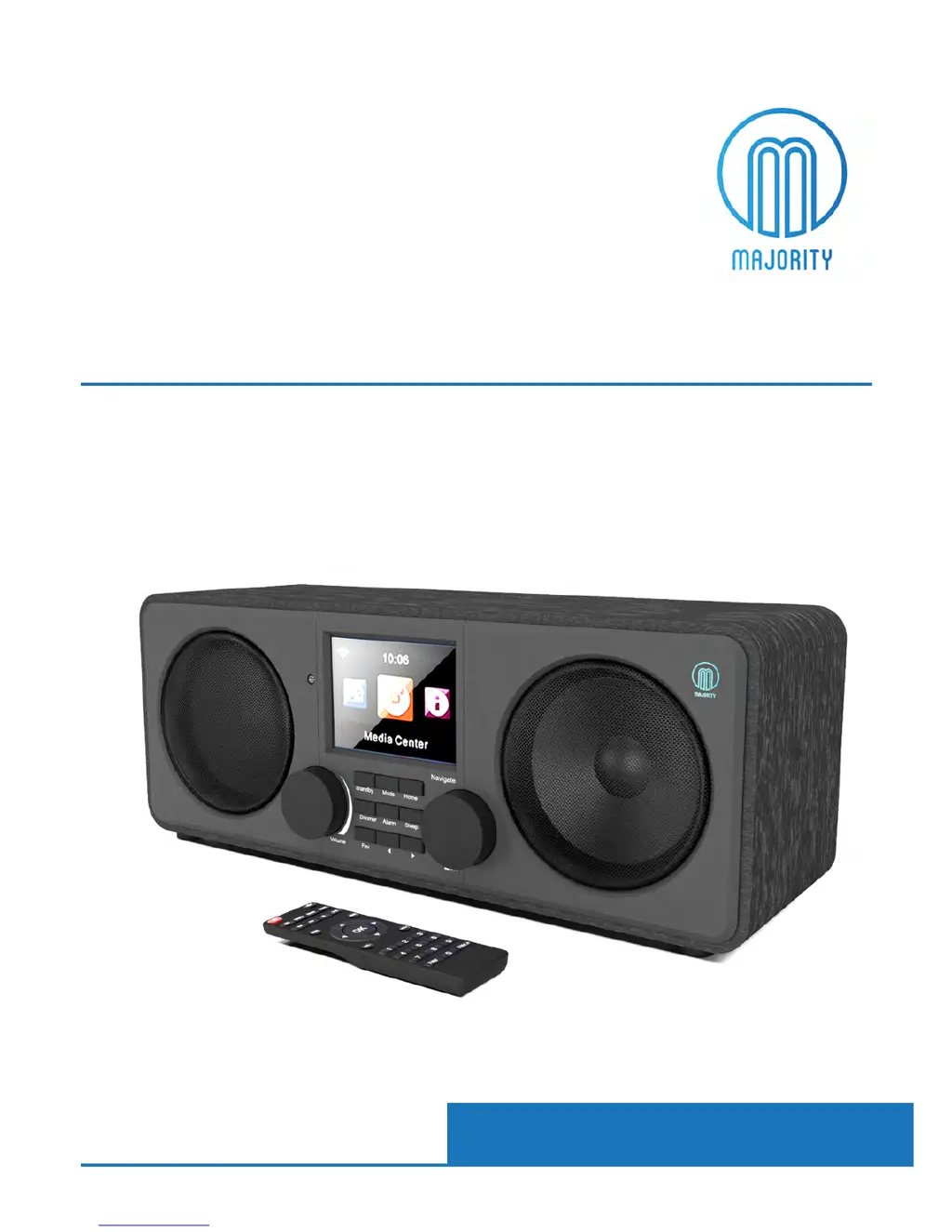
MAJORITY PEMBROKE - User Manual

MAJORITY PEMBROKE
35 pages
Print Icon
To Next Page IconTo Next Page
Loading...
PEM-NET-DAB-BLK
MAJORITY
PEMBROKE
Internet & Digital Radio
Instrucons Guide

Questions and Answers

  • J
    Janice GrossAug 3, 2025
    What to do if my MAJORITY PEMBROKE Radio has no sound?
    • D
      David McdonaldAug 3, 2025
      If there is no sound coming from your Majority Radio, make sure it's not set to MUTE. Also, check that the MODE is correctly selected and that all cables are properly installed.
  • J
    Jennifer FieldsAug 8, 2025
    Why is my MAJORITY PEMBROKE Radio WiFi not connecting?
    • A
      Andrew SingletonAug 8, 2025
      If your Majority Radio isn't connecting to WiFi, make sure that the WiFi mode is selected in the settings. Also, double-check that you're entering the correct passcode for your WiFi modem.
  • V
    victoria06Aug 15, 2025
    What to do if my MAJORITY PEMBROKE remote control does not work?
    • R
      Robert SimonAug 15, 2025
      If your Majority Radio remote control isn't working, first check if the batteries have run out and replace them if needed. Also, make sure there's nothing blocking the front of the remote sensor.
  • A
    austinbryantAug 21, 2025
    What to do if my MAJORITY PEMBROKE Radio has function disturbance?
    • E
      Emily WeissAug 21, 2025
      If your Majority Radio has function disturbance, switch it off and unplug it from the power outlet. Wait for 2 minutes, then switch it back on.
  • J
    jonathan74Aug 27, 2025
    How to fix a MAJORITY PEMBROKE Radio with no power or function?
    • J
      Julie BellAug 27, 2025
      If your Majority Radio has no power or isn't functioning, check whether the power is switched on at the wall. Also, verify that the power adapter is properly connected to the power outlet.

Summary

Navigation Controls

Basic Operation

Starting Up Your Internet Radio

Initial setup steps including power connection and antenna.

Language and Wi-Fi Configuration

Setting the language and initial Wi-Fi network setup.

Wi-Fi Setup Methods

Manual Wi-Fi Network Configuration

Manually selecting network and entering password.

Internet Radio

Accessing Internet Radio

Navigating to the Internet Radio menu from the Home screen.

Presetting Internet Radio Stations

Adding Stations to Favourites

Holding 'Fav' button to save stations with preset numbers.

Media Centre

USB Media Playback

Playing MP3 files from a USB stick.

UPnP Media Streaming

Connecting to other devices for music playback via UPnP.

FM Radio

Presetting and Viewing FM Favourites

Saving and accessing favourite FM stations.

DAB;DAB+ Digital Radio

Scanning for DAB Stations

Initial scan for available digital radio stations.

Presetting DAB;DAB+ Stations

Adding DAB Stations to Favourites

Holding 'Fav' button to save stations with preset numbers.

Connections

AUX-In Connection

Connecting external audio devices via AUX cable.

Line Out Connection

Connecting to external amplifiers or Hi-Fi systems.

Bluetooth Connectivity

Pairing with Bluetooth Devices

Connecting your device to the radio via Bluetooth.

Configuration Settings

Network and Wi-Fi Options

Setting up Wi-Fi connections and network configurations.

Wireless Network (WPS PBC) Setup

Connecting via WPS button for simplified Wi-Fi setup.

Date and Time Settings

Manually Setting Date and Time

Manually configuring the current date and time.

Alarm Settings

Setting Alarm 1;Alarm 2

Configuring alarm times, regularity, and sound.

Managing Alarms

Cancelling an Alarm

Turning off a configured alarm.

Alarm Operation and Snooze

Stopping a Sounding Alarm

Using buttons to stop the sounding alarm.

Using the Snooze Function

Setting the alarm to sound again after 5 minutes.

System Functions

Resetting to Default Settings

Reverting the radio to its original factory settings.

Sleep Timer Setup

Setting a timer for automatic shutdown.

Troubleshooting

No Power or Function Issues

Checking power supply and connections for no power.

No Sound Issues

Troubleshooting no audio output and mute settings.

Bluetooth Sound Issues

Resolving sound problems with Bluetooth connections.

Function Disturbance Resolution

Steps to resolve general functional disturbances.

Remote Control Malfunctions

Troubleshooting issues with the remote control.

Wi-Fi Connection Problems

Ensuring correct Wi-Fi mode and passcode entry.

Safety Information

General Safety Instructions

Essential instructions for safe operation and handling.

Additional Warnings

Specific warnings regarding liquid exposure and heat.

Electrical Shock Precautions

Warnings about opening the unit and risk of electric shock.

MAJORITY PEMBROKE Specifications

General IconGeneral
DisplayLCD
ConnectivityBluetooth, AUX
Power SourceRechargeable battery or mains power
Tuner TechnologyDAB/DAB+/FM
FeaturesSleep timer, alarm clock
Power Supply5V
Bluetooth Range10 meters

Related product manuals