EasyManua.ls Logo

MAJORITY PARKSIDE GO - User Manual

MAJORITY PARKSIDE GO
24 pages
Print Icon
To Next Page IconTo Next Page
Loading...
PAGO-DAB-BLK
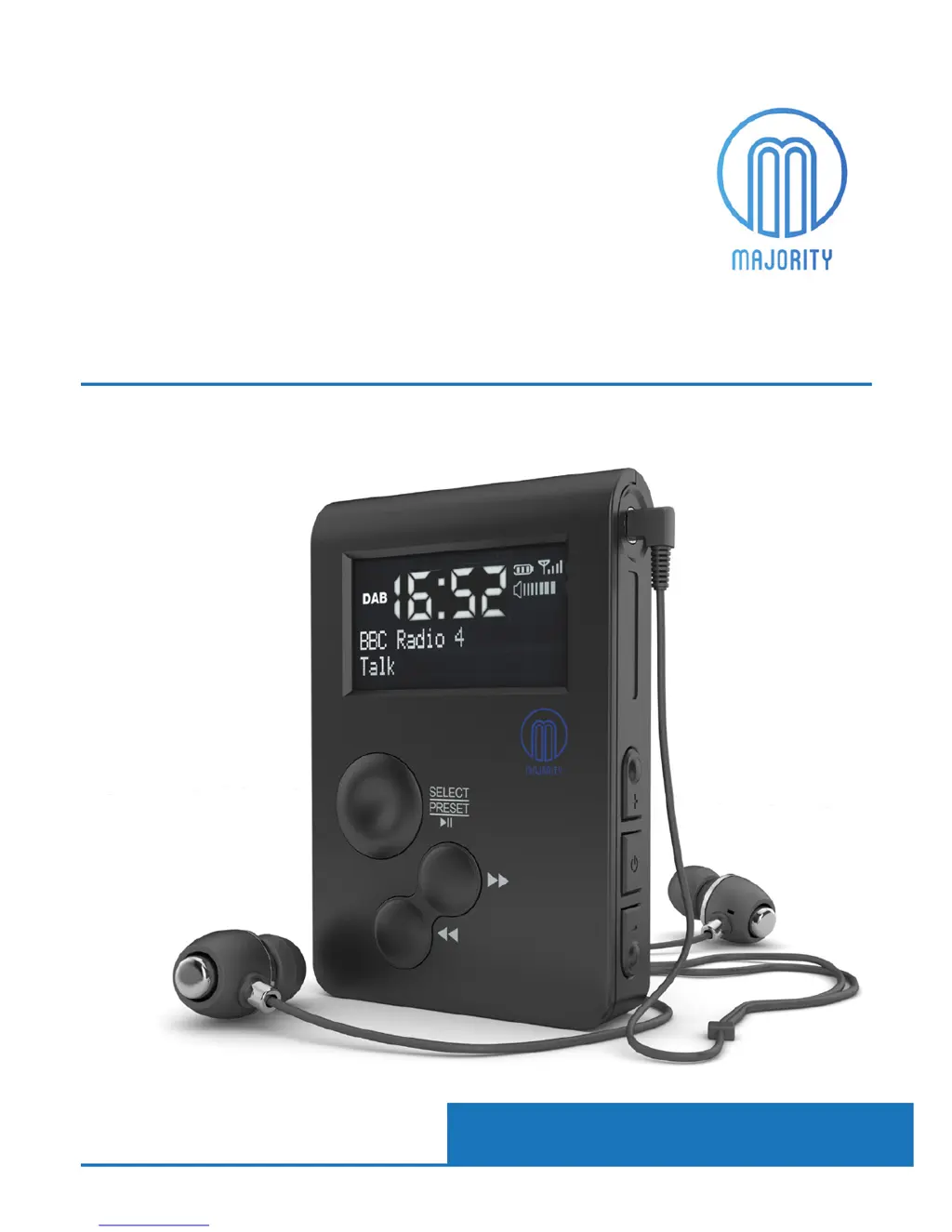
Digital Pocket Radio with SD Card Playback
MAJORITY
PARKSIDE GO
Instrucons Guide

Questions and Answers

  • J
    Jared JacobsAug 11, 2025
    How to fix MAJORITY PARKSIDE GO Radio displaying “F/W Update Mode”?
    • C
      Christopher MoranAug 11, 2025
      The radio enters this update mode if switched off and the ‘Select’ button is pressed while turning it back on. To exit this mode, insert a pin into the ‘Reset’ port on the back of the radio. This will remove the F/W Update Mode screen.
  • K
    Katelyn MartinezAug 19, 2025
    What to do if my MAJORITY PARKSIDE GO has no sound?
    • O
      osmithAug 19, 2025
      First, check if the unit is set to MUTE. If not, the radio station may not be properly tuned. Rescan the DAB or FM mode, making sure you are in an area with a strong signal.
  • A
    Allison ScottAug 27, 2025
    Why is my MAJORITY PARKSIDE GO Radio not receiving any stations?
    • D
      Diana GonzalesAug 27, 2025
      The provided earphones act as an external aerial. Please use them, as they should help pick up DAB/DAB+, time, and date. If you're already using the earphones or alternative aerial earphones, try moving to a different location and rescan for available stations.
  • L
    Lori SimsSep 3, 2025
    Why my MAJORITY PARKSIDE GO Radio has no power or function?
    • M
      Manuel WoodsSep 3, 2025
      Check that the radio is charging and use when fully charged. Also, make sure the radio is switched on by holding down the ON/OFF button.

MAJORITY PARKSIDE GO Specifications

General IconGeneral
DisplayLCD
BluetoothYes
Battery LifeUp to 10 hours
Battery Quantity1
Headphone JackYes
TypePortable
Power SourceBattery
ConnectivityBluetooth, AUX
FeaturesBluetooth, Alarm, Sleep Timer
Battery TypeLithium-ion
Frequency RangeFM 87.5-108 MHz
Weight500 g

Related product manuals