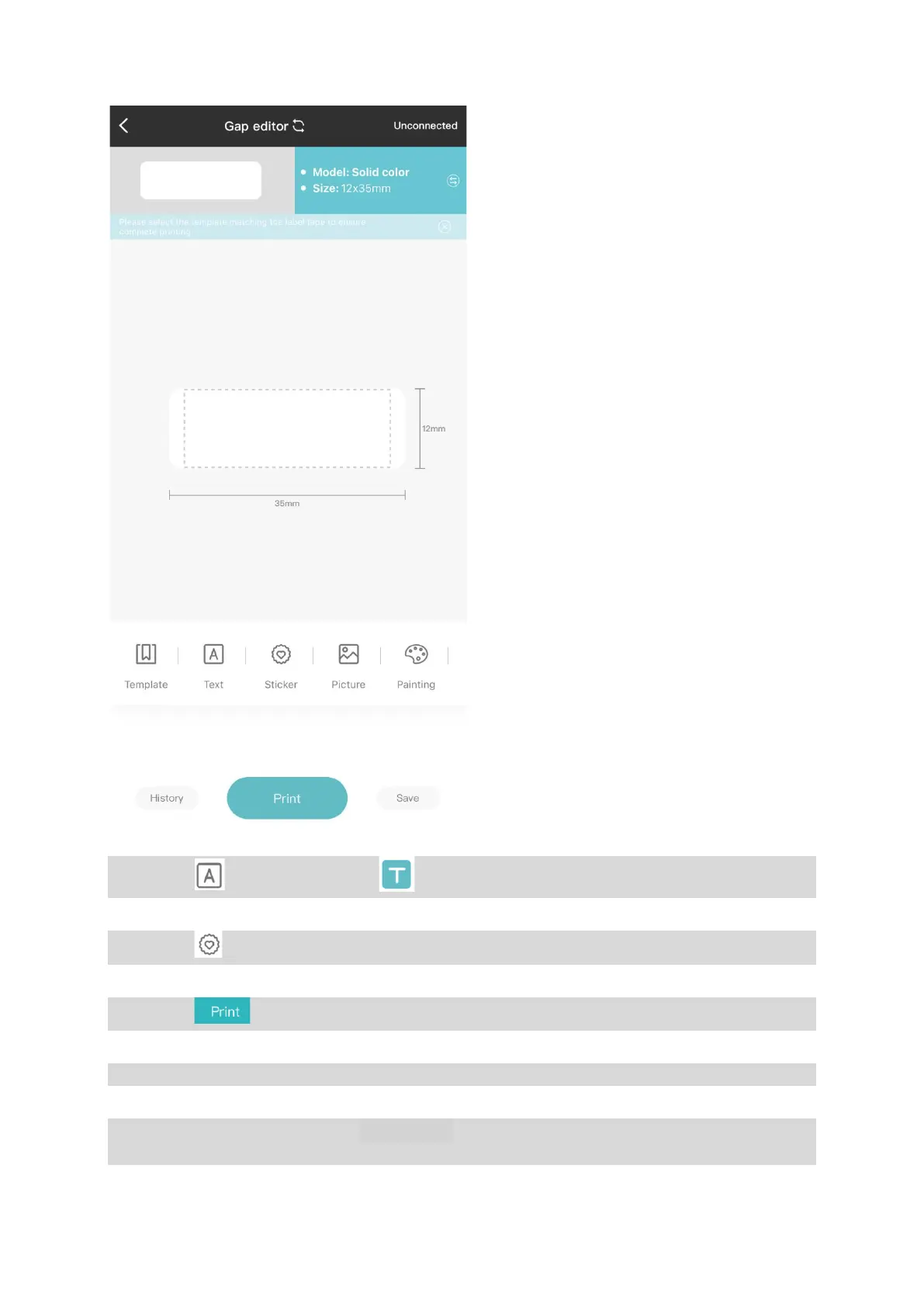
Step3.
3
rd
, click on to edit the text, and to change fonts or resize text.
Step4.
4
th
, click on to insert stickers or icons.
Step5.
5
th
, click on to enter the print preview page where you could set print copies.
Step6.
6
th
, Tear off the label from the label exit after printing.
*
To prevent causing any potential damage to the label and the printer, do not attempt to
tear off the label while the printer is operating.


 To Next Page