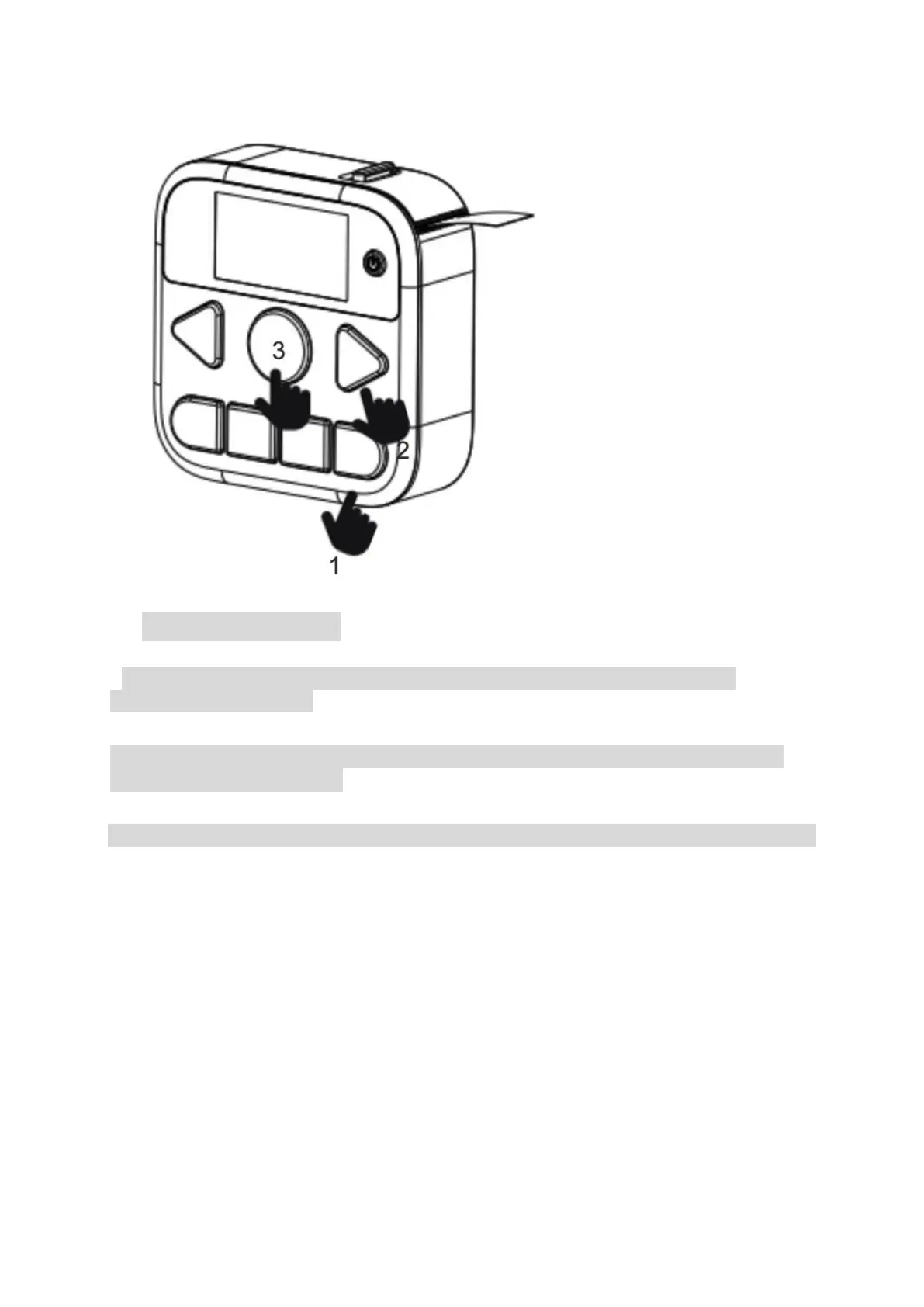
5. How to Use the APP
* You could also edit the text in the APP to print after the printer is connected by
following the steps above.
Step1.
1
st
, the printer is powered on and the label roll has been correctly installed, then connect the
printer to the phone in the APP.
Step2.
2
nd
, enter the label-editing page in the APP.


 To Next Page