17
4.3.6 Automatic Battery Test mode setting(6)
① Enter the setting interface. Press and hold the function setting key for more
than 2 seconds, then come to setting interface, Press and hold the inquiring key for
more than half a second(less than 2 seconds), select the function setting, choose
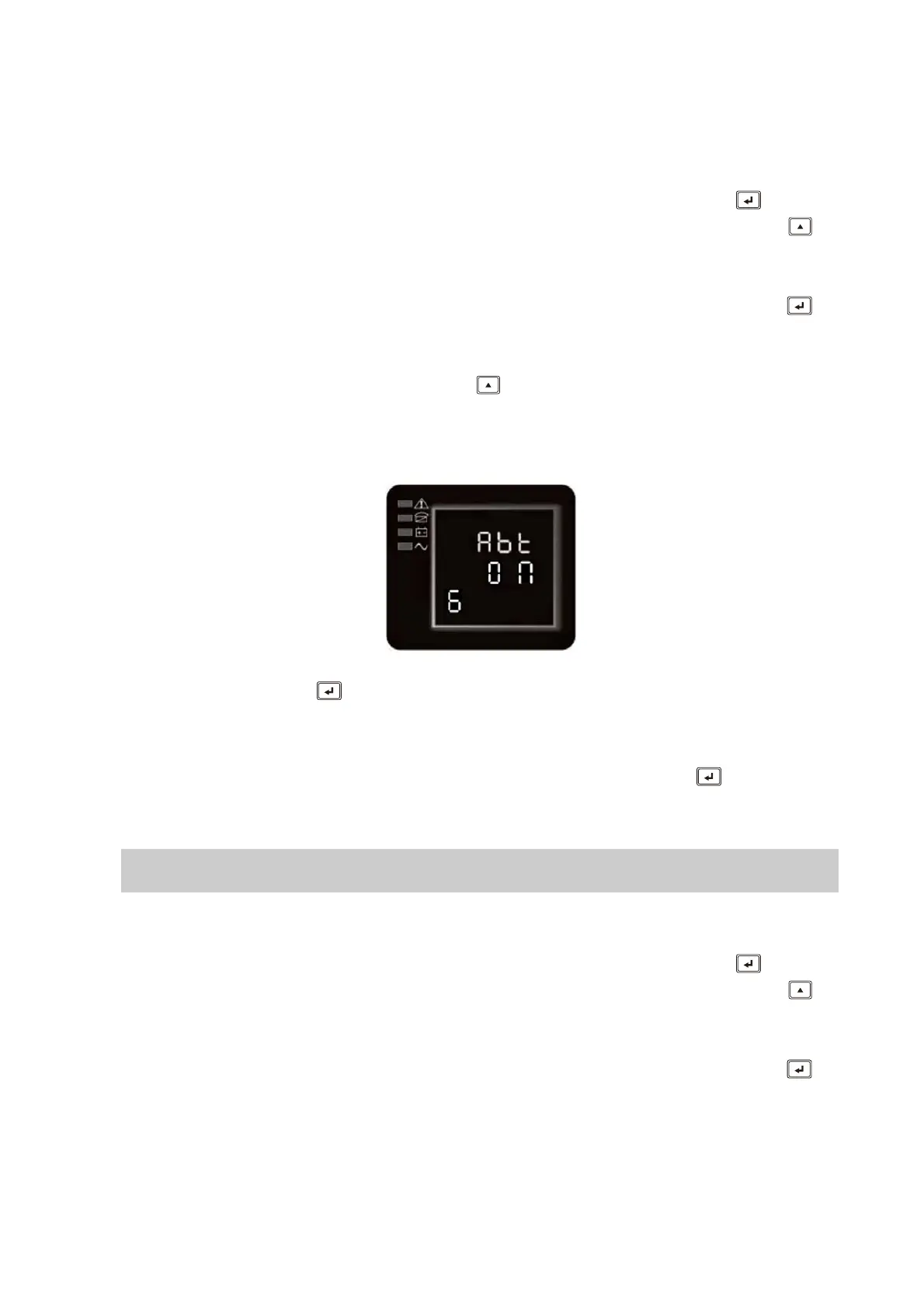
Automatic Battery Test setting interface, at the moment, the letters “Abt” will flash
② Enter the “Abt” setting interface. Press and hold the function setting key for
more than half a second(less than 2 seconds), then come to setting interface of “Abt”,
at this time, the letters “Abt” will light for a long time. The “ON”(or OFF) below the “Abt”
will flash. Press and hold the inquiring key for more than half a second (less than 2
seconds) to determine whether the “Abt” function is used or not. If used, the
corresponding word is “ON”, if not, the word is “OFF”. It can be determined by
yourself.
③ Confirm the “Abt” selecting interface. After selecting ON or OFF, press and hold
the function setting key for more than half a second (less than 2 seconds). Now, the
“Abt” setting function is completed and the “ON” or “OFF” below the “Abt” will light
without flash.
④ Exit from the setting interface. Press and hold function setting key for more than
half a second (less than 2 seconds), exit from the setting interface and return to main
interface.
If used, the corresponding word is “ON”,One month periodically check the battery
connections.
4.3.7 Warning Code Display mode setting(7)
① Enter the setting interface. Press and hold the function setting key for more
than 2 seconds, then come to setting interface, Press and hold the inquiring key for
more than half a second(less than 2 seconds), select the function setting, choose
Warning Code Display setting interface, at the moment, the letters “wc” will flash
② Enter the “wc” setting interface. Press and hold the function setting key for
more than half a second(less than 2 seconds), then come to setting interface of “wc”,
at this time, the letters “Abt” will light for a long time. The “ON”(or OFF) below the Abt









 To Next Page