20
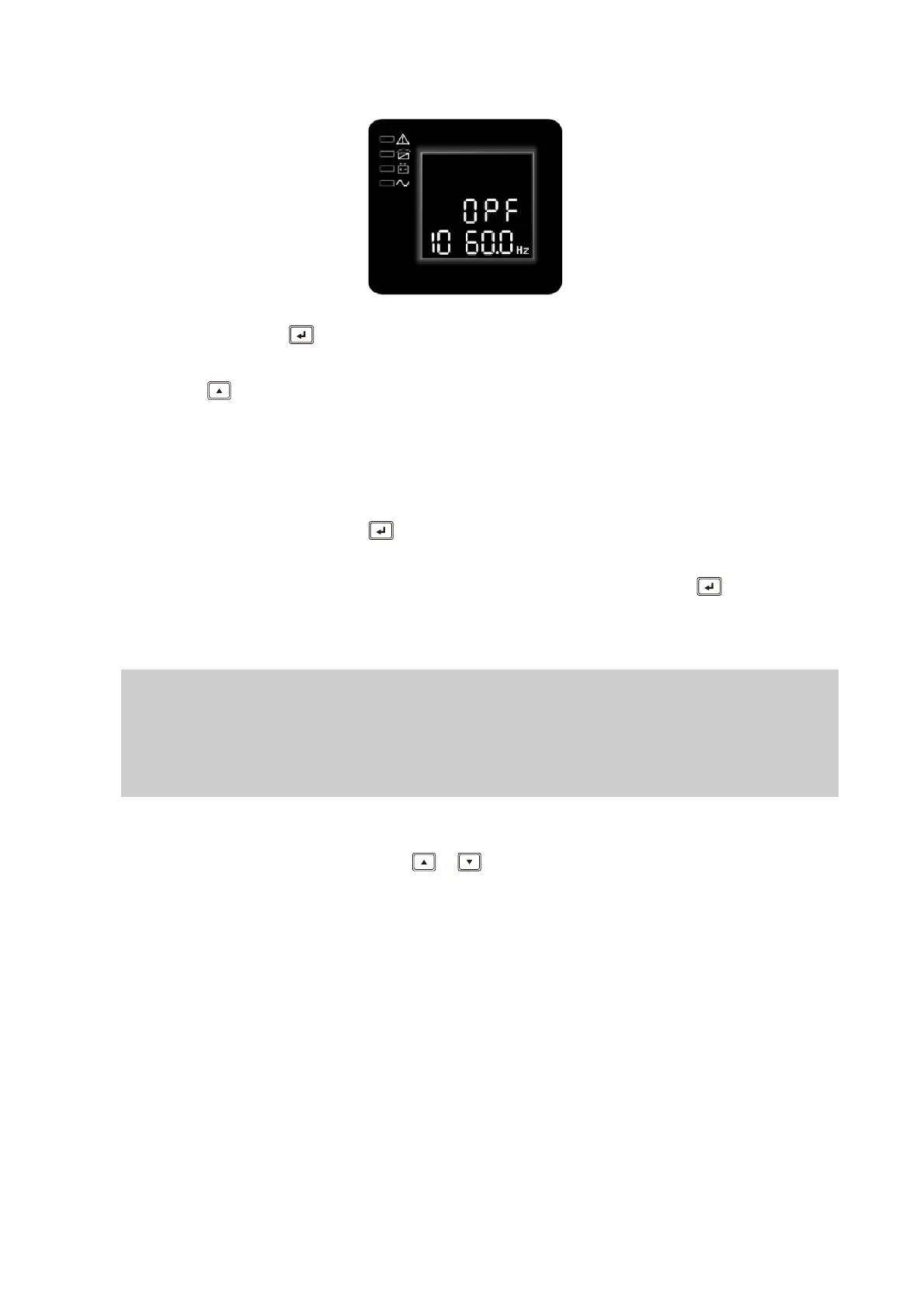
② Enter the output frequency of converter mode setting interface. Press and hold the
function setting key for more than half a second(less than 2 seconds) , the letters
“OPF” will stop flashing. The letters below the “OPF” will flash. Press and hold the
scroll key for more than half a second (less than 2 seconds), select the output
frequency, “50Hz”(output fixed to 50Hz and active converter mode) or “60Hz”(output
fixed to 60Hz and active converter mode) or “IPF”(inactive converter mode and active
normal mode)
③ Confirm the setting. After selecting converter mode output frequency, press and
hold the function setting key for more than half a second (less than 2 seconds).
Now, the setting is confirmed.
④ Exit from the setting interface. Press and hold function setting key for more than
half a second (less than 2 seconds), exit from the setting interface and return to main
interface.
IPF:UPS output frequency with the same frequency as the mains input.
50.0Hz:UPS output frequency is fixed at 50.0Hz, independent of the mains input
frequency .
60.0Hz:UPS output frequency is fixed at 60.0Hz, independent of the mains input
frequency.
4.4 Parameters inquiring
Press and hold the inquiring key or for more than half a second(less than 2
seconds) to inquire about items. The inquired items include input, battery, output, load,
temperature, versions. The displayed items on LCD screen are showed as following:
Output:Display the output voltage and output frequency of the UPS. As the following
graphic shows, the output voltage is 230v, the output frequency is 50Hz.









 To Next Page