19
③Confirm the setting. After selecting EPO input polarity, press and hold the function
setting key for more than half a second (less than 2 seconds). Now, the setting is
confirmed.
④Exit from the setting interface. Press and hold function setting key for more than
half a second (less than 2 seconds), exit from the setting interface and return to main
interface.
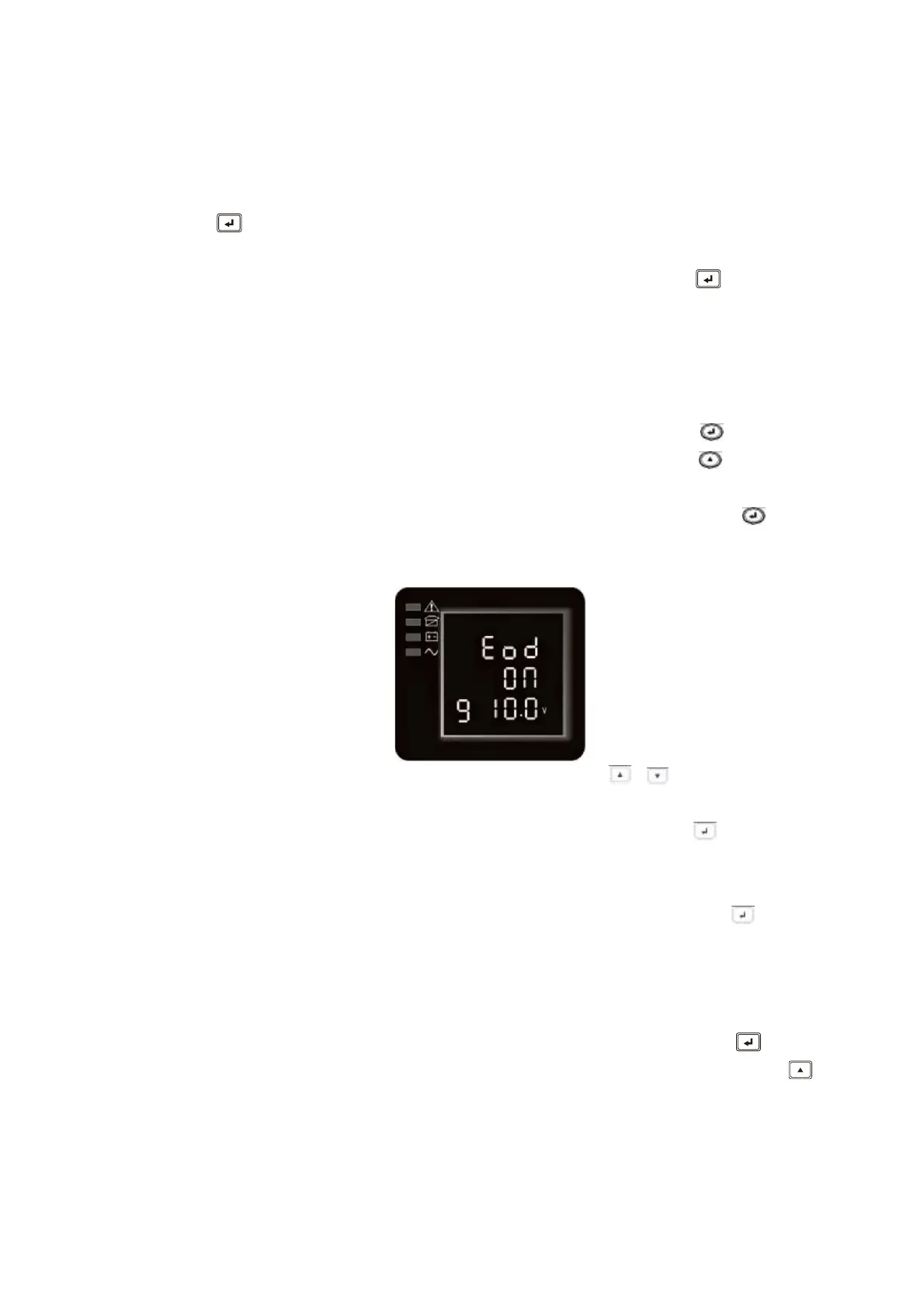
4.3.9 (Battery) End of discharge setting(9)
① Enter the setting interface. Press and hold the function setting key for more than
2 seconds, then come to setting interface ,short press the scroll key for more than
half a second (less than 2 seconds) to select Eod setting, the letters “Eod” will flash.
②Enter the Eod setting interface. Press and hold the function setting key for more
than half a second(less than 2 seconds) at this time, the letters “Eod” will stop
flashing.
③Set the Eod tolerance range. Short press the scroll key
or for more than half a
second (shorter than 2 seconds)to select the voltage range in percentage. 10.0V,
10.5V, 11.0V (default is 10.0V),then short press function setting key for more than
half a second (shorter than 2 seconds)to confirm the selection, then to set the minus
range
④After the minus range is confirmed. Long press function setting key
for more
than 2 seconds to exit setting menu..
4.3.10 Frequency Converter mode setting(10)
①
Enter the setting interface. Press and hold the function setting key for more
than 2 seconds, then come to setting interface, Press and hold the scroll key for
more than half a second(less than 2 seconds), select the function setting, choose
output frequency setting interface, the letters “OPF” will flash.









 To Next Page