18
will flash. Press and hold the inquiring key for more than half a second (less than 2
seconds) to determine whether the “wc” function is used or not. If used, the
corresponding word is “ON”, if not, the word is “OFF”. It can be determined by
yourself.
③ Confirm the “wc” selecting interface. After selecting ON or OFF, press and hold the
function setting key for more than half a second (less than 2 seconds). Now, the
“wc” setting function is completed and the “ON” or “OFF” below the “wc” will light
without flash.
④ Exit from the setting interface. Press and hold function setting key for more than
half a second (less than 2 seconds), exit from the setting interface and return to main
interface.
If used, the corresponding word is “ON”,2~5 seconds cycle Warning Code, please
refer to Warning Code information Table in Appendix1.
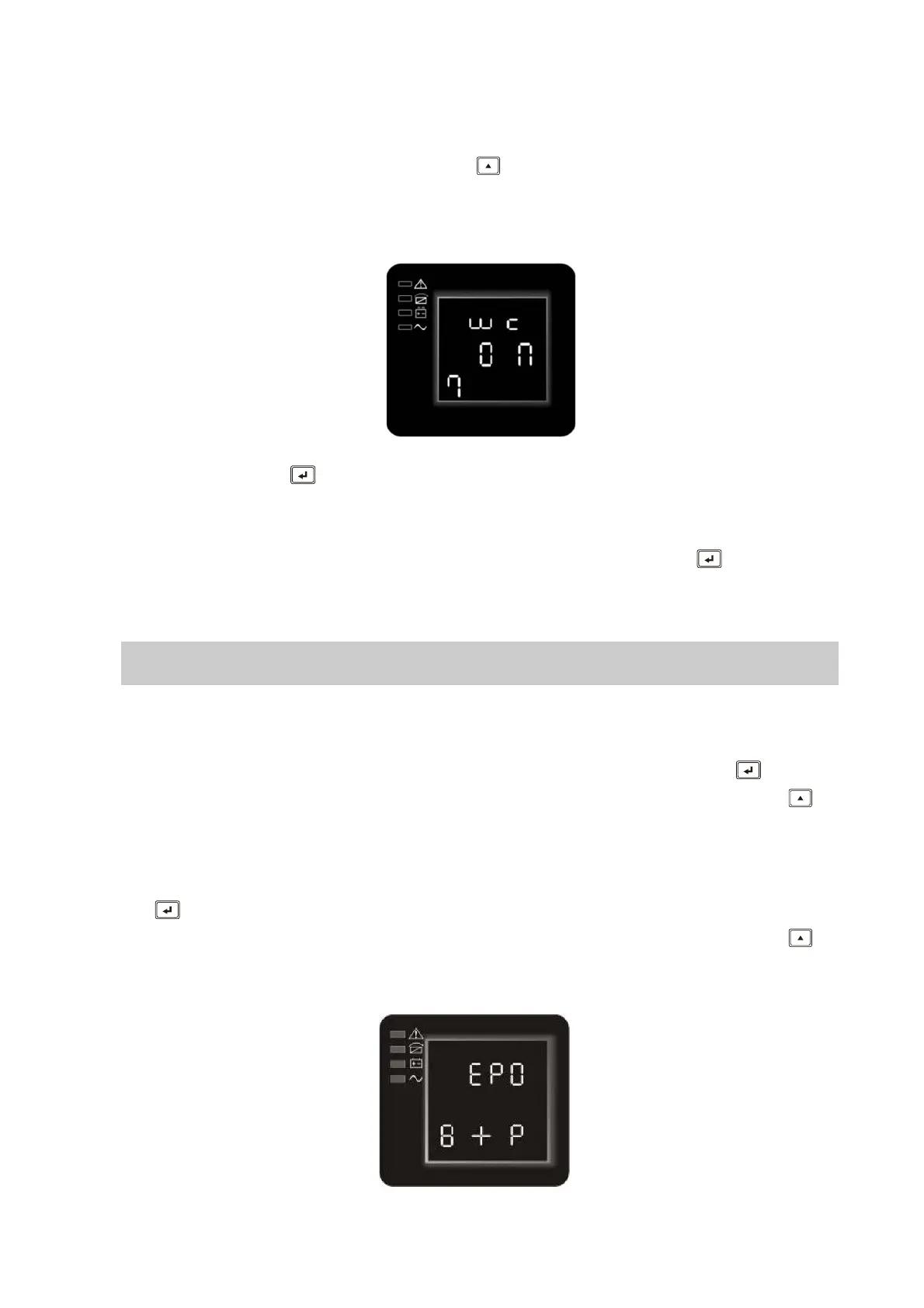
4.3.8 EPO Input Polarity setting(8)
①
Enter the setting interface. Press and hold the function setting key for more
than 2 seconds, then come to setting interface, Press and hold the scroll key for
more than half a second(less than 2 seconds), select the function setting, choose
EPO Input polarity setting interface, the letters “EPO” will flash.
②Enter the EPO Input Polarity setting interface. Press and hold the function setting
key for more than half a second(less than 2 seconds) , the letters “EPO” will stop
flashing. The letters below the “EPO” will flash. Press and hold the scroll key for
more than half a second (less than 2 seconds), select the EPO input polarity,
“+P”(open circuit execute EPO function) or “–P”(short circuit execute EPO function)









 To Next Page