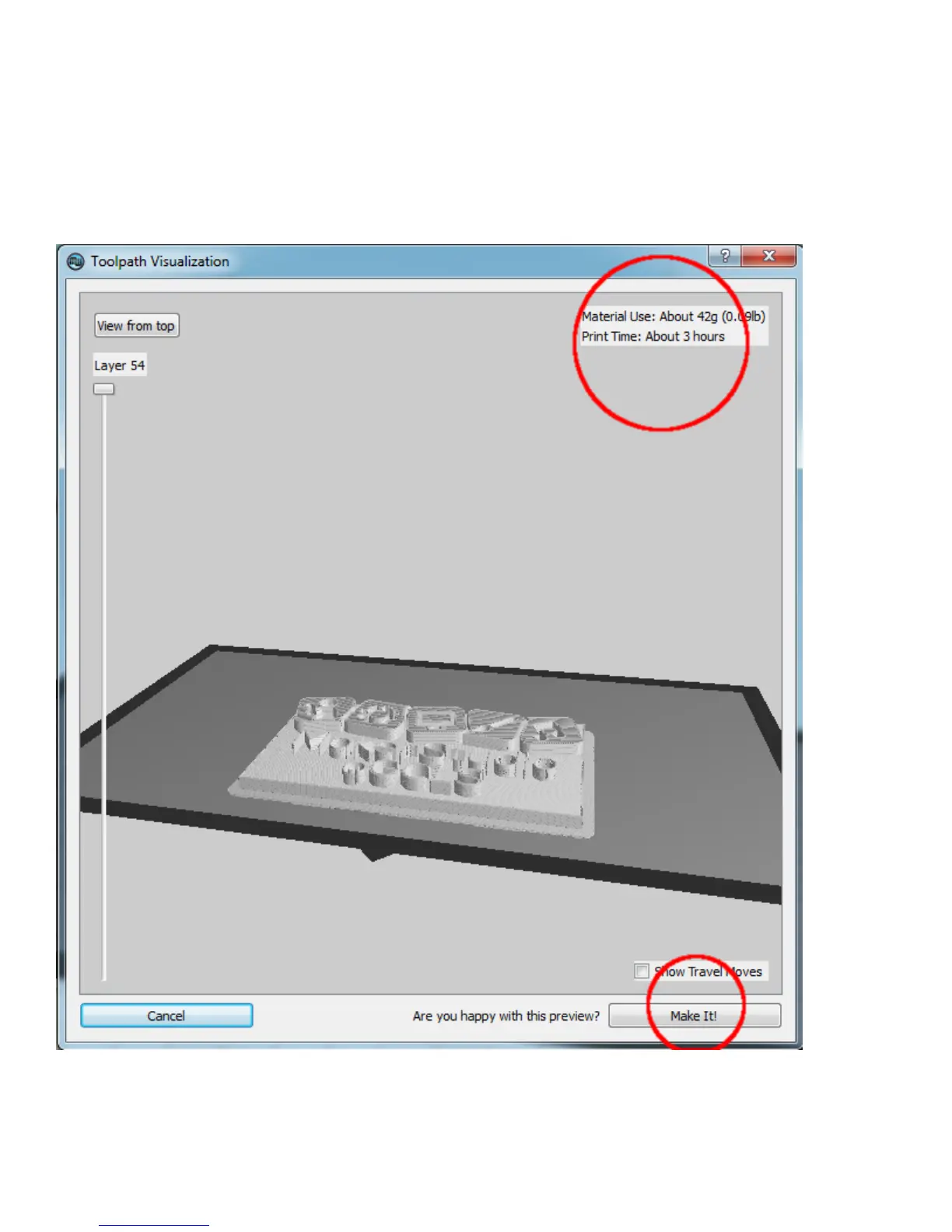
Take note of print time shown at top right of window. You will only be permitted to continue with your print
job if you have enough time considering MakerStudio closing time and/or your reservation. The 3D printer
must be shut down at closing time regardless of time remaining in print job. Please talk with the MakerStudio
staff if your print job requires a longer time than is available.
If you have enough time and wish to initiate your print, select the Make It! button at the bottom of the
window.



 To Next Page