EasyManua.ls Logo

MakerBot Replicator Mini+ - User Manual

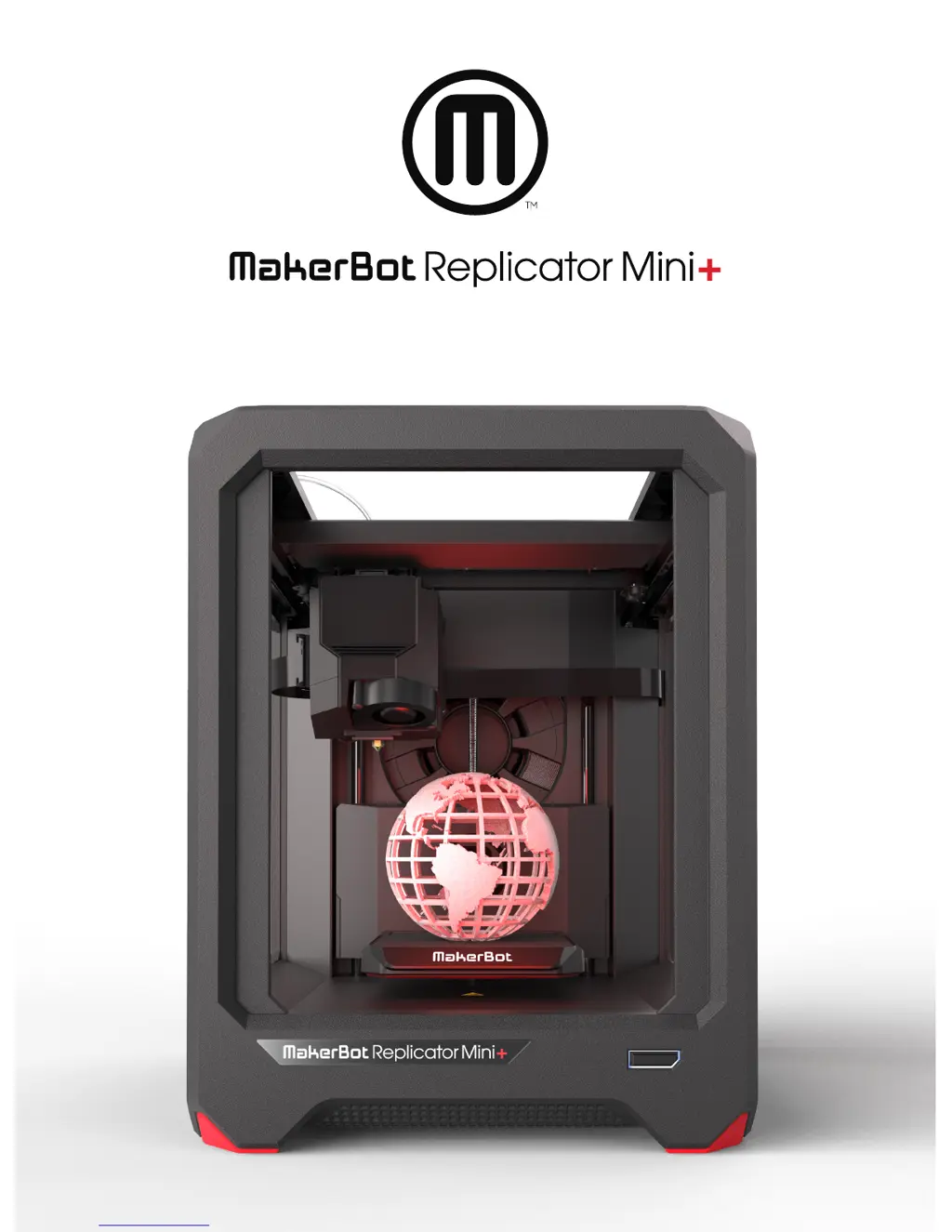
MakerBot Replicator Mini+
34 pages
Print Icon
To Next Page IconTo Next Page
Loading...
USER MANUAL

Other manuals for MakerBot Replicator Mini+

Questions and Answers

Summary

Welcome

Legal Notices

Product Warranty

Details regarding the limited warranty for the 3D Printer.

Overall Provisions

Information subject to change, modification rights, and support contact.

Disclaimers

Warranties, liabilities, and responsibilities regarding manual information.

Intellectual Property

Trademarks, trade names, and service marks usage rights.

Safety and Compliance

Radio and Television Interference

FCC compliance, potential interference, and corrective measures.

Wireless Specifications

Details on WLAN RF frequency range, protocol, and antenna.

General Safety Warnings

Essential safety precautions including moving parts, heat, shock, and unattended operation.

About the MakerBot Replicator Mini+

How the MakerBot Replicator Mini+ Works

Explanation of the 3D printing process using PLA filament and software.

MakerBot Replicator+ Diagrams

Getting Started

Setup Kit Contents

Unpacking the Replicator Mini+

Open the Box

Instructions for opening the box and removing the setup kit.

Remove Securing Tape and Build Platform Foam

Guidance on removing tape and foam securing the build plate.

Remove Shipping Clips

Instructions for removing and saving shipping clips from the printer.

Setting Up the Replicator Mini+

Install the Smart Extruder+

Procedure for attaching the Smart Extruder+ to the extruder carriage.

Install Spool of MakerBot PLA Filament

Plug In and Power On

Start Up

The MakerBot Mobile App

Downloading the MakerBot Mobile App

Steps to download and install the app for Android and iOS devices.

The Guided Setup

Begin the Guided Setup

Steps to initiate the guided setup process using the MakerBot Mobile App.

How to Load;Unload Filament

Instructions for loading and unloading filament using the mobile app.

MakerBot Replicator Mini+ Action Button

Initiate Guided Setup

How to start the guided setup process using the Action Button.

Restart Guided Setup

How to restart the initial setup or Wi-Fi pairing process.

Confirm Error

How to acknowledge and continue printing after an error occurs.

End Filament Loading

Procedure to cancel the filament loading process.

Pause or Cancel Printing

How to pause, resume, or cancel an ongoing print job.

Unload Filament

How to initiate the filament unloading process.

Connect MakerBot Replicator Mini+ to Printer

Connect to a Networked Printer

Steps for connecting the printer to a network via the mobile app.

Connect to a Printer via IP Address

Manual connection method for printers using IP addresses.

MakerBot Print

Download and Install MakerBot Print

How it Works

Overview of MakerBot Print features for preparing and managing 3D models.

Connecting to MakerBot Print

Methods for connecting the printer to MakerBot Print via USB or Wi-Fi.

Printing with MakerBot Print

Choosing and Preparing a 3 D Model

Importing, selecting, and preparing 3D models for the printing process.

Model View and Arrangement

Viewing, arranging, and manipulating 3D models on the build plate.

Print Preview and Settings Configuration

Using print preview, layer selection, and adjusting print settings for quality.

Model Scaling and Printer Connection

Adjusting model scale, orientation, and connecting to the printer.

System Preferences and Controls

Configuring system settings for display, units, warnings, and privacy.

Print Job Management and Completion

Starting, pausing, cancelling prints, and removing finished objects.

Build Plate Maintenance and Replacement

Cleaning, maintaining, and replacing the build plate grip surface.

Troubleshooting

Printing and Connectivity Problems

Reference

Glossary

Specifications

Contact Information

Support Resources

Links and information for accessing MakerBot support documentation and help.

Sales Inquiries

Contact details for sales team and product inquiries.

MakerBot Replicator Mini+ Specifications

General IconGeneral
Layer Resolution100 microns
Filament Diameter1.75 mm
Nozzle Diameter0.4 mm
ConnectivityUSB, Wi-Fi, Ethernet
Supported MaterialsPLA
TechnologyFused Deposition Modeling (FDM)
Dimensions29.5 x 31.1 x 38.1 cm

Related product manuals