EasyManua.ls Logo

MakerBot Replicator - User Manual

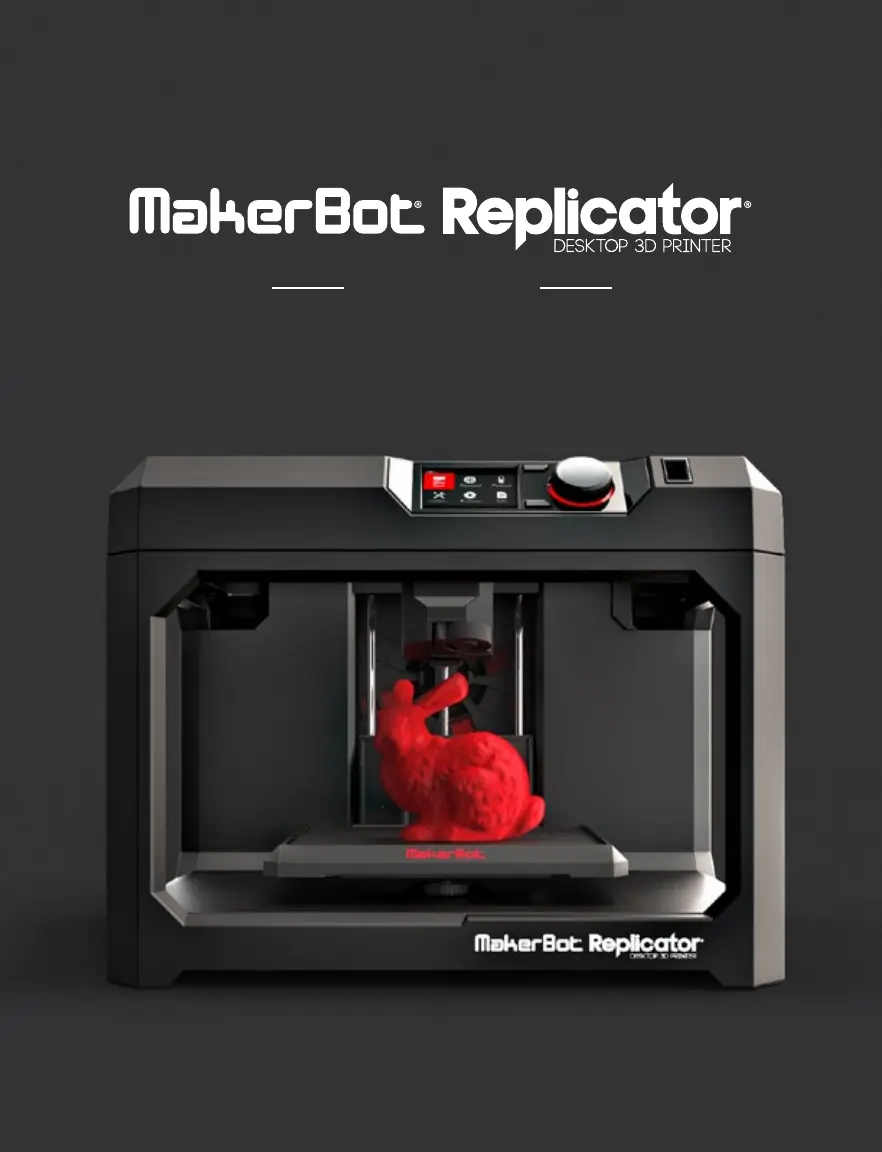
MakerBot Replicator
61 pages
Print Icon
To Next Page IconTo Next Page
Loading...
USER MANUAL

Other manuals for MakerBot Replicator

Questions and Answers

Summary

Safety and Compliance

Important Safety Precautions

Key warnings and cautions for operating the MakerBot Replicator safely.

About the MakerBot Replicator

Getting Started

Unpacking the MakerBot Replicator

Step-by-step instructions for safely unpacking the 3D printer from its packaging.

Setting Up the MakerBot Replicator

Guide to installing the Smart Extruder and the filament spool.

Install the Spool of MakerBot PLA Filament

Detailed steps for correctly mounting and threading the filament spool.

Plug In and Power On

Steps for connecting the power cord and turning on the MakerBot Replicator.

Startup

Level the Build Plate

Procedure for leveling the build plate to ensure proper print adhesion.

Load Filament

Step-by-step guide on how to load filament into the Smart Extruder.

Print a Test Object

Instructions for printing a preloaded test object to verify functionality.

MakerBot Desktop

Downloading and Installing MakerBot Desktop

Guide to downloading and installing the MakerBot Desktop software on your computer.

Printing from MakerBot Desktop

Overview of the MakerBot Desktop software sections: Explore, Library, Prepare, and Store.

Print Settings and Options

Configuring resolution, raft, and supports for optimal print quality.

The Control Panel

Home Screen and Core Functions

Accessing Print, Filament, Utilities, Settings, and Info from the home screen.

Print: Select a File

Initiating a print by selecting a file from USB, internal storage, or cloud library.

Start Print Options

Choosing to print, view info, or copy a selected file from the file screen.

During a Print

Monitoring print progress, time, and accessing the print menu for pause or cancel.

Troubleshooting

MakerBot Replicator Specifications

General IconGeneral
Filament Diameter1.75 mm
Nozzle Diameter0.4 mm
Print TechnologyFused Deposition Modeling (FDM)
Layer Resolution100 microns
ConnectivityUSB, Wi-Fi
Supported MaterialsPLA
DisplayLCD display

Related product manuals