startup21
FIRST STEPS
Your MakerBot Replicator uses 1.75 mm diameter PLA filament to create 3D printed objects.
Once your spool of MakerBot PLA Filament is loaded into the filament drawer at the back of
the MakerBot Replicator, all you have to do is load the free end of the spooled filament into
the MakerBot Replicator Smart Extruder.
LOAD FILAMENT
1. Press the control panel dial.
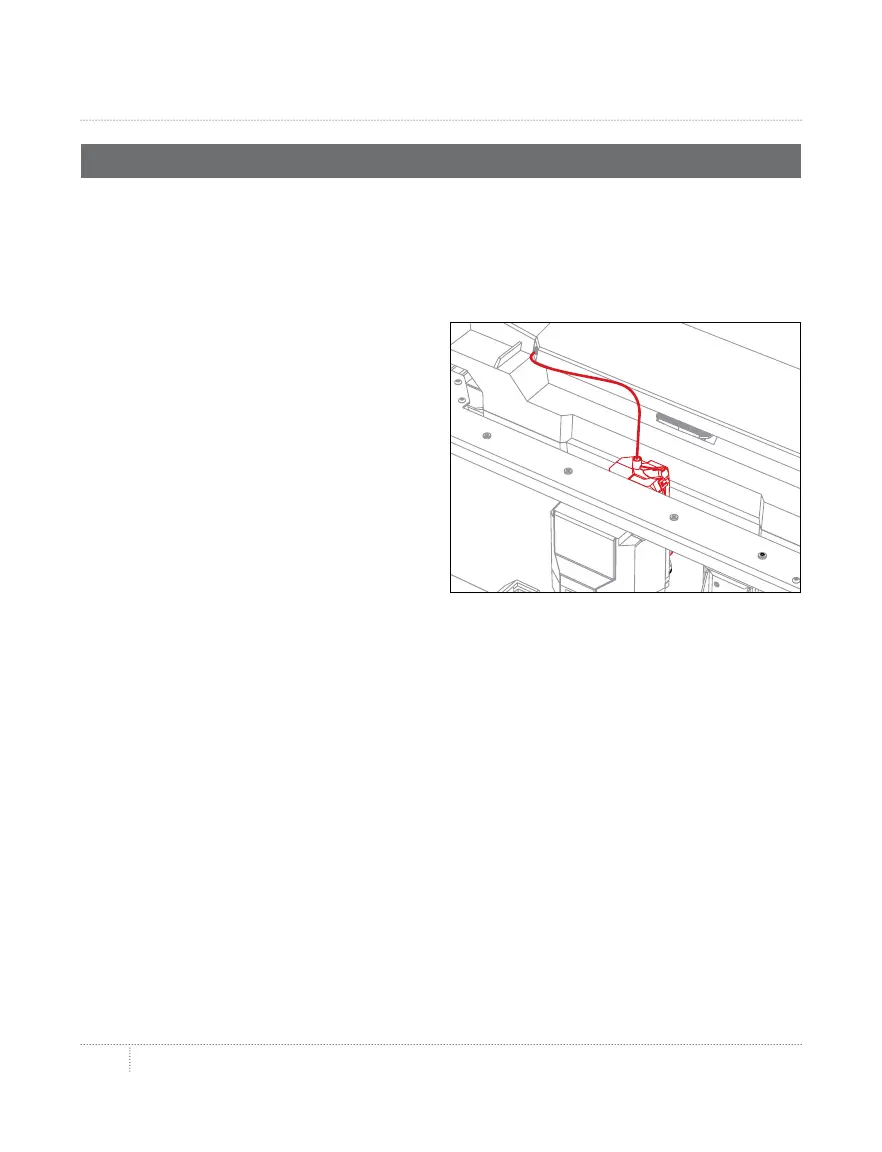
2. When the Smart Extruder is fully heated,
grasp the top of the extruder assembly and
push the free end of filament into the loading
tube at the top of the Smart Extruder . Keep
pushing on the filament until you feel the
Smart Extruder pulling it in.
3. Wait until you begin to see plastic
emerging from the extruder nozzle. Then
press the control panel dial to stop extrusion.
4. Wait a moment for the Smart Extruder
plastic to cool, then pull it away from the
Smart Extruder. Do not touch the nozzle;
it may still be hot.



 To Next Page