the control panel37
2 START PRINT
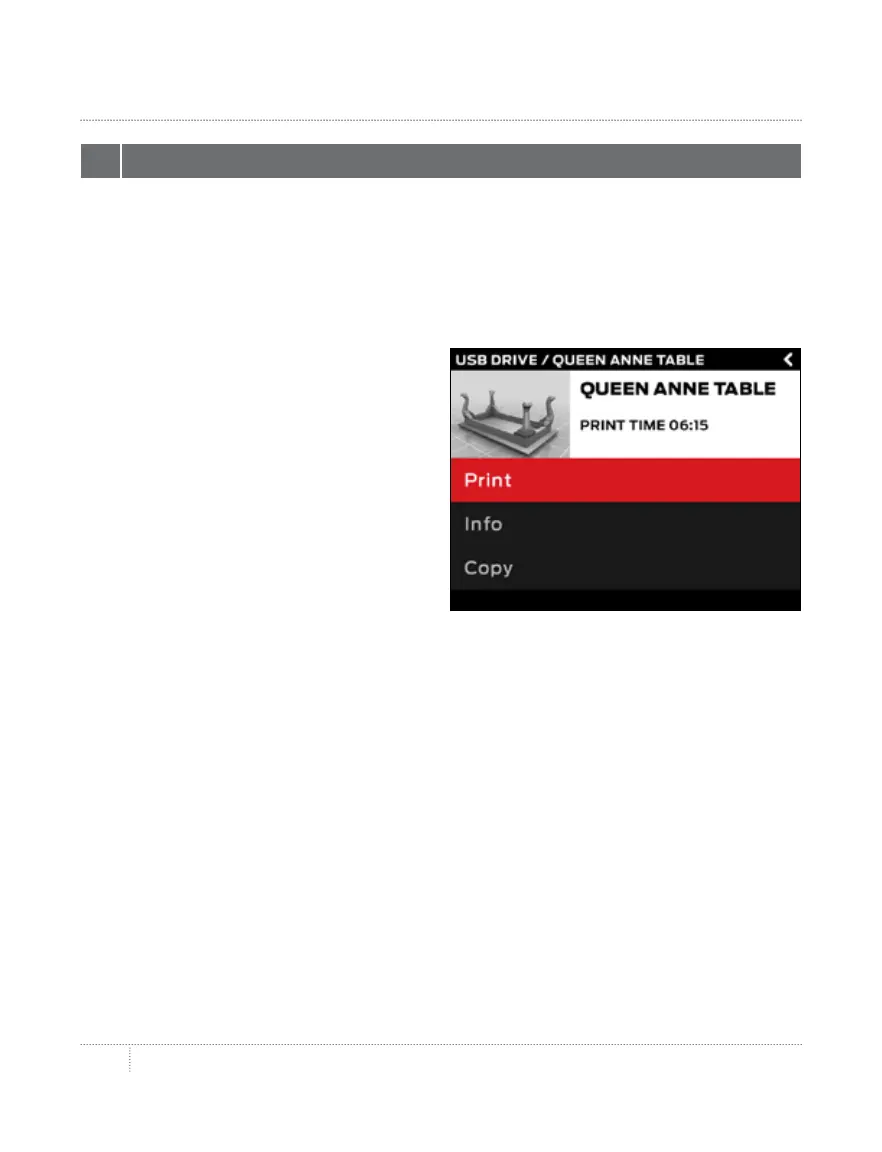
• • If you select a file from the USB drive or internal storage, the control panel will
display the file screen.
• • If you select something from your MakerBot Cloud Library, you will see a list of all
the layouts associated with the file. Scroll through the available layouts and select
one in order to go to the file screen.
From the file screen, choose what to do
with the part or layout:
• • Select Print to start printing the file.
• • Select Info for more information
on the part or layout. Turn the dial
• to toggle between three
information screens.
• • Select Copy to copy a file to
• internal storage or to an attached
USB drive.
PRINT



 To Next Page