GettinG started17
SETTING UP THE MAKERBOT REPLICATOR
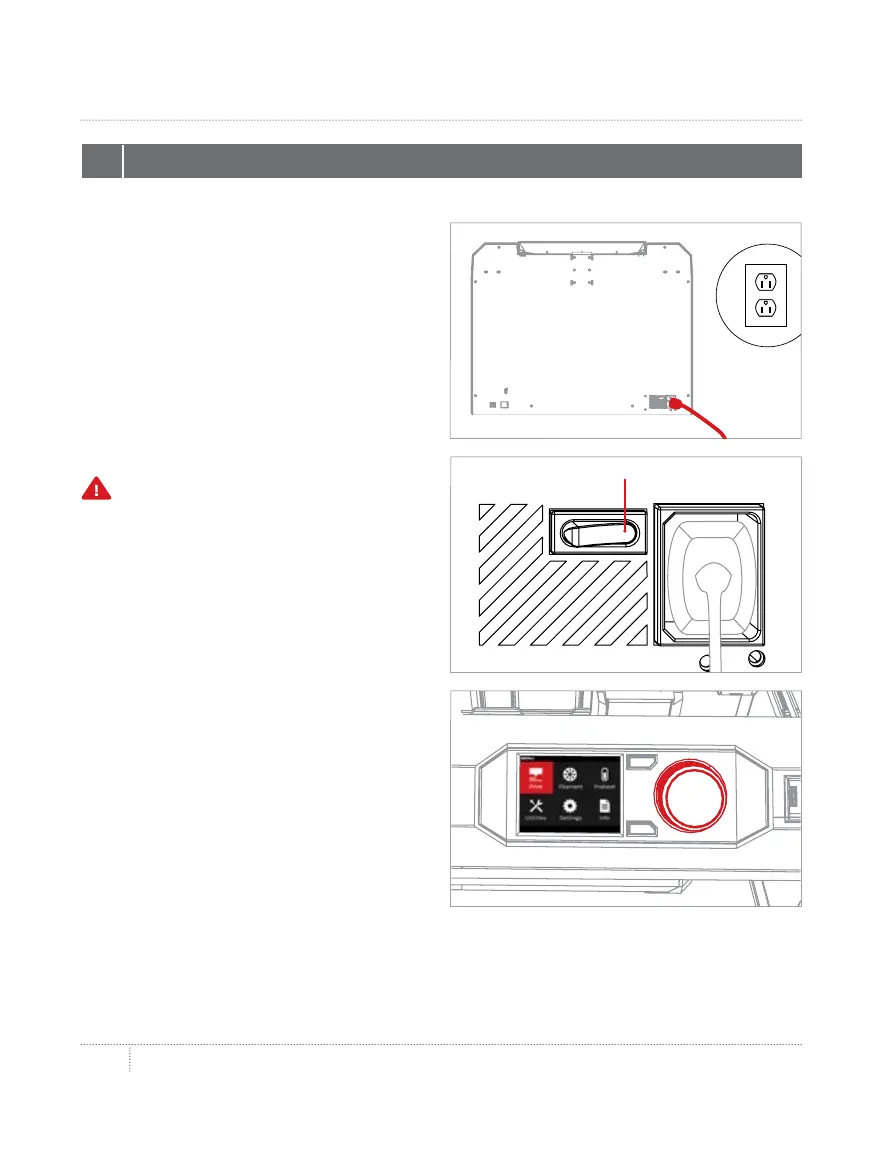
4a. Make sure the power switch
is in the O position.
4b. Locate the power cord and plug
it into the power input port at the back
of the MakerBot Replicator.
4c. Plug the power cord into
an electrical outlet.
4d. Switch the power on and press
the control panel dial.
4 PLUG IN AND POWER ON
Power On
Caution: The socket outlet must
be located near the equipment and
must be easily accessible.



 To Next Page