


 To Next Page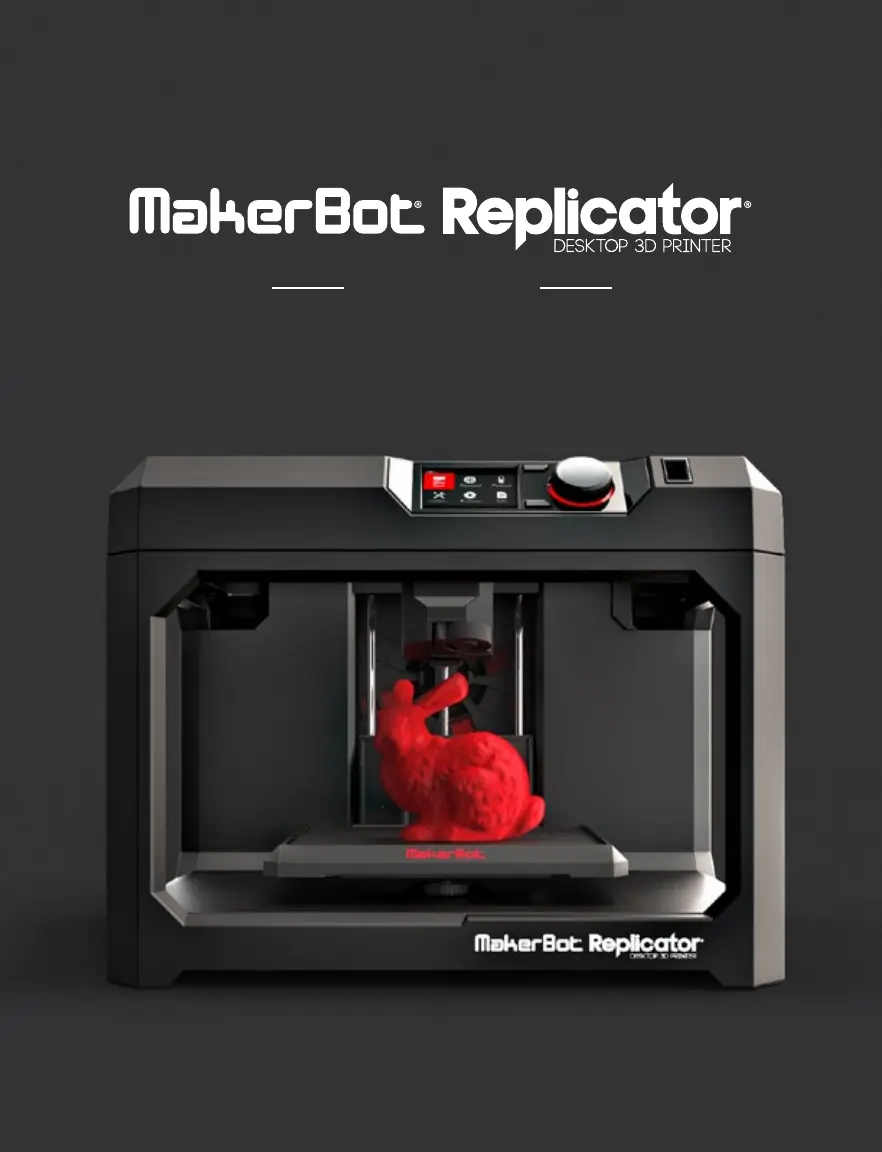


T
tonischmittAug 25, 2025
What to do if filament won’t extrude from the Smart Extruder of MakerBot Replicator?
- KKenneth WrightAug 25, 2025
If the filament won’t extrude from the Smart Extruder of your MakerBot 3D Printer, try unloading and reloading the filament. Press and hold the Action Button to start a filament change. Once the filament is free, the motor will reverse, allowing you to reload. To prevent future jams, let the Smart Extruder cool before turning off your MakerBot Replicator Mini.
 General








