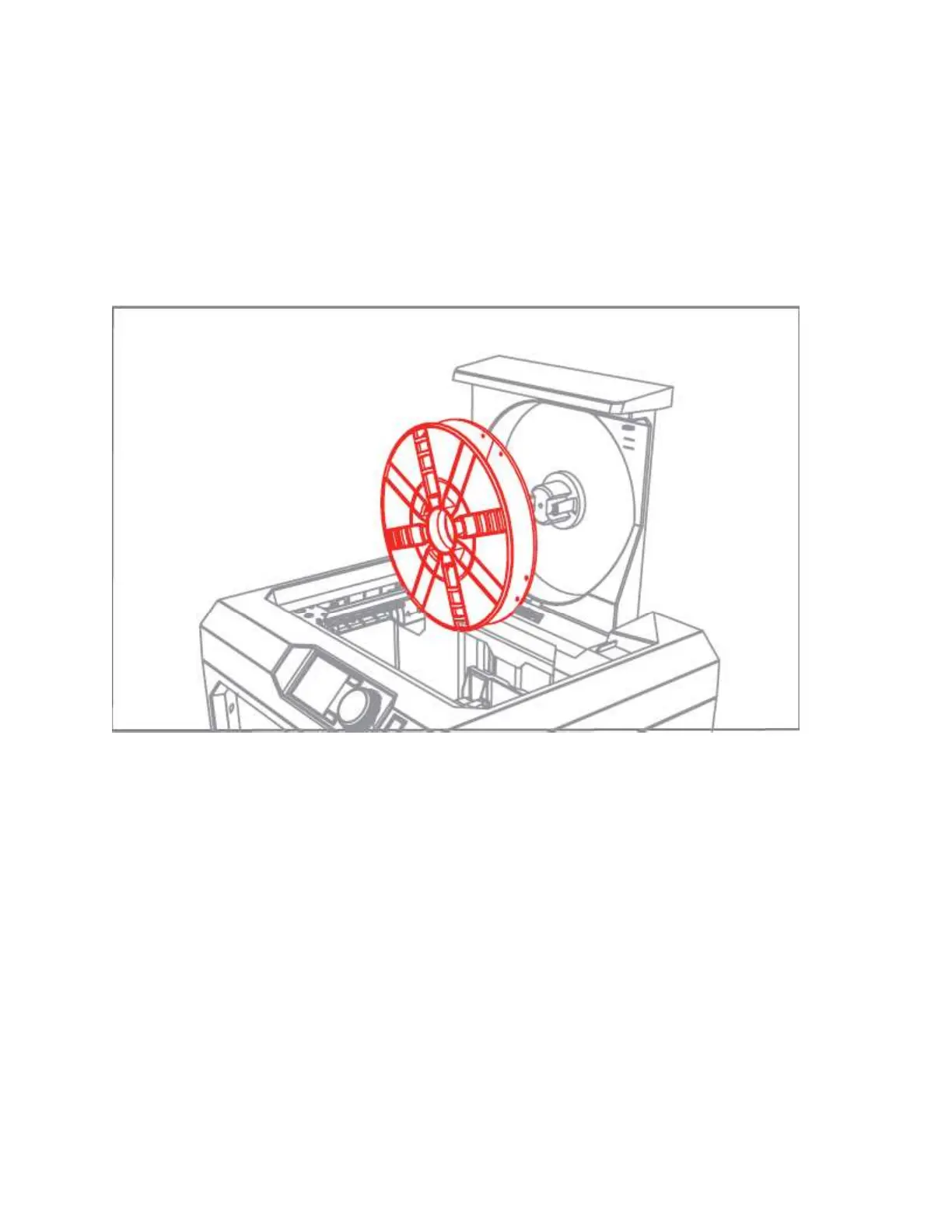
Installing a Filament Spool
Open the filament drawer by pulling up the back section of the frame of the MakerBot
Replicator+. Position the filament spool so that it will unwind counterclockwise and fit the spool
onto the filament spindle. Be careful not to let the filament loosen or tangle on the spool.
Detach the free end of the filament from the spool and insert it into the filament guide tube at the
upper right corner of the filament drawer. Push filament through the tube until the free end
emerges from the end of the guide tube.



 To Next Page