EasyManua.ls Logo

Makita XNU01 - User Manual

Makita XNU01
40 pages
Print Icon
To Next Page IconTo Next Page
Loading...
INSTRUCTION MANUAL
MANUAL DE INSTRUCCIONES
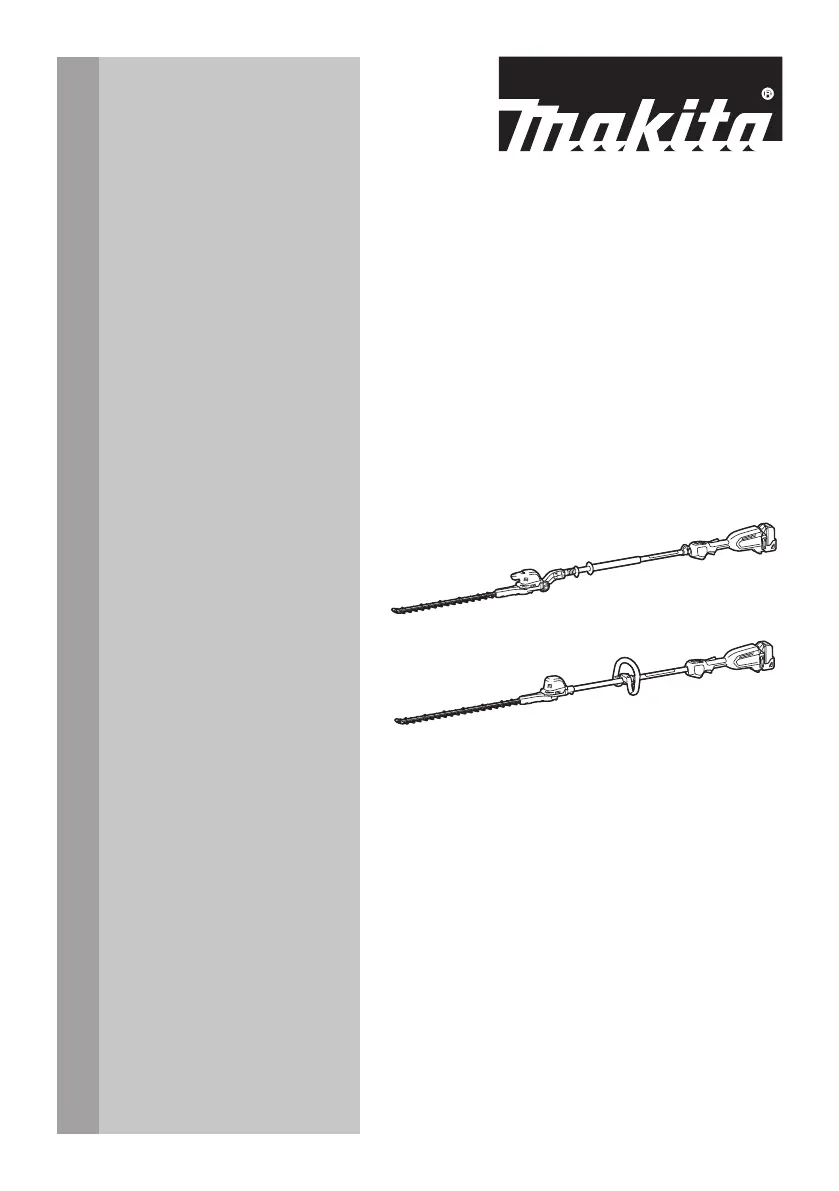
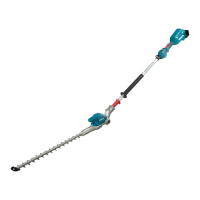
Cordless Pole Hedge Trimmer
Cortasetos de Extensión Inalámbrico
XNU01
XNU02
IMPORTANT: Read Before Using.
IMPORTANTE: Lea antes de usar.

Questions and Answers

  • A
    Alyssa FrancisJul 28, 2025
    Why my Makita XNU01 motor does not run?
    • A
      Allison RossJul 28, 2025
      If the Makita Trimmer motor isn't running, first ensure the battery cartridge is correctly installed. If it still doesn't work, the battery might be the issue. Try recharging it, and if that doesn't help, replace the battery. If problems persist after these steps, it could be a problem with the drive system, and you should seek assistance from an authorized service center.
  • C
    Christopher ZimmermanAug 2, 2025
    Why is my Makita Trimmer vibrating abnormally?
    • B
      Bradley JordanAug 2, 2025
      If your Makita Trimmer is vibrating abnormally, the shear blades might be broken, bent, or worn. Replace the shear blades. If the vibration continues after replacing the blades, the drive system may not be working correctly; in this case, seek assistance from an authorized service center.
  • A
    Austin ByrdAug 7, 2025
    What to do if Makita Trimmer shear blades and motor cannot stop?
    • S
      smithlaurieAug 7, 2025
      If the shear blades and motor on your Makita Trimmer won't stop, this indicates an electrical malfunction. Immediately remove the battery and seek assistance from an authorized service center for repair.
  • W
    williamscoryAug 11, 2025
    What to do if my Makita XNU01 motor stops after short use?
    • R
      rodriguezmarcAug 11, 2025
      If your Makita Trimmer motor stops shortly after you start using it, the battery charge level might be low. Try recharging the battery. If recharging doesn't solve the issue, you may need to replace the battery. Another possibility is overheating. If you suspect overheating, stop using the tool and allow it to cool down.
  • J
    james51Aug 17, 2025
    Why my Makita XNU01 does not reach maximum RPM?
    • S
      Scott WilliamsAug 17, 2025
      If your Makita Trimmer isn't reaching its maximum RPM, start by checking that the battery cartridge is correctly installed as described in the manual. If the installation is correct, the battery power may be dropping. Try recharging the battery, and replace it if recharging isn't effective. If the issue persists, the drive system may not be working correctly; seek assistance from an authorized service center.
  • V
    Veronica EricksonAug 21, 2025
    What to do if Makita Trimmer shear blades do not move?
    • J
      Justin AlvarezAug 21, 2025
      If the shear blades on your Makita Trimmer aren't moving, ensure the head is properly fixed at the correct operational angle. Also, check for any foreign objects caught between the shear blades. If there are foreign objects: 1. Use the reverse button. 2. Switch off the tool and remove the battery cartridge. 3. Remove the foreign objects using tools such as pliers. If the blades still don't move, the drive system may be faulty, and you should consult an authorized service center.

Summary

Specifications

Safety Warnings

General Power Tool Safety

Essential safety precautions for operating power tools to prevent injury, including environmental awareness and personal protection.

Personal Safety Precautions

Guidelines for user alertness, protective gear, preventing unintentional starts, and proper handling techniques.

Cordless Pole Hedge Trimmer Specific Safety

Blade and Cutting Area Safety

Precautions for keeping body parts away from blades, handling foreign objects, and avoiding accidental contact.

Handling and Operation Safety

Guidelines for carrying, holding the tool with two hands, and wearing appropriate protective gear.

Electrical Safety and Environment

Measures to reduce electric shock risk and avoid dangerous environments like wet locations.

Operational Procedures and Maintenance

Makita XNU01 Specifications

General IconGeneral
BrandMakita
ModelXNU01
CategoryTrimmer
LanguageEnglish

Related product manuals