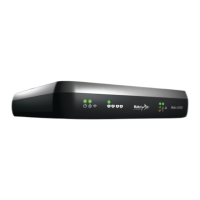
6500-M Status Lights
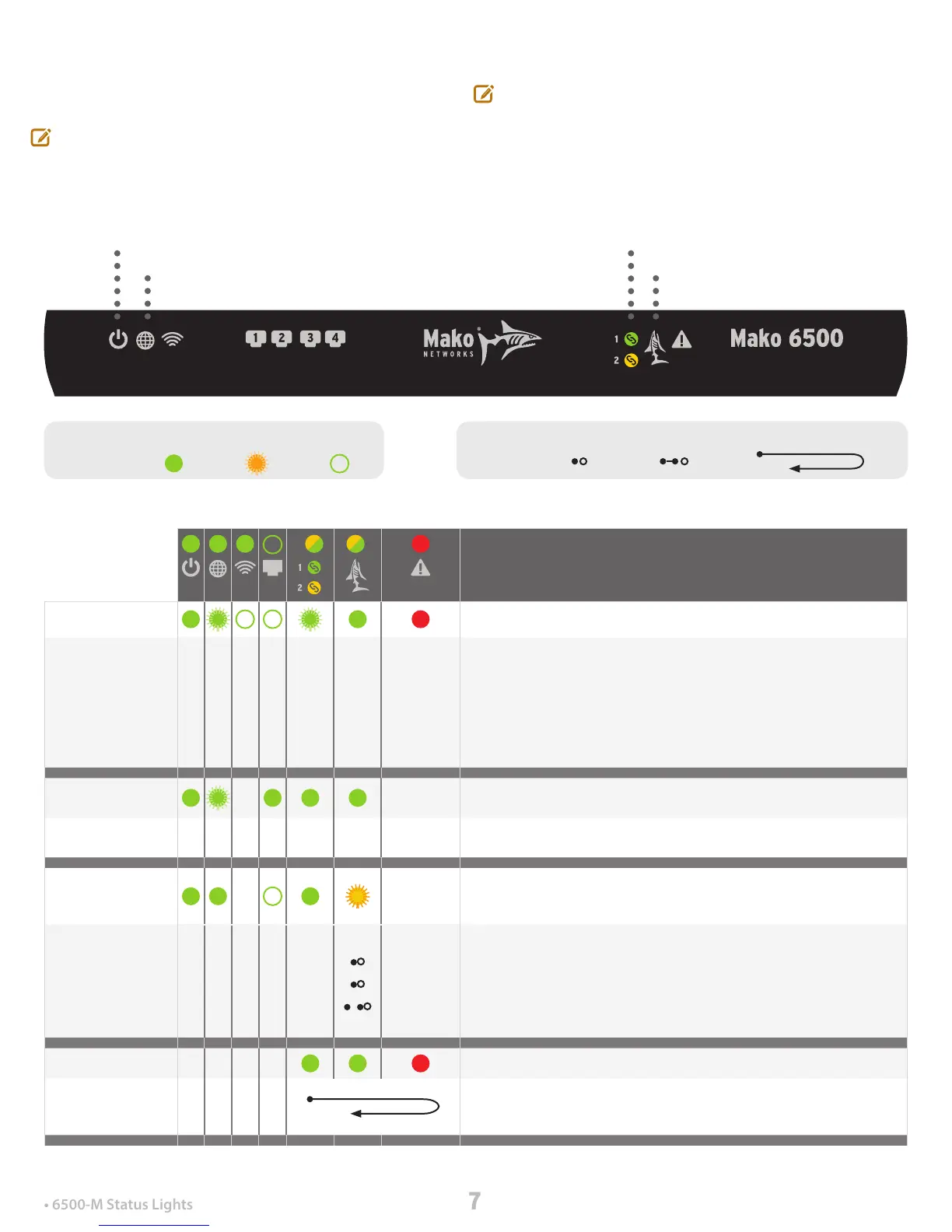
This chart outlines the light combinations used to indicate
the status or progress of the Mako 6500-M at any given stage.
Generally, lights on the left vary only in power-up sequences.
But the core of the status messages lies in the three lights on
the right.
A subtle dierence between the 6500-M and other 6500
Series Makos is that the WAN and CMS lights are dual-color
LEDs: yellow and green. During boot-up sequences, both
the yellow and green LEDs illuminate at the same time,
creating a bright ‘chartreuse’ color.
Power Up Power is connected; The Mako is turned on.
On connecting power, POWER. Then, LAN lights ash on twice. After a time
(dependent on the connection type used – DSL, WAN or Cellular), Internet
lights up. Then, WAN 1, CMS and ERROR lights up. Intermittent ashing
between several lights while a connection is established occurs. Finally,
ERROR turns o. The Mako 6500-M is operating.
Wireless will light if a service is being delivered by your Mako, and LANs
will light only if connected.
DSL Connection
Sequence
From power-up to stable connection.
On power-up: POWER light on, LAN lights ash, INTERNET ashes during
handshake operations; WAN light on, CMS light on.
Internet
Connected; CMS
Not Found
A successful ISP connection was made, but the CMS wasn’t able to be
contacted.
-
Power and Internet lights are on; LANs are on depending on the ports
occupied; WAN is on. CMS light ashes short, short, long.
This indicates either the Mako is uncongured or, in exceptionally rare
circumstances the CMS is down. The Internet is still accessible to the
Mako’s LANs, and the network’s rewalls and VPNs are in place, but
updates to the network aren’t available.
Verifying File... The Mako is verifying the conguration le.
These three lights cycle for the verication period. They turn on from left to
right, one at a time, a second apart, until all are lit. They turn o in reverse
order.
POWER
INTERNET
Wireless
LANs
WAN
CMS
ERROR
LED Types: Sequences:
On/Off Long On/Off Back and Forth CycleStays on
Flashes
Irrelevant


 To Next Page
 Loading...