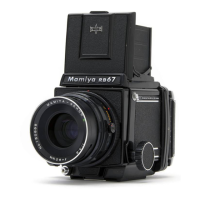
Checking the Depth-of-Field
1
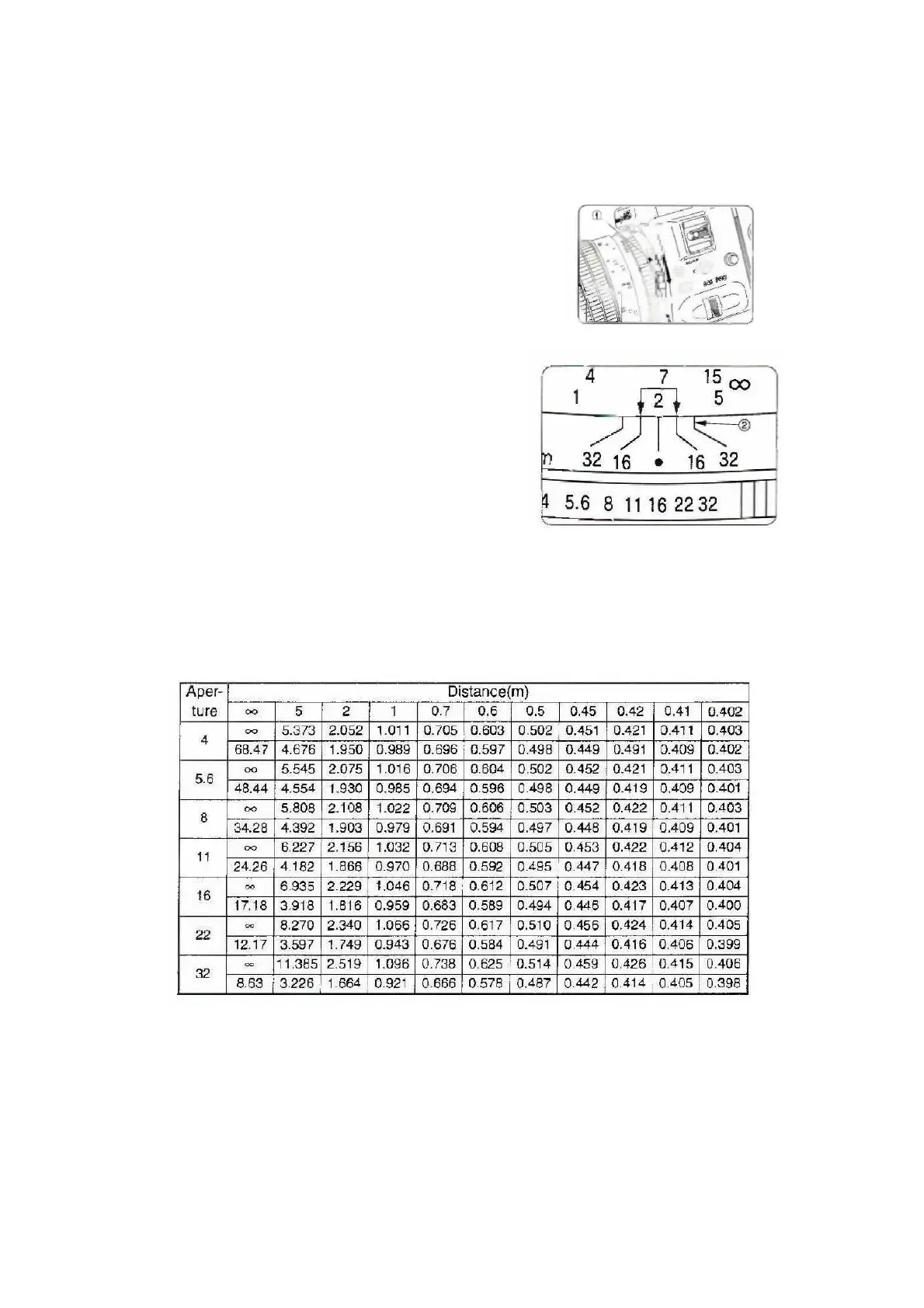
Move the A/M Lever (1) so that the Letter
‘M’ is visible. This closes the diaphragm of
the lens to the working aperture, enabling
the depth-of-field to be seen through the
lens.
2
You can also use the Depth-of-Field
Scale (2). This scale has matching
aperture values to the left and right of a
central index.
o
The Distance Scale shows the
effective depth-of-field falling within
any two matching values. For
example, if the distance to the
subject is two meters and the
aperture setting is f/16, the Depth-
of-Field Scale indicates that focus is
sharp within a range of about 1.8 to
2.2 meters.
o
The Depth-of-Field Table provides
more precise depth-of-field ranges.
Depth-of-Field Table
Lens Care
Never try to modify the lens or take it apart.



 To Next Page