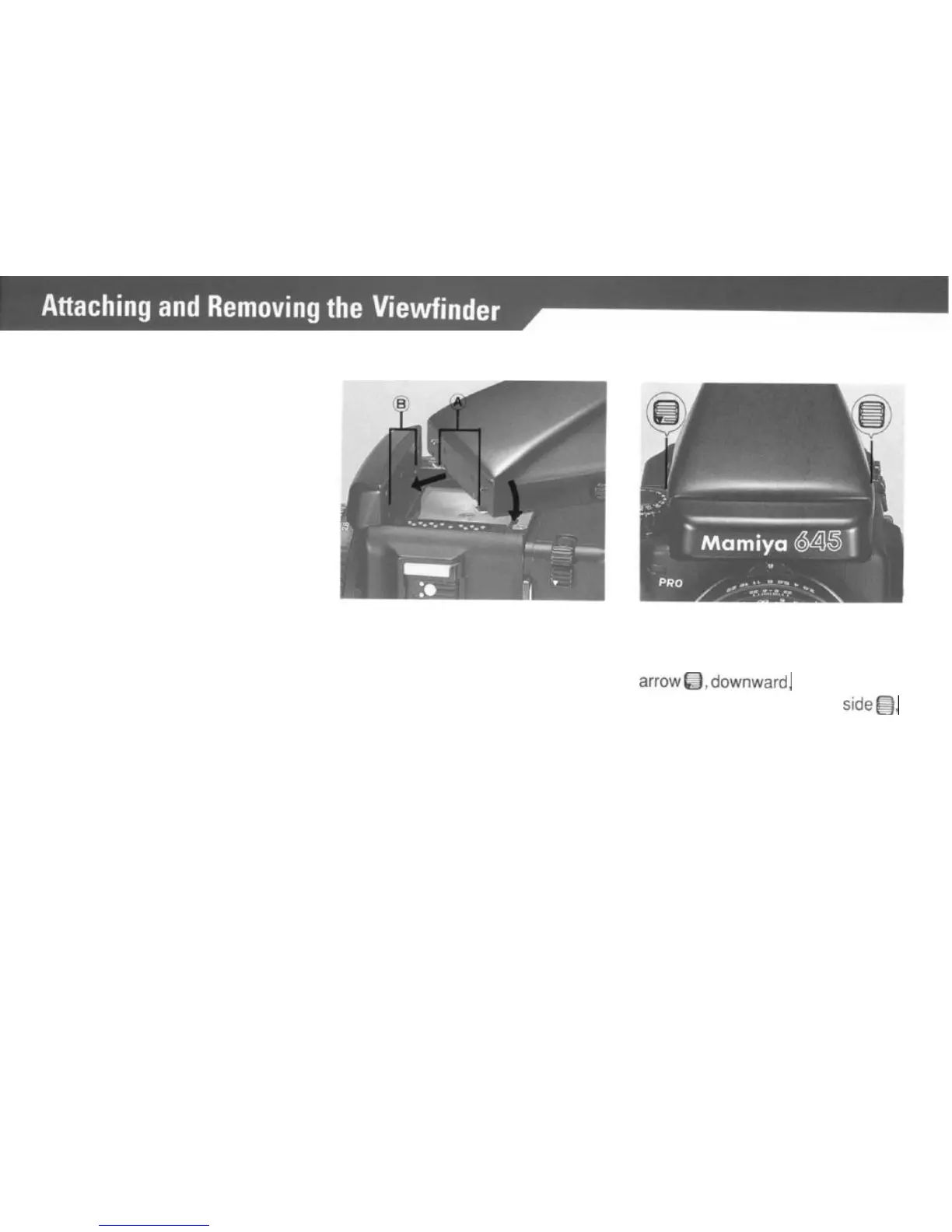
Attaching the Finder.
Removing the Finder
The same procedure applies to all
finders. The illustrations shows
the AE Prism Finder
FF401.
Lift the Upper Cover from the camera
body.
Insert the Attaching Latches (A) of the
finder into the Finder Coupling Panel
(B) in the front wall of the body. Press
the finder down until the rear latch
locks securely in place.
Spanning
the finder with your fin-
gers, push the button on its right side
marked with a downward pointing
arrowQ,downward,
while pushing
the other button, on the left
side@,
inward.
12



 To Next Page