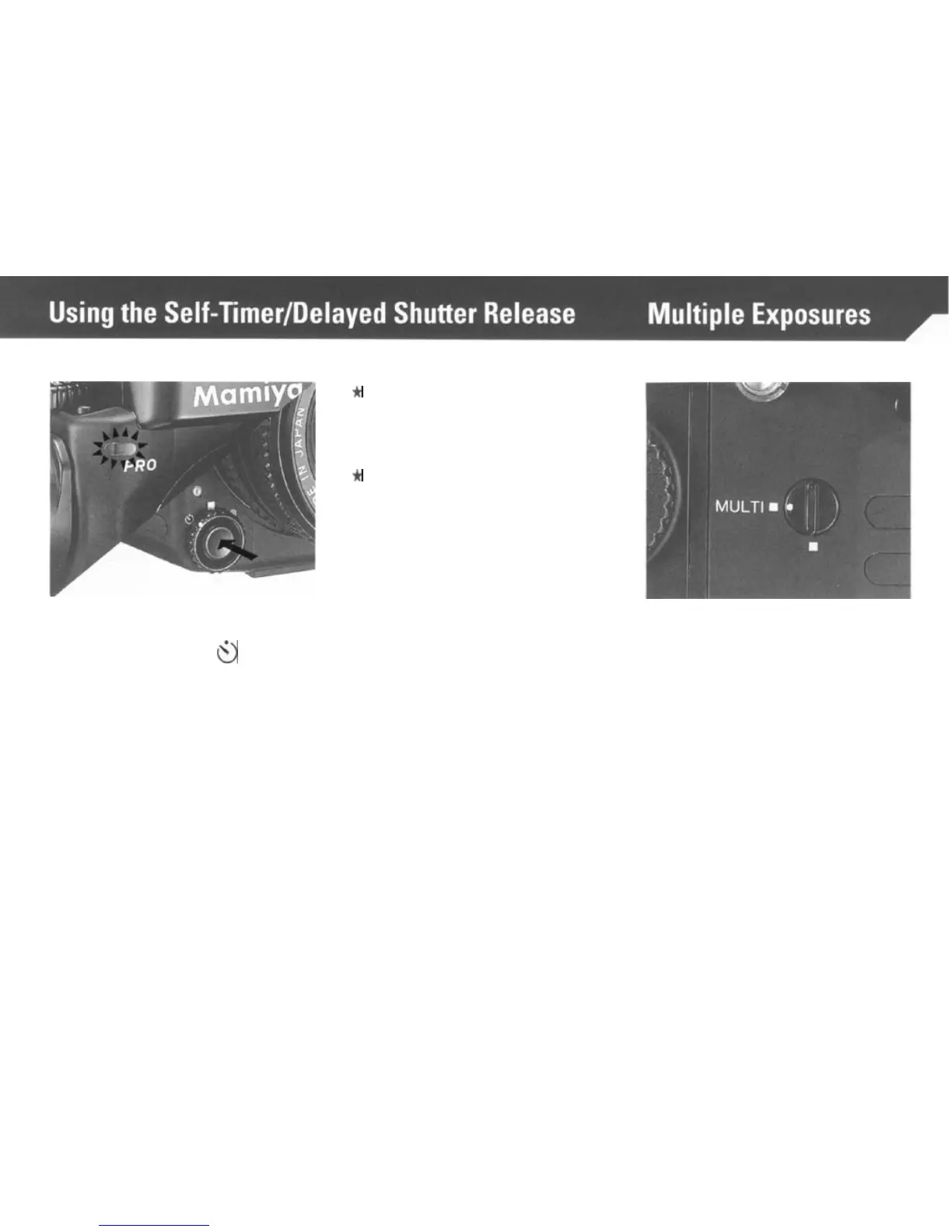
To use the Self-Timer, set the Shut-
ter Release Selector to
0
and press
the Shutter Release Button. The
Battery Check Lamp will light for 8
seconds and blink for 2 seconds,
whereupon the shutter will go off.
*
After using the self-timer mode,
be sure to return the Shutter
Re-
lease Selector to the White
Square. (Normal mode.)
+
To override the self-timer, after
having pressed the release, move
the selector back to the white
square.
*The Self-Timer can also be
overridden by inserting the Dark
Slide into the Film Holder or set-
ting the camera Shutter Speed
Dial to “B”.
Aligning the white dot of the Multiple
Exposure Lever with the yellow
“MULTI” square, disengages the
multiple exposure prevention
mechanism, and the film will not
advance after an exposure is made
and the Film Advance Crank is
turned. However, the shutter will be
recocked,
thus making multiple ex-
posures possible. In this mode the
Exposure Counter will not advance.
27



 To Next Page