www.mc-techgroup.com CSS-VC-1.6 | 1.01.03 51
Note
At first delivery two different types of springs are mounted in the driver (right and
left springs). When spare springs are ordered, for simplified storage only one
type will be delivered
(right spring) that can be replaced without any problems
and guarantees full functionality when all four springs are replaced.
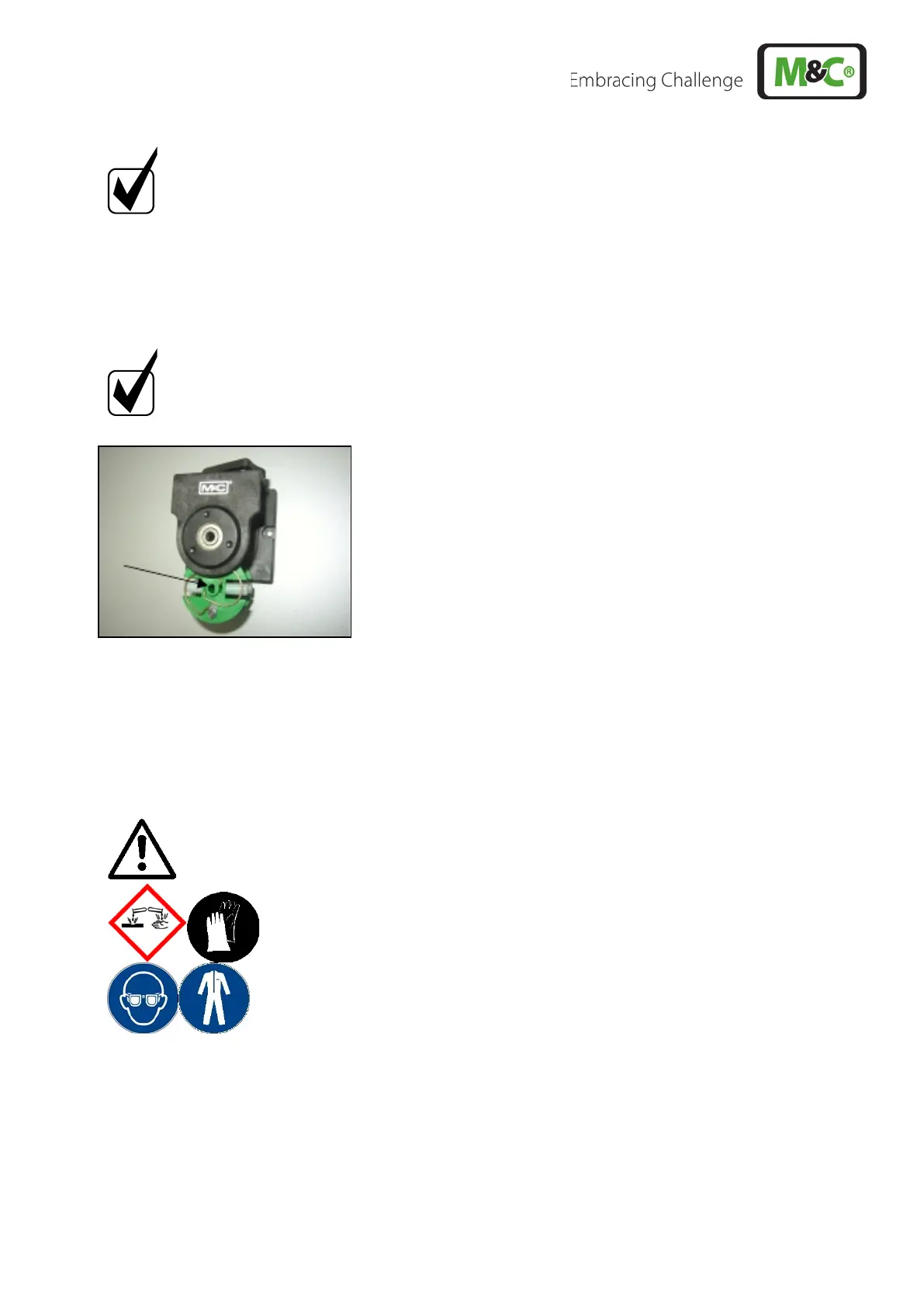
• Make sure that contact pulleys roll easily on the axis. After remounting the axis with contact
pulley into the driver the spring has to be mounted as shown in Figure 23. Please pay attention
to the alignment of the dent.
• Remounting happens in reverse order.
Note
While mounting pay attention to the fit of ‘rotational axisdriver’ and check that
the plunged boss at the shaft bore points to the front of the pump head.
Use genuine spare parts only!
18.3.4 CLEANING THE PUMP HEAD
• We recommend that you clean the individual parts with a dry wipe. Solvents should generally not
be used when cleaning, as they may damage the plastic parts. If oil-free compressed air is present,
the parts can be blown out.
Warning
Aggressive media residues possible.
On disassembly, repairing
or cleaning of the pump, wear protective
glasses and appropriate protective clothing!



 To Next Page