7.
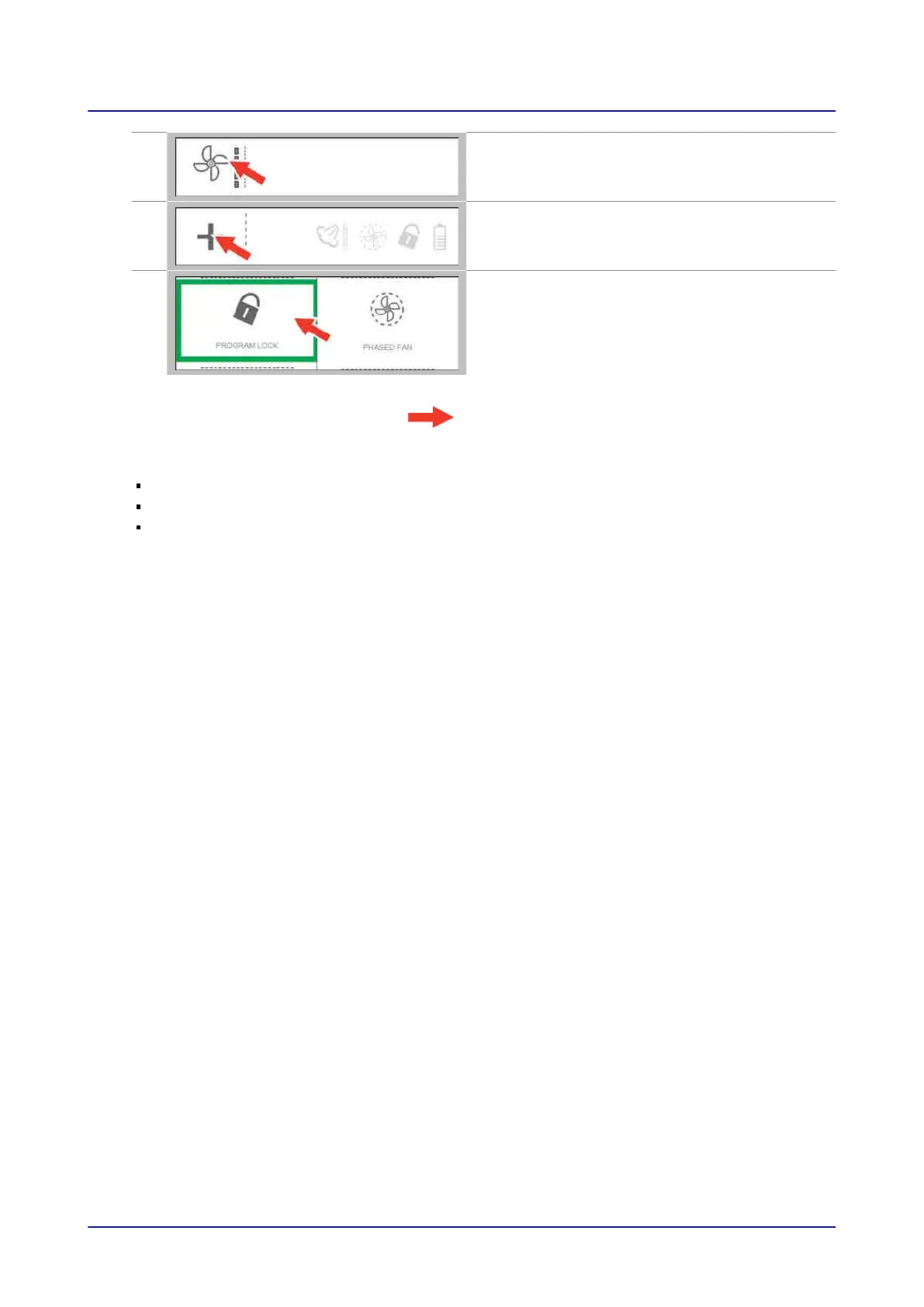
Select the “fan speed” setting you want.
8.
Press the “Extra functions” button.
9.
On the “Extra functions” screen, select the extra
functions you want.
Result: You have now entered a cooking profile.
Next steps:
Starting the cooking sequence. For more information,
go to
Page 50
Saving the cooking profile in the cookbook. For more information,
go to
Page 57
For more information on cooking workflows,
go to
Page 51
5 Cooking and Rethermalizing Food with easyTouch
Operating instructions 49


 To Next Page