79
Maptek Scanner Operator Manual - XR3
Setup functions - continued
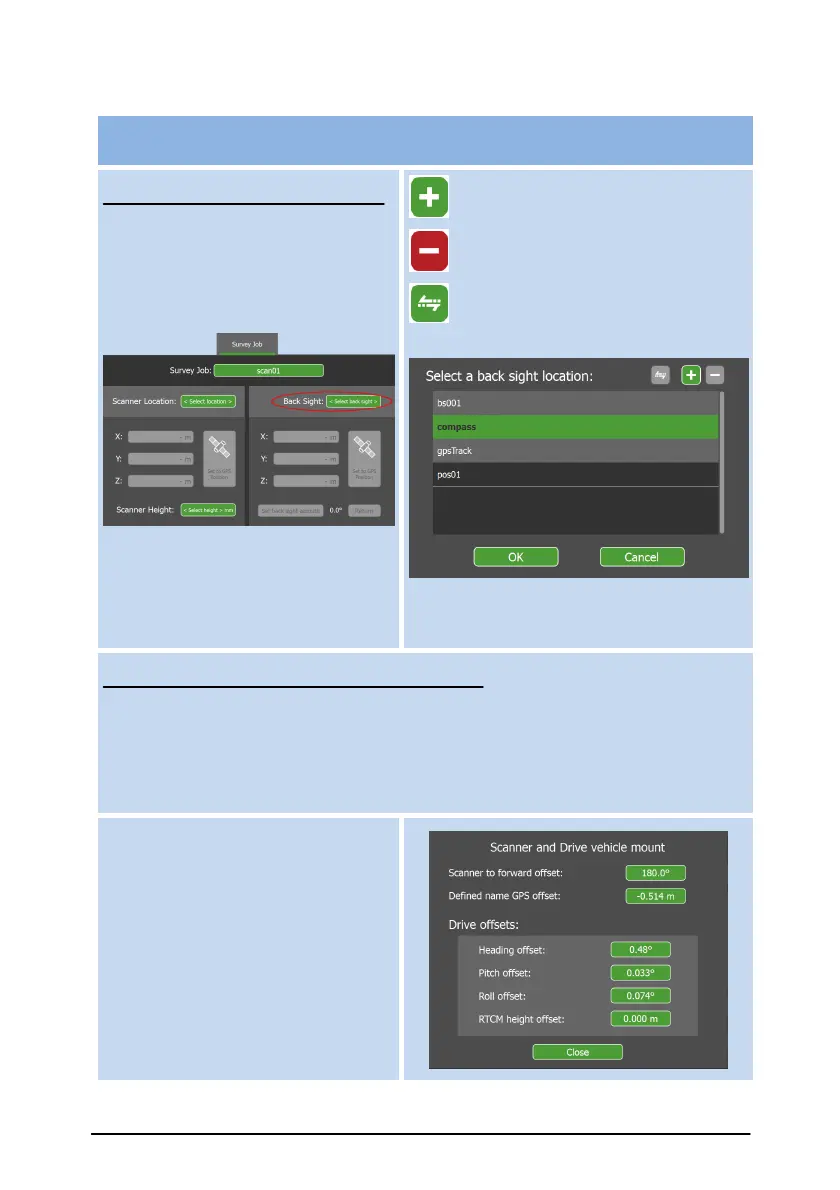
Use Scanner Internal Compass
Select to use the scanner’s
Internal Compass by clicking on
the Back Sight button to show
the back sight location list.
Select compass from the list.
The scanner’s Internal
Compass is activated, disabling
other options.
Add new back sight location.
Delete back sight location.
Copy location (survey point)
to a different Survey Job.
Use gpsTrack with Vehicle Mount system
gpsTrack works with an external GPS receiver to determine absolute
orientation of a scanner mounted to a vehicle. The vehicle is driven either
forwards or backwards for a short distance while the GPS receiver
samples points along the way to help determine orientation.
Settings
The default scanner angle relative
to the vehicle’s forward direction
is required in the Settings
section under Scanner and INS
mount Offsets, then Scanner to
forward offset.



 To Next Page