78
Maptek Scanner Operator Manual - XR3
Setup functions - continued
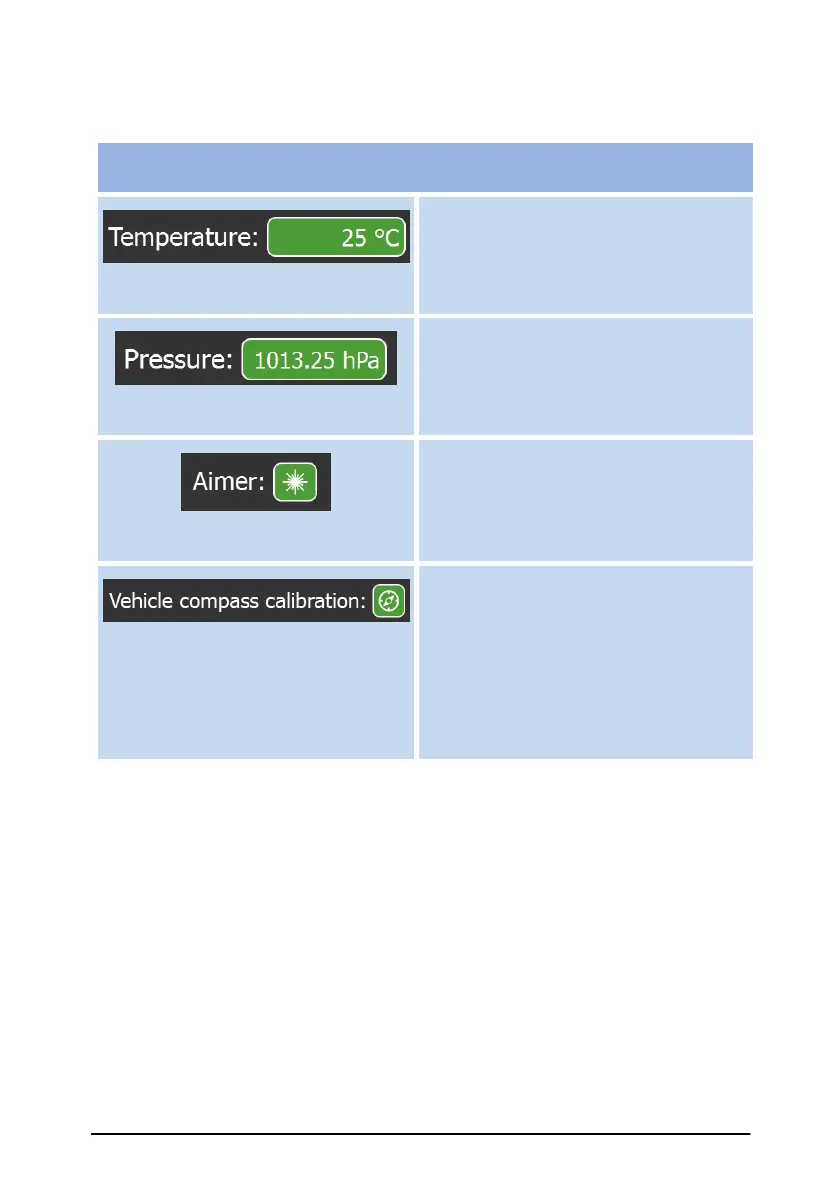
Set temperature at scan site.
Set pressure at scan site.
Toggle red laser pointer ON/OFF (if
installed).
Note: Perform an initial vehicle-
compass calibration procedure via
the Settings screen.
This control toggles the vehicle-
compass calibration on or off. The
calibration is required when using the
scanner’s built-in compass while
mounted on a vehicle.



 To Next Page