87
Maptek Scanner Operator Manual - XR3
Acquire functions
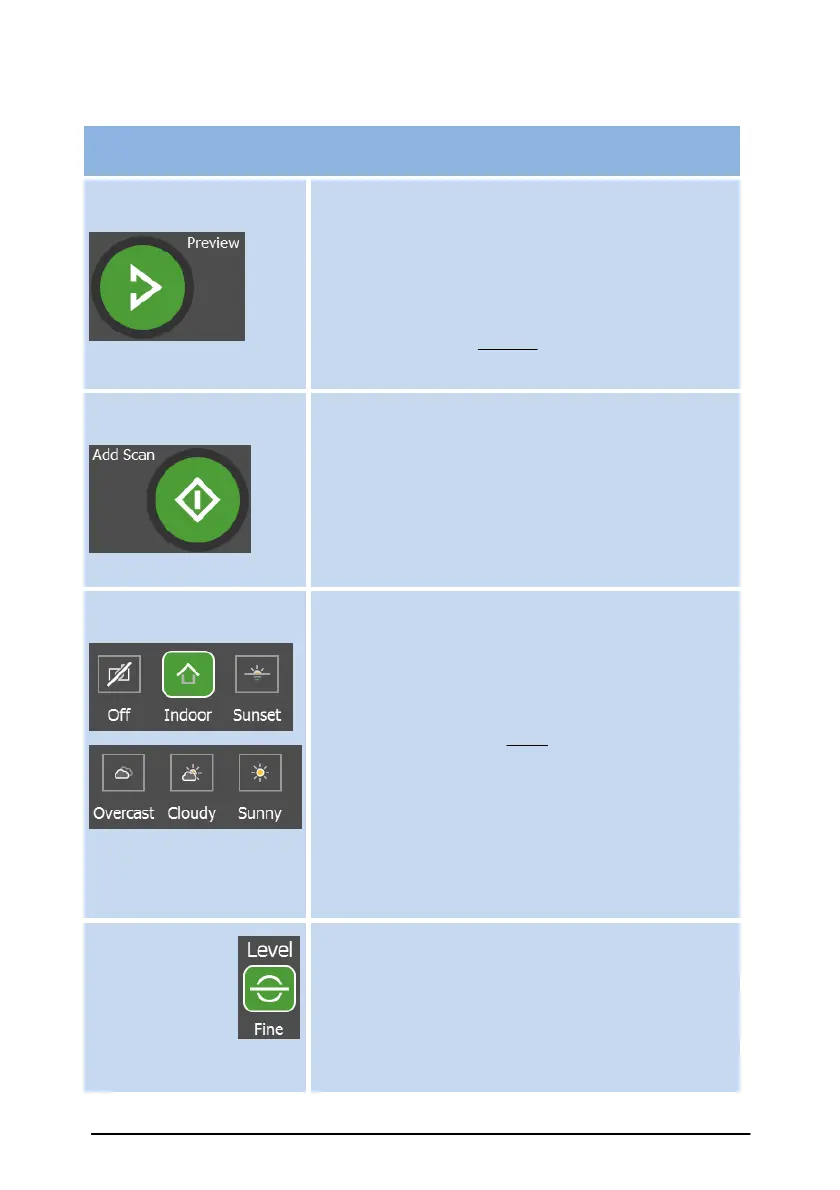
Perform a preview scan which shows a
photograph image of the Selection zone. Use
this feature to quickly preview the area of
interest before scanning.
For scanners without a camera, the preview
scan shows a coarse (range)scan of the
Selection zone.
Perform a full scan of the Selection zone at
the nominated resolution. The scan data will
include distance and scanner beam intensity. If
the Photo Capture button is on (and the
scanner includes the camera option), the scan
will also record a panoramic photo covering the
Selection zone.
Lighting buttons
Photo Capture is only
available with the camera
option.
Adjust lighting settings for the photographic
images captured by the scanner’s camera (only
for scanners fitted with a camera). These
settings can compensate for low light up to
bright daylight situations. The Off option is
available when you don't want to capture a
photographic image with the scan
(i.e. Range data only).
The most recent light setting is used for Stand-
alone scan mode.
The Level button toggles fine levelling or
coarse levelling. This allows selecting quicker
coarse levelling option on sloping ground where
fine leveling is not applicable. Scan will be
"U" (Unlevel) or "L" (Level) type. Refer 'Scanner
Data File Format' section.



 To Next Page