6
EN
FR
ES
Add device
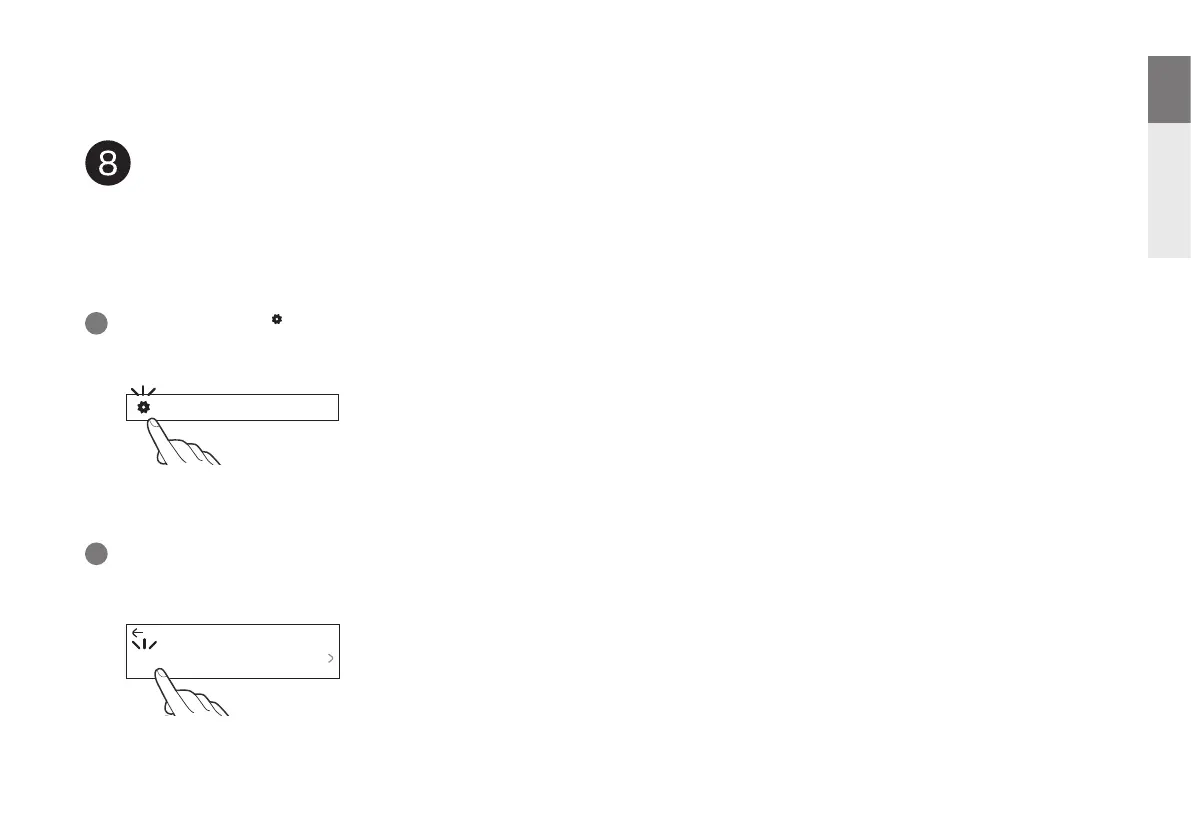
Select the Settings icon in the upper-left corner of the main
“Music” menu to display the Settings menu.
1
Select “Add Device” from the HEOS app’s Settings menu and
follow the instructions:
2
Music
Settings
Add Device
If you already have the HEOS app and have setup at least one
HEOS built-in device, please follow the steps below to add the
MODEL 40n to your wireless network.


 To Next Page