o
Cannot playback Discs
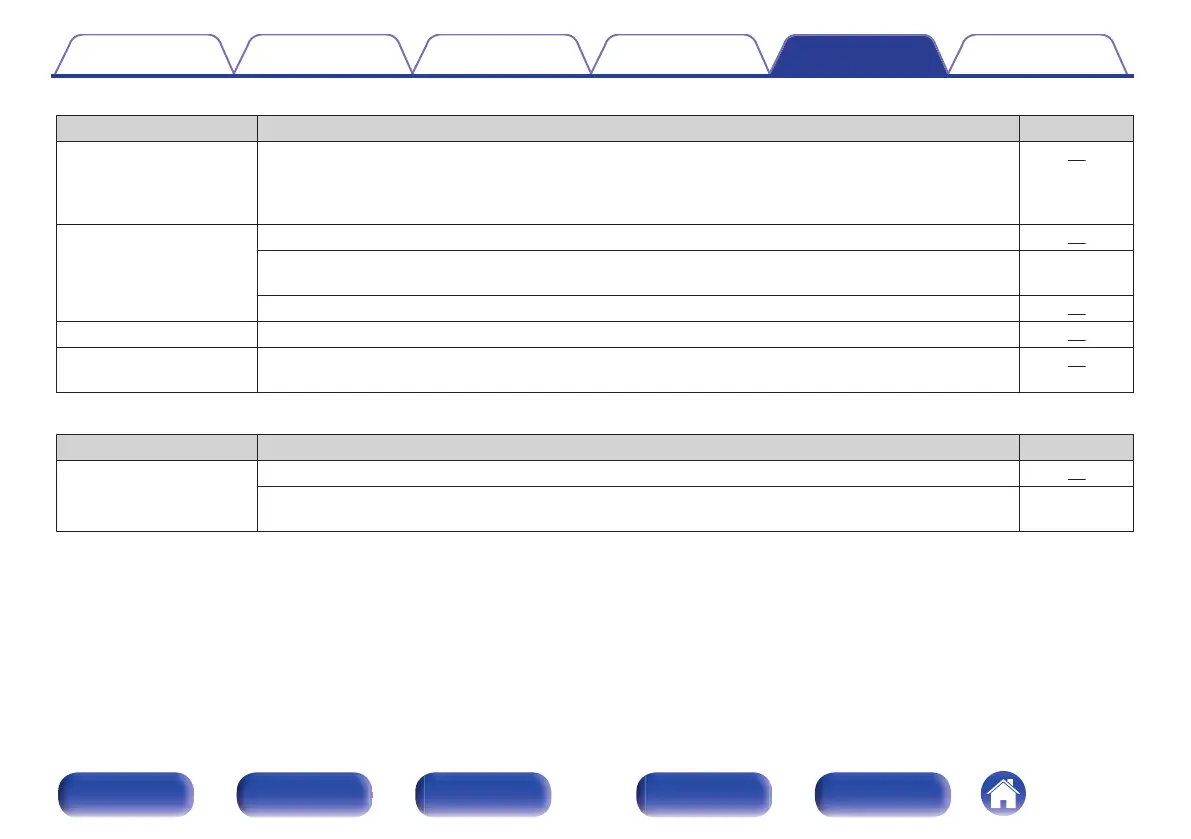
Symptom Cause / Solution Page
Cannot playback when the
play button is pressed, or
cannot correctly play back
a specific part of the disc.
0
The disc is dirty or scratched. Either clean the disc, or insert a different disc. 60
Cannot playback CD-
R/CD-RW.
0
Discs cannot be played back unless they have been finalized. Use a finalized disc. 55
0
This may be caused by poor recording conditions, or the disc itself may be of poor quality. Use a correctly
recorded disc.
-
0
The DATA CD playback function of this unit only supports playback of MP3, WMA and AAC files.
56
“ No Disc” is displayed.
0
“ No Disc” is displayed if the disc is loaded upside-down or if no disc is loaded. 59
“Unsupported” is
displayed.
0
“Unsupported” is displayed if a disc that cannot be played is loaded.
59
o
iPod cannot be played back
Symptom Cause / Solution Page
iPod cannot be connected.
0
When using iPod by connecting it to the USB port, some iPod variations are not supported.
20
0
When iPod is connected by using a USB cable other than the genuine cable, iPod may not be
recognized. Use a genuine USB cable.
-
Contents Connections Playback Settings Tips Appendix
53
Front panel Display Rear panel Remote Index



 To Next Page