PAGE 18 BASIC OPERATION
Basic Playback
You can play back discs at various speeds.
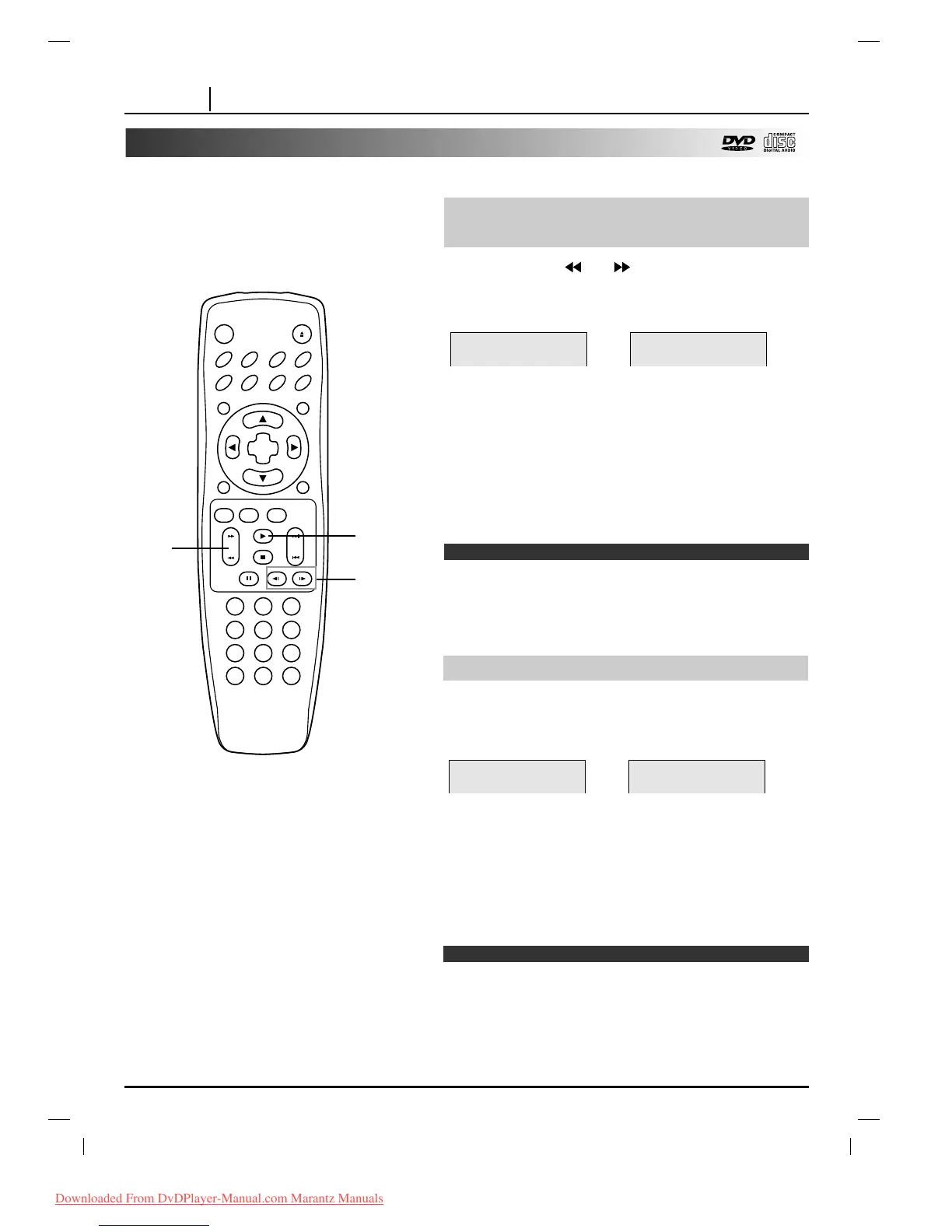
Press the SCAN or button during
playback.
[TV screen]
●
The speed of advance (reverse) is relatively slow at first.
When the button is pressed again, the speed becomes
faster. (Each time the button is pressed, the speed
increases up to 4 steps.)
●
The speed will be retained even after the button is
released.
To return to normal playback, press PLAY.
❍
The DVD player does not play back sound during the high
speed reverse and forward playback of DVD video discs.
However, the DVD player plays back sound during fast forward
or fast reverse playback of audio CDs.
❍ The speed increases up to 2 steps (Audio CD).
To Scan at fast forward or fast
reverse playback.
Playing in slow-motion (DVD)
Note
Press SLOW
FF
VV
or
VV
GG
during playback.
The playback speed becomes X1/16 (DVD) the normal speed.
[TV screen]
●
The speed of slow-motion is slow at first. When the button
is pressed again, the speed becomes faster. (Each time
the button is pressed, the speed increases up to 4 steps.)
●
The speed will be retained even after the button is
released.
To return to normal playback, press PLAY.
❍
The sound is muted during slow-motion playback.
❍ Subtitles do not appear on the screen during slow motion
playback.
❍
The slows does not work in case of Audio CDs.
Notes
GGGG
X2
FFFF
X2
VV
GG
1/16
FF
VV
1/16



 To Next Page