OPERATION USING GUI MENU ICONS PAGE 19
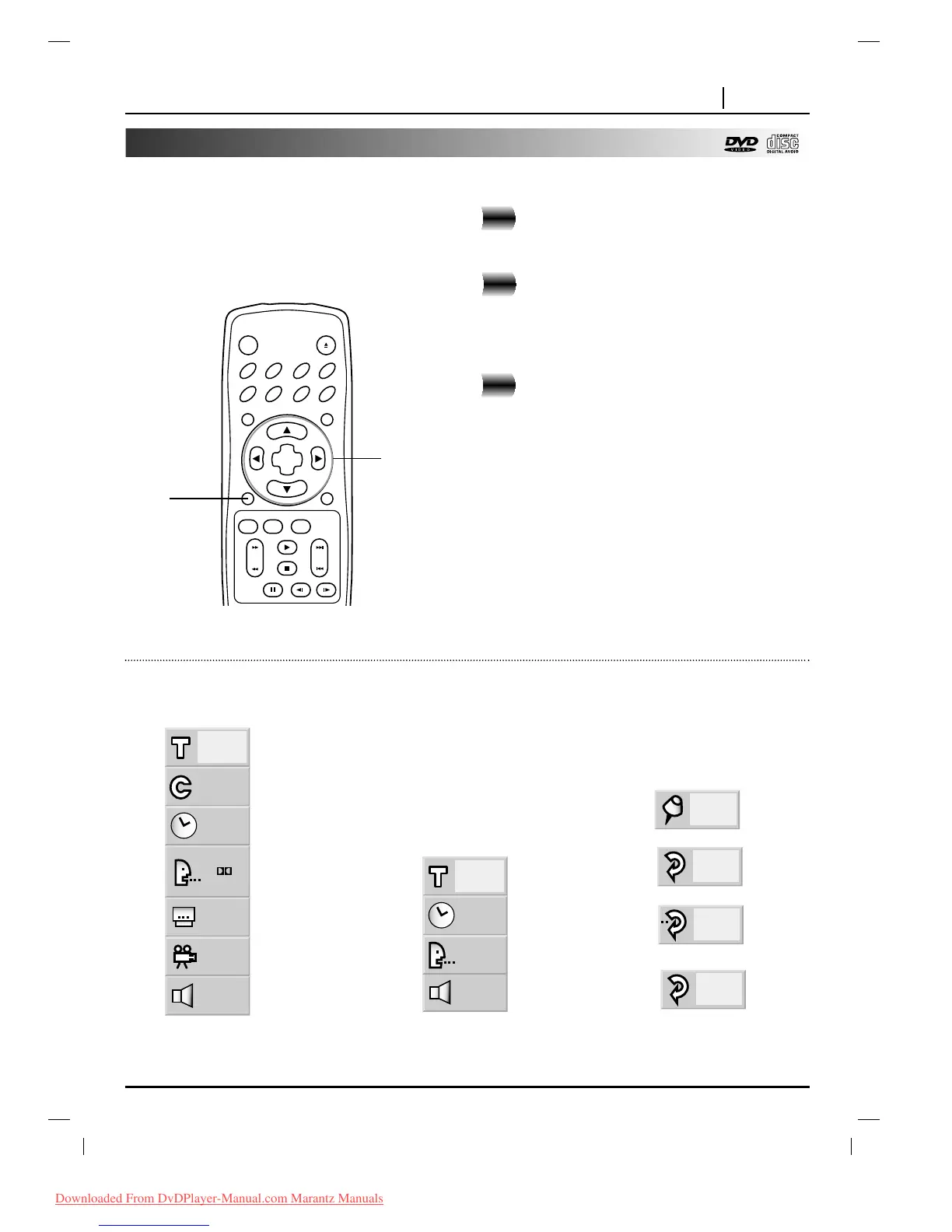
General Information about GUI menu icons
This unit features GUI Menu Icons showing disc
information (title/chapter/track number, elapsed playing
time, audio/subtitle language, angle, and sound) and
player information (repeat play, play mode, marker,
etc.). Some icons only show the indicated information.
Other icons allow the settings to be changed.
Common procedures
Press OSD during playback.
●
Title function can be accessed from the stop mode.
Press
DD
/
EE
to select the desired item.
●
The currently selected item is indicated by a yellow
frame on its GUI menu icons.
Press
FF
/
GG
to select the desired setting.
●
When numbers are displayed (e.g. title No.), the
numeric buttons can also be used for setting
instead of
FF
/
GG
.
●
For some functions, the setting will be registered
immediately; for others, SELECT/ENTER must be
pressed.
To clear the GUI Menu Icons, press OSD.
2
3
1
Examples of GUI Menu Icons.
(The screens may differ depending on the disc contents.)
1
2, 3



 To Next Page