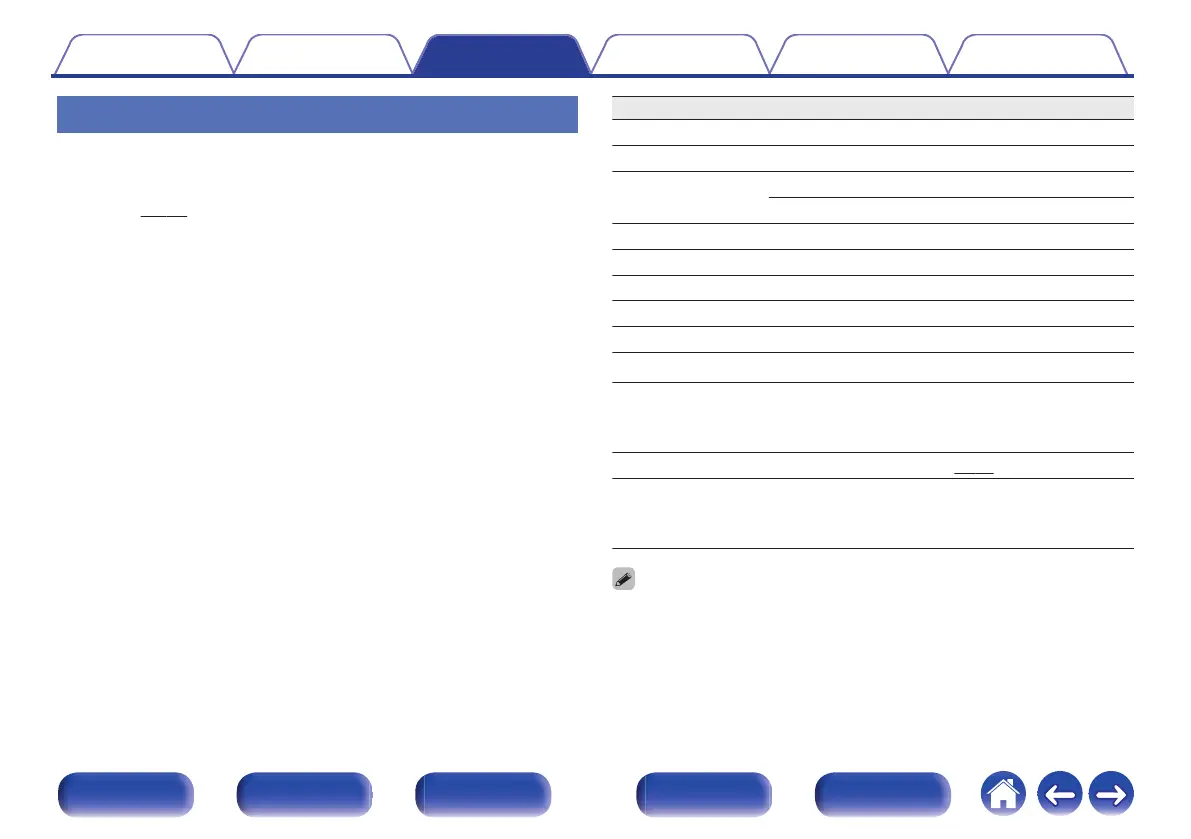
Playing files
1
Load a CD-R or CD-RW disc containing music files in
the MP3, WMA or AAC formats into the disc tray.
(v p. 45)
0
Press 5 on the unit to open/close the disc tray.
2
Press MODE to select “Folder” or “All”.
About the display
0
When “Folder” is selected
“FLD” indicator lights.
All the files in the selected folder are played.
0
When “All” is selected
“FLD” indicator turns off.
After the selected folder and files are played, all the files in all the
folders are played.
3
Use ui to select the folder to be played.
4
Use o p to select the file to be played.
5
Press 1/3.
Playback starts.
Operation buttons Function
1/3
Playback / Pause
2
Stop
8 9
Skip to previous track / Skip to next track
(Press and hold) Fast-reverse / Fast-forward
u i
Folder select
o p
File select
BACK This returns to the previous item
0 – 9, +10 Select the track
MODE Select the playback range
RANDOM P
Random playback
REPEAT L
Repeat playback
0
Switching between All-track repeat and Single-
track repeat.
REPEAT A-B
A-B repeat playback (v p. 25)
TIME
Time display switching
0
Display switches between the track elapsed time
and total remaining time.
0
The folder and file numbers are set automatically when the disc is loaded.
Contents Connections Playback Settings Tips Appendix
30
Front panel Display Rear panel Remote Index


 To Next Page