Setting up the HEOS app for the first time with a HEOS built-in device
Once you have placed this unit in your listening room and have downloaded the HEOS app, you are ready to configure this unit for music playback. This
involves following a few simple steps to get this unit connected to your existing home network:
0
DO NOT connect the Ethernet cable if you are connecting this unit to a wireless network. If you are connecting this unit to a wired network, use an Ethernet cable to connect
this unit to your network or router.
1
Make sure your mobile device is connected to your
wireless network (the same network you want this unit
connected to).
You can check this in the “Settings” - “Wi-Fi” menu of your iOS or
Android device.
0
If your wireless network is secure, make sure you know the password to join
your network.
2
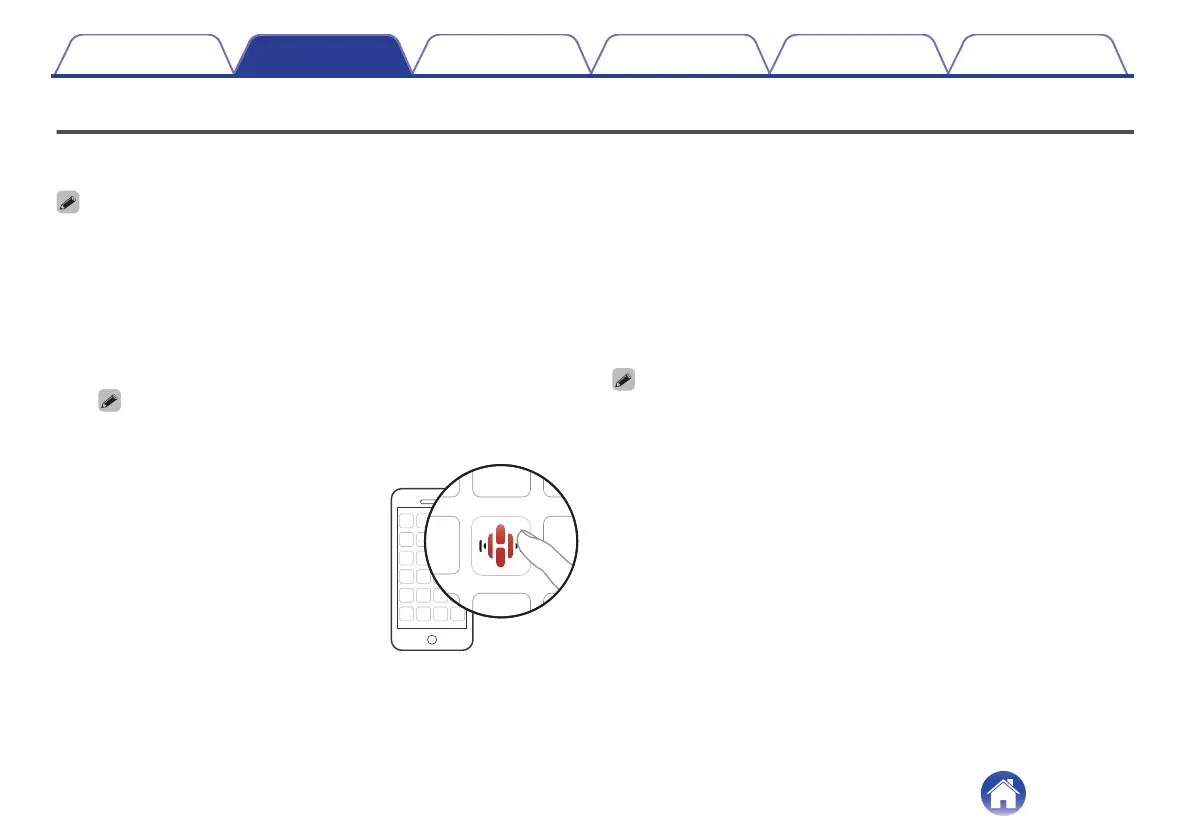
Launch the HEOS app on your
mobile device.
3
Tap the “Setup Now” button at the top of the screen.
4
Follow the instructions to add this unit to your wireless
network.
0
If you have any problems connecting this unit, jump to the Troubleshooting section
(v p. 30).
Contents Setup Playback Troubleshooting Status LED Appendix
12



 To Next Page