Part names and functions
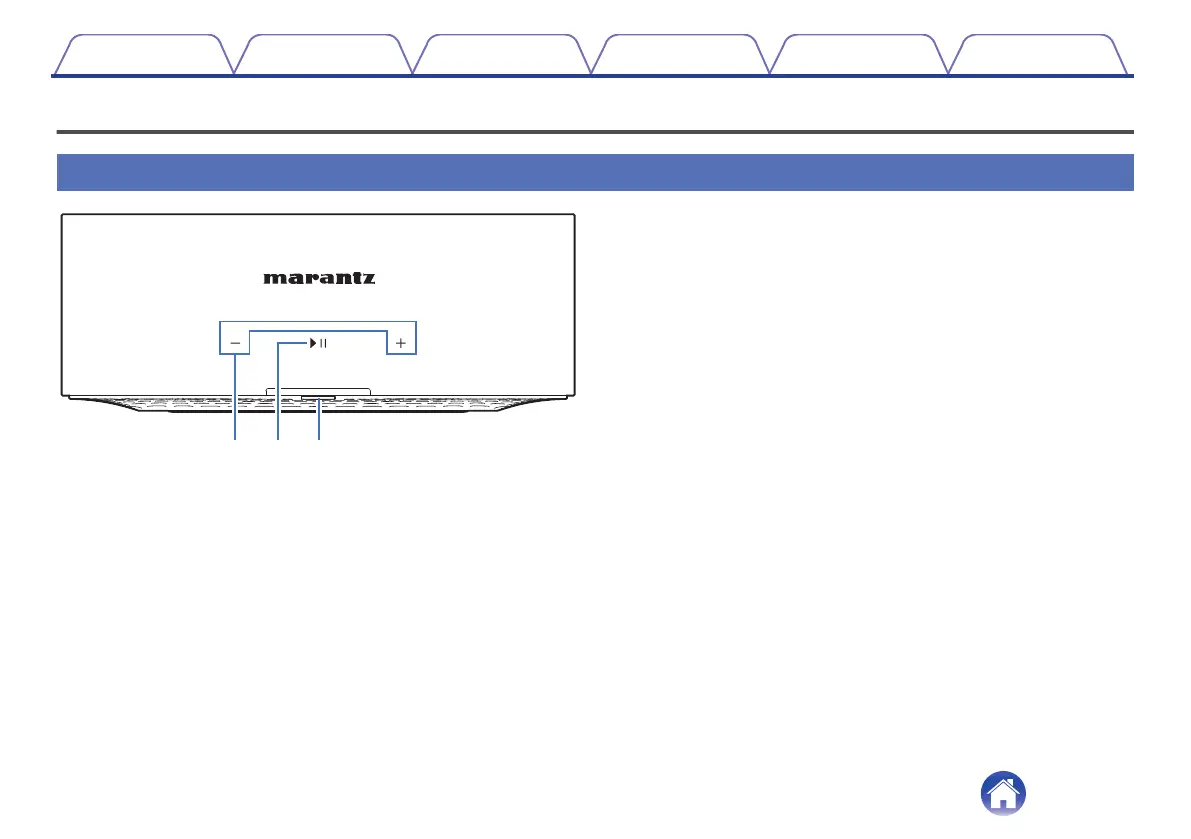
Front panel
A
Volume keys (+, –)
These adjusts the volume level.
B
Play/Pause key (1/3)
0
Press this key to pause during playback. If pressed while paused or
stopped, resumes playback from the last track played.
0
Double-tap the key to play the next track.
0
Triple-tap the key to restart the current track or play the previous
track.
0
Press and hold the key for about 5 seconds to enter Deep Standby
Mode. (v p. 43)
C
Status LED
Please refer to the “Status LED table” for LED color and state meaning.
(v p. 36)
Contents Setup Playback Troubleshooting Status LED Appendix
5



 To Next Page