F
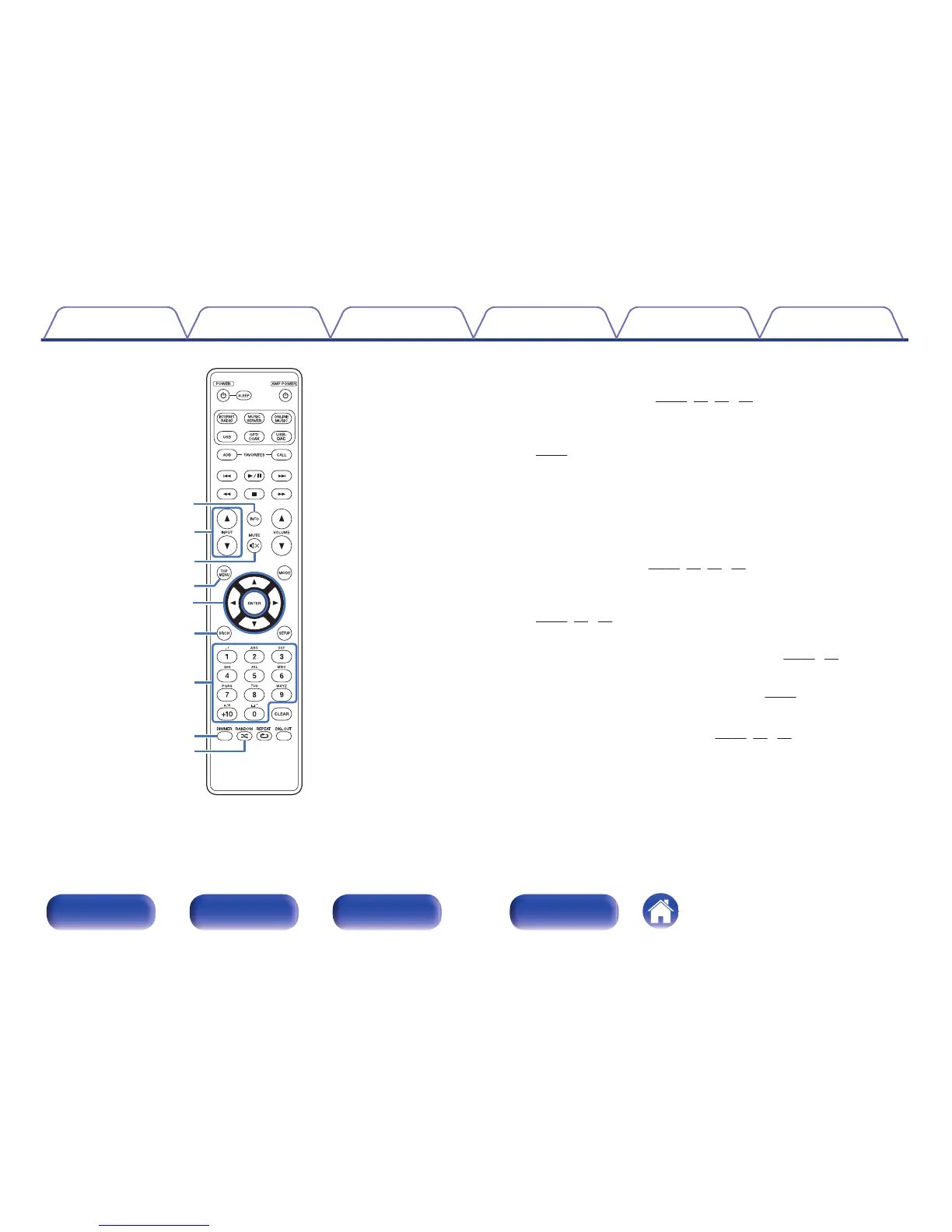
Information button (INFO)
This switches display items such as the album name and title name in
the playback screen. (v p. 35, 42, 58, 62)
G
Input source select buttons (INPUT df)
This switches the input source of the amp connected to this unit.
(v p. 32)
H
MUTE button (:)
This mutes the sound of the amp connected to this unit.
I
TOP MENU button
To back to the top of the menu.
J
Cursor buttons (uio p)
These select items. (v
p. 34, 52. 55, 59)
K
Search button (SRCH)
This displays the search menu.
(v
p. 35, 42, 62)
L
Number buttons (0 – 9, +10)
These enter letters or numbers into the unit. (v p. 53, 89)
M
DIMMER button
Adjust the display brightness of this unit. (v p. 33)
N
RANDOM button (P)
Switches the random playback. (v p. 41, 57, 61)
Contents
Connections Playback Settings Tips Appendix
15
Front panel Rear panel
Remote control
unit
Index



 To Next Page